2026/10/22
Video to 3D Model: How Reconstruction Works and What to Check
Understand video-to-3D model reconstruction, how camera coverage and lighting affect capture, and what to expect from a feature that is currently in early access planning.
Video to 3D Model: How Reconstruction Works and What to Check
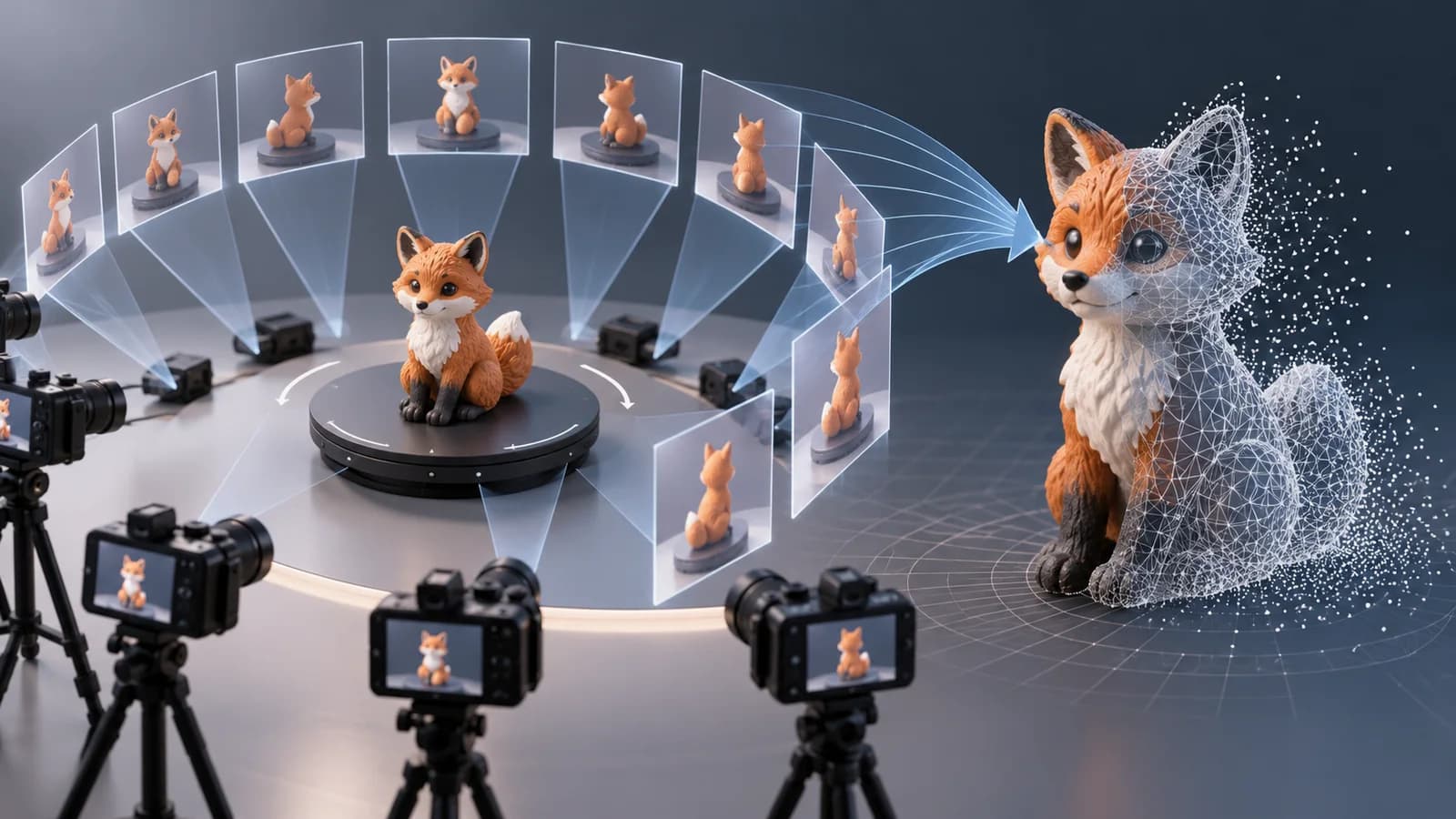
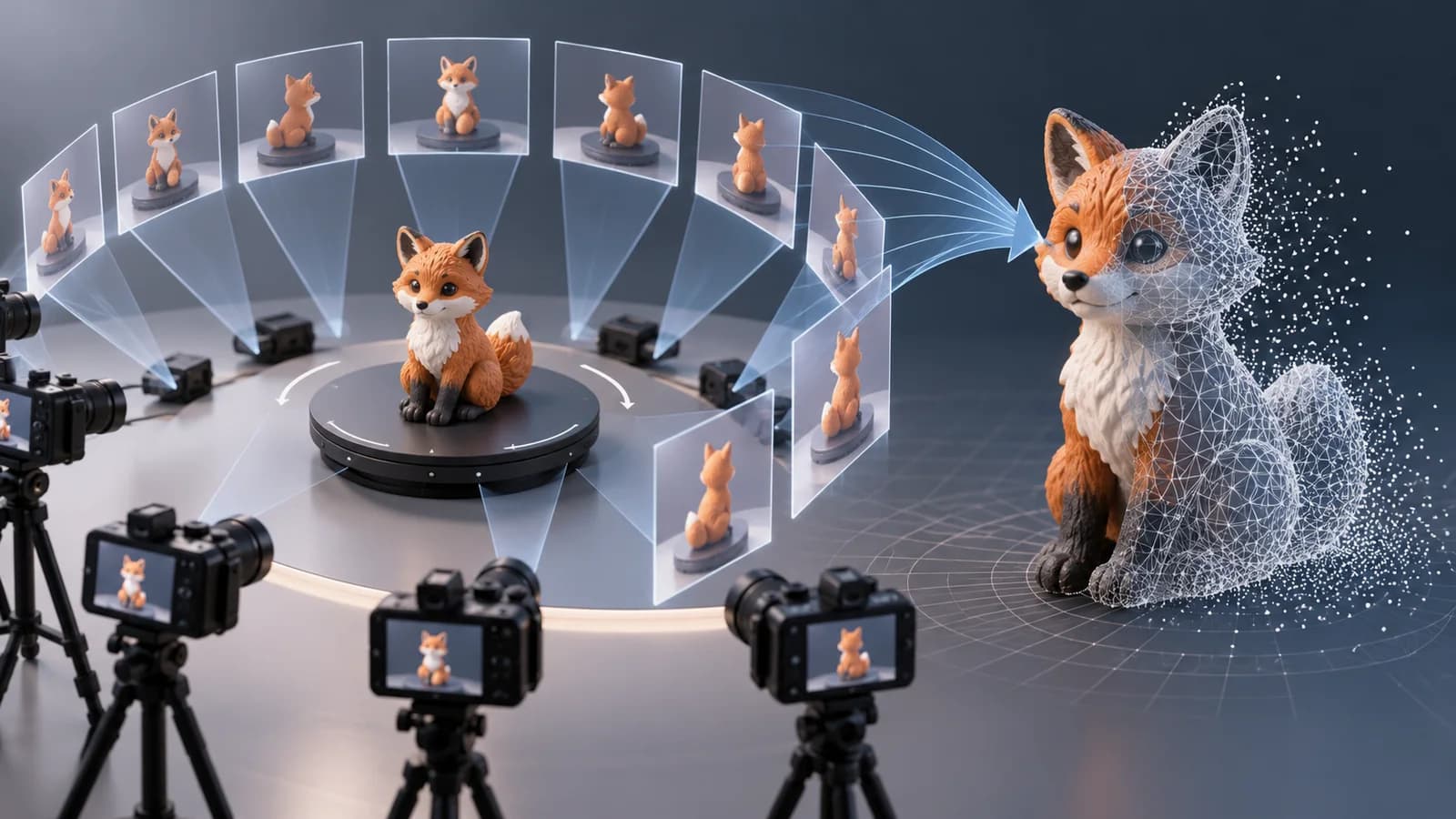
A video-to-3D model workflow aims to reconstruct an object or scene from frames recorded as a camera moves around it. It is different from text-to-3D generation: video reconstruction uses visual evidence from multiple viewpoints, while a text prompt asks a model to infer the unseen shape. The quality of the capture strongly affects how much useful geometry can be recovered.
Capture footage that shows the whole object
Move the camera steadily around a stationary subject and keep a consistent distance. Try to include overlapping views from the front, sides, and back. Use even lighting, avoid strong glare, and keep the background from moving. Reflective, transparent, or featureless surfaces are difficult because the video contains fewer stable visual details for reconstruction.
If you plan to record footage for a future video-to-3D tool, use a short, smooth orbit and avoid fast zooms or abrupt camera changes. Sharp frames and good overlap are more helpful than a long, shaky recording.
What happens after capture
Most video-to-3D pipelines analyze frames, estimate camera movement, and combine the observations into a spatial representation. Some workflows produce a textured mesh; others create a view-dependent representation such as a Gaussian splat. These outputs serve different purposes: meshes are easier to edit and use in standard 3D pipelines, while splats can preserve detailed appearance from captured viewpoints.
Current Magic 3D availability
Magic 3D's video-to-3D page is currently an early-access waitlist. Video upload, model reconstruction, and mesh or Gaussian Splatting export are planned capabilities, not live features. You can currently create 3D models from a text prompt or an image with the AI 3D model generator. Check the feature page for the latest availability before planning a production workflow around video conversion.
When video-to-3D tools are available, inspect the output for missing surfaces, scale, texture seams, and geometry quality. A promising preview may still need cleanup before 3D printing, game use, or CAD work.
Can I convert a video to a 3D model in Magic 3D today?
Video-to-3D is currently on the early-access waitlist. Text-to-3D and image-to-3D are available today; check the feature page for updates.
What kind of video is best for 3D reconstruction?
A steady orbit with sharp, overlapping views and even lighting is a useful starting point. Reflective, transparent, fast-moving, or textureless objects are harder to reconstruct.
Explore available text and image workflows in the AI 3D model generator, or visit the video-to-3D waitlist.
More Posts
ToolsTutorials
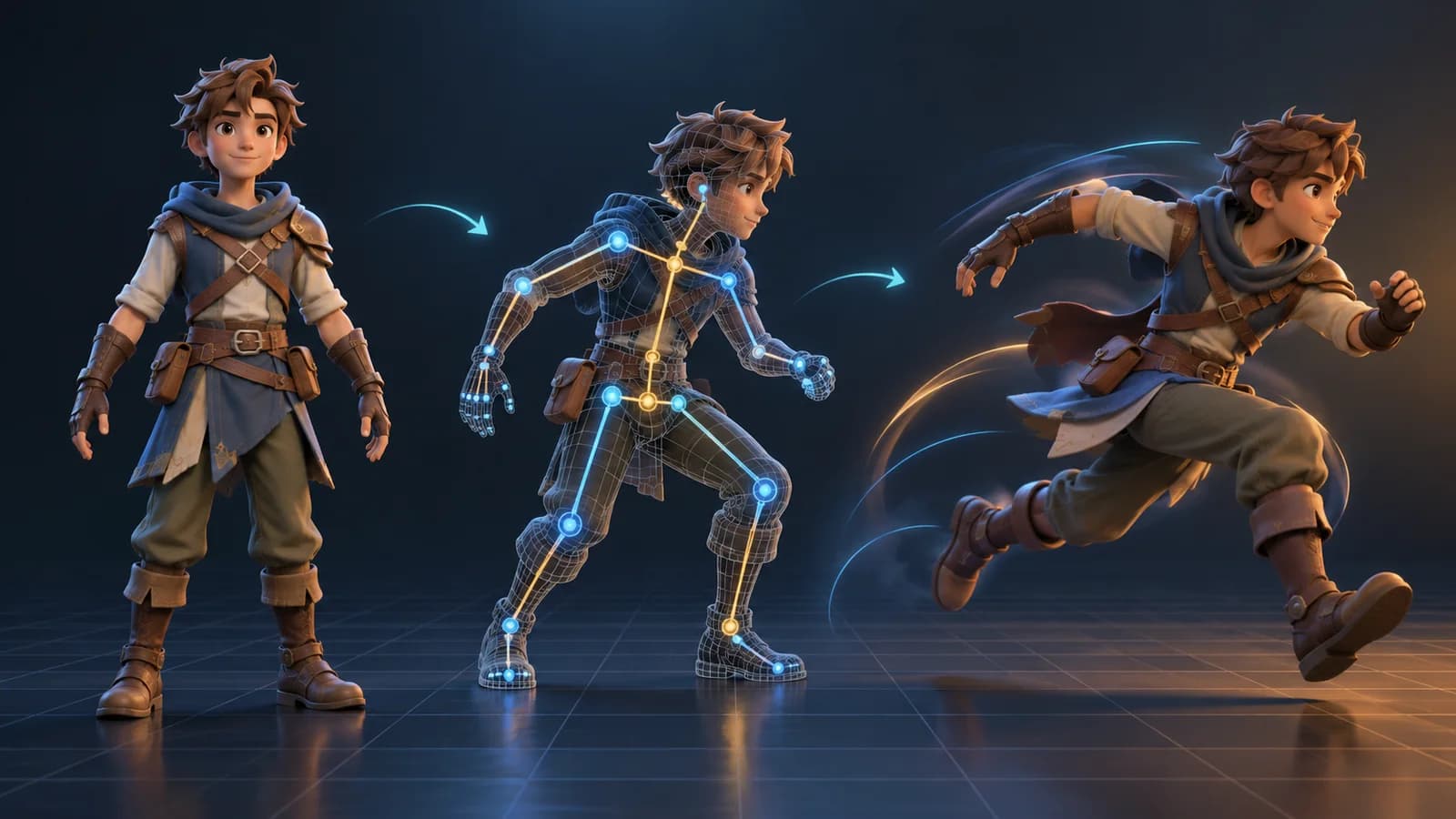
AI 3D Animation Generator: Animate an Existing 3D Model
Learn how an AI 3D animation generator can add motion to a riggable model, choose a suitable action, inspect the animated GLB, and export a usable result.
ToolsTutorials
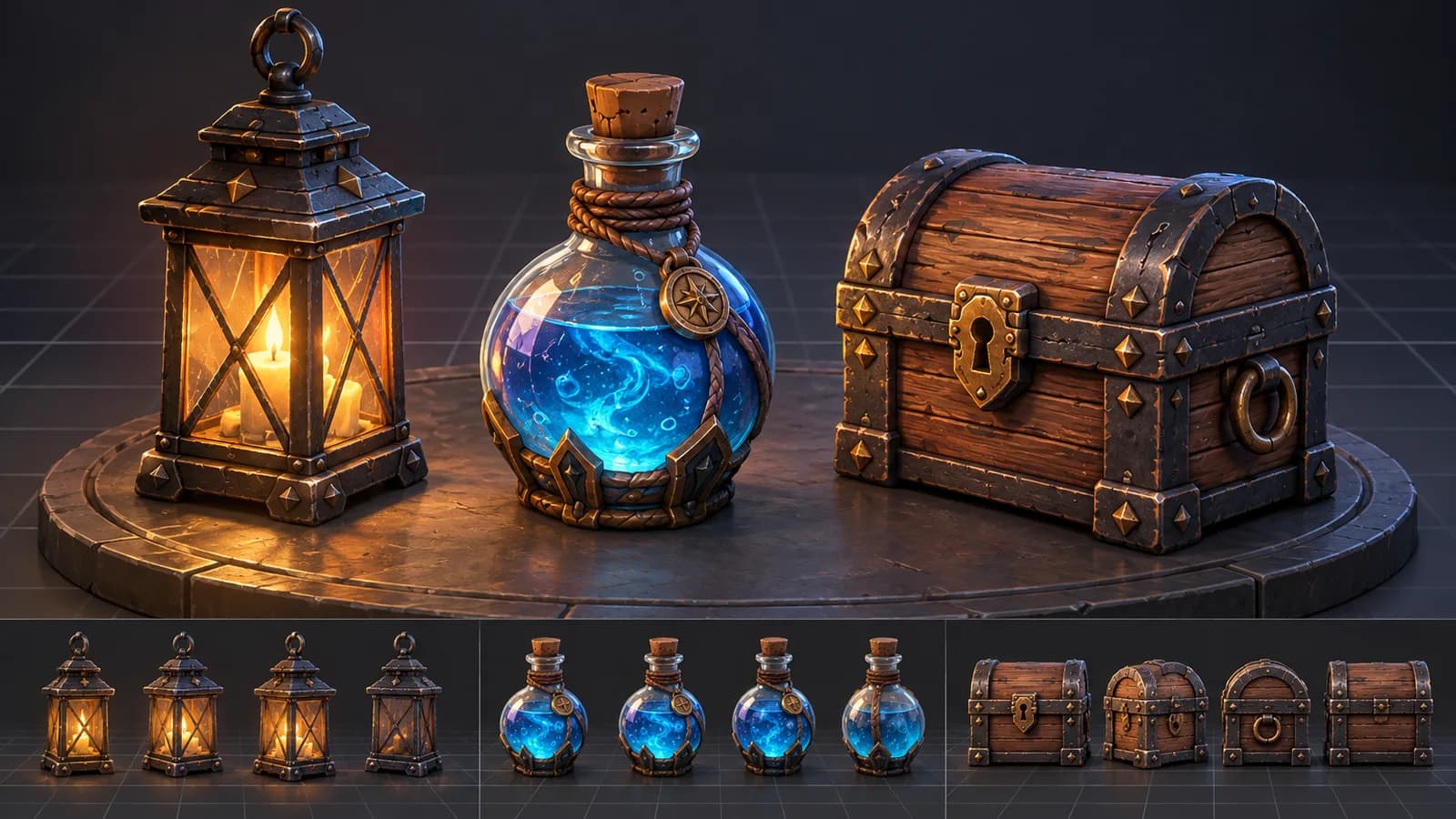
AI 3D Game Props Generator: From Concept to Reusable Asset
A practical guide to using an AI 3D game props generator for readable silhouettes, consistent asset styles, useful prompts, and engine-ready review.
ToolsTutorials
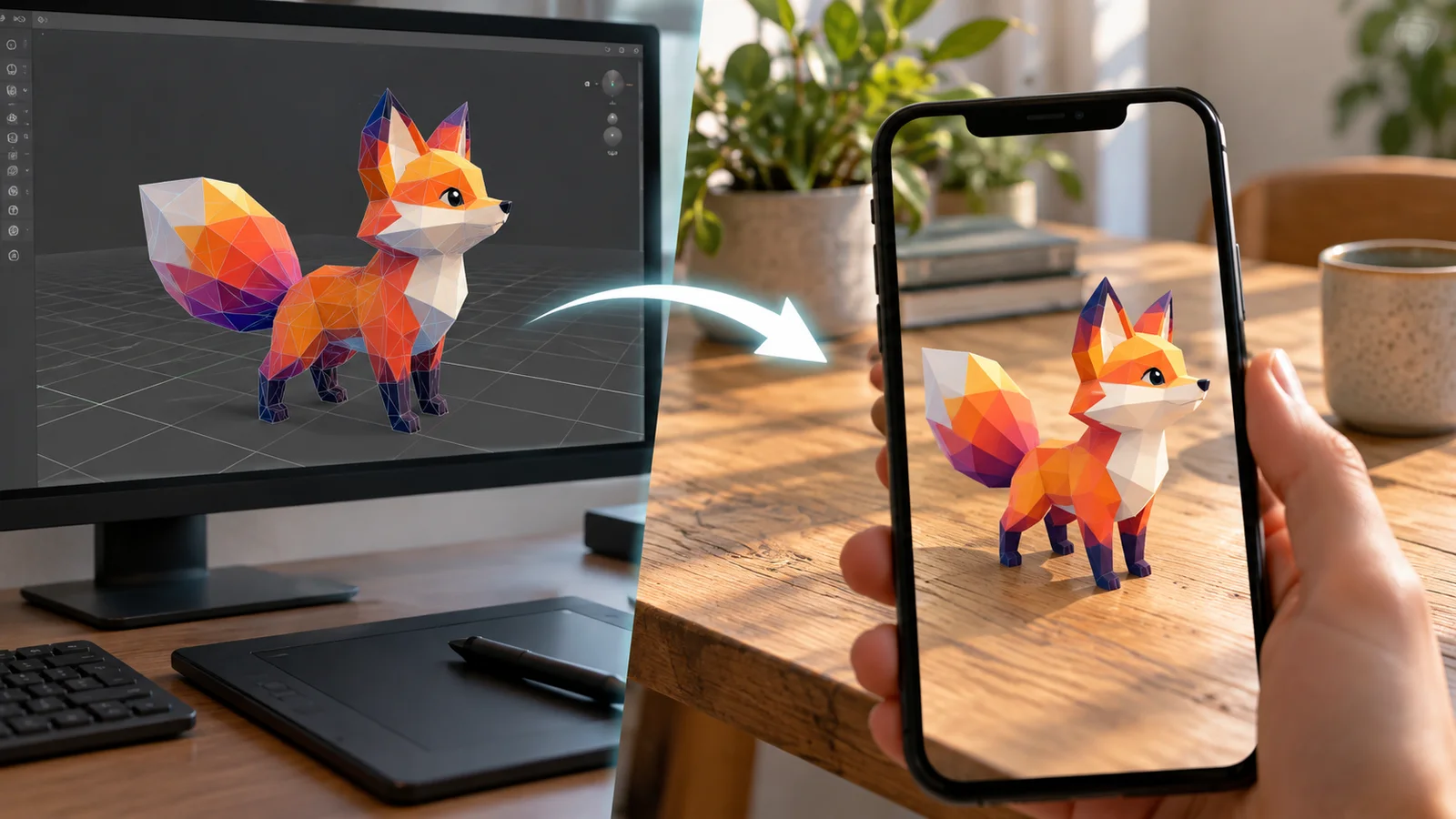
AI 3D Models for AR and the Web: A Practical Readiness Checklist
Learn how to review an AI-generated 3D model for web and AR use, including file size, materials, scale, orientation, mobile performance, and viewer testing.
Newsletter
Join the community
Subscribe to our newsletter for the latest news and updates