2026/10/22
AI 3D Game Props Generator: From Concept to Reusable Asset
A practical guide to using an AI 3D game props generator for readable silhouettes, consistent asset styles, useful prompts, and engine-ready review.
AI 3D Game Props Generator: From Concept to Reusable Asset
An AI 3D game props generator can help turn a written object idea or reference image into a first-pass prop for a game scene. It is a fast way to explore lanterns, tools, containers, furniture, and other set dressing. The generated mesh still needs to fit your art direction, performance budget, and interaction requirements.
Start with a specific prop brief
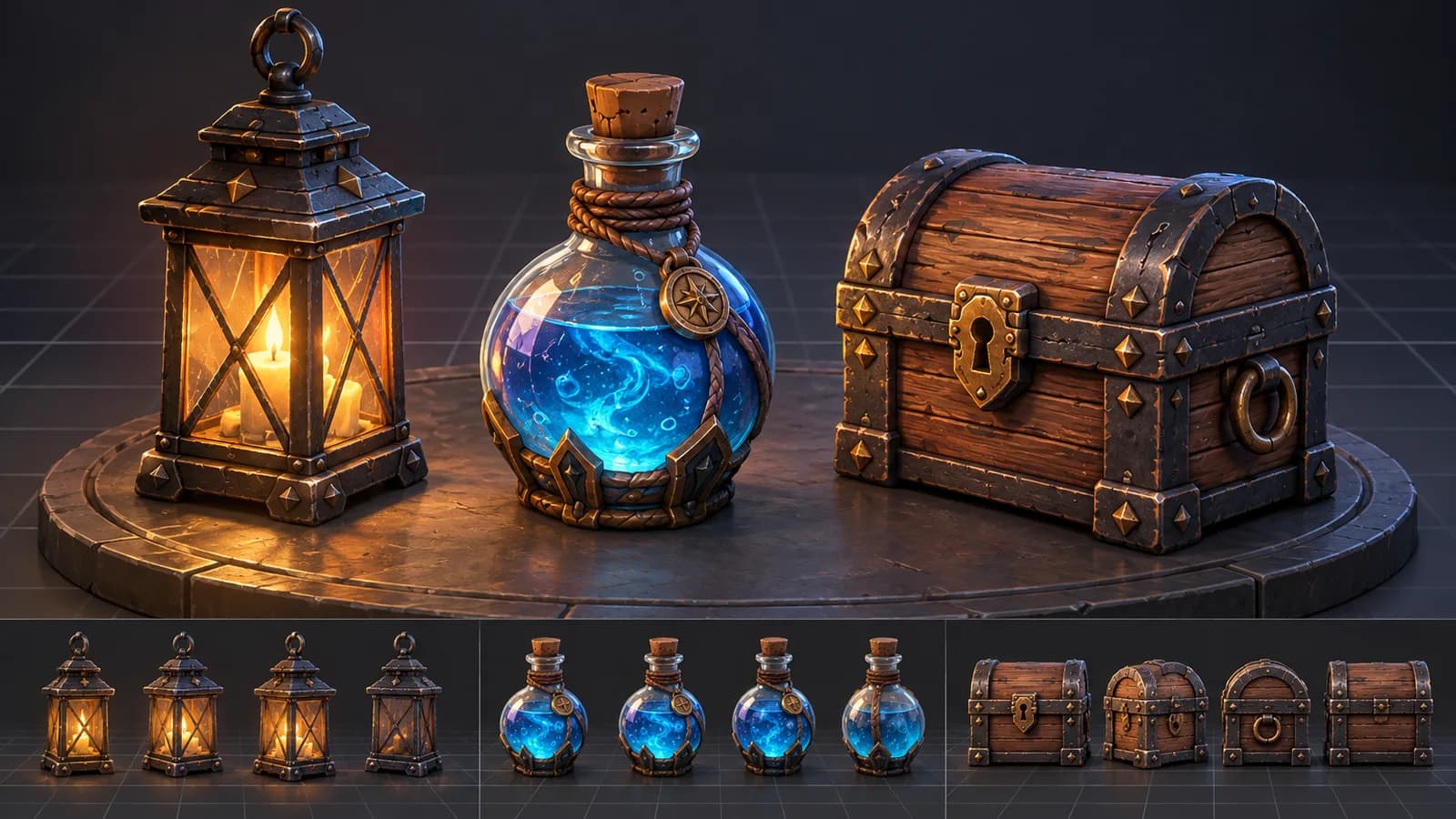
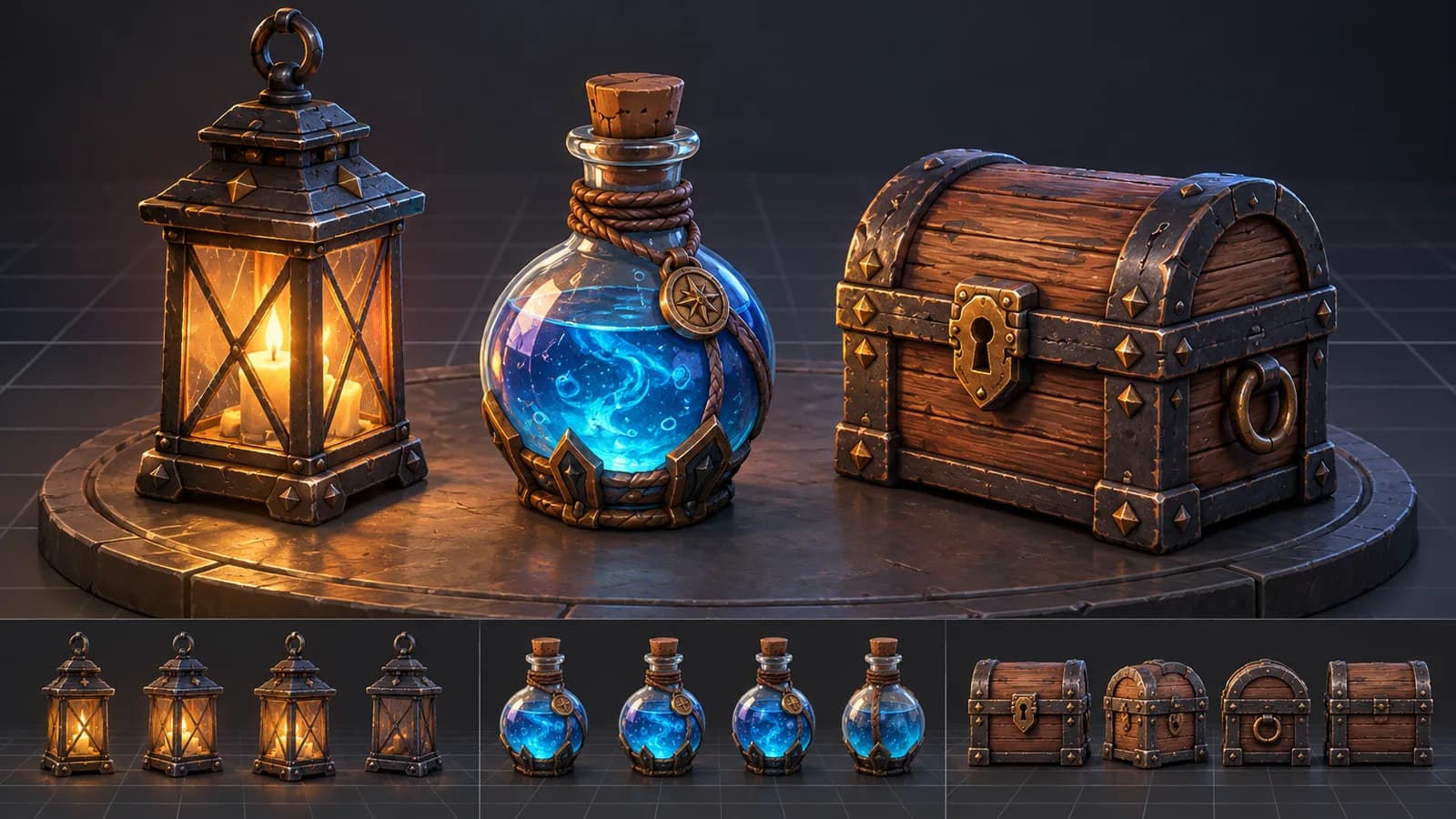
Describe one object at a time. Include its purpose, material, shape, scale cues, and art style. “A small brass lantern with a glass chamber, simple readable silhouette, hand-painted fantasy game style” gives more useful direction than “cool game object.” If the prop must match an existing game, include the shared palette and surface treatment in every prompt.
Use an image reference when you have a sketch or concept with a silhouette you want to preserve. For a new idea, text-to-3D can create a quick starting point. Browse the AI 3D model generator to explore both paths.
Build a consistent set of game props
- Define a short style guide: palette, material roughness, level of detail, and approximate scale.
- Generate a single prop and review its silhouette from the camera distance used in the game.
- Create related objects with the same visual rules, changing the object purpose and shape rather than adding unrelated detail.
- Import the model into your engine or 3D editor and check scale, pivot, material count, collision needs, and polygon density.
- Optimize and rename the final asset before adding it to a shared library.
Make props readable in the actual scene
A detailed render can hide a weak silhouette. View the prop at gameplay size, in grayscale, and under the lighting used by the level. Reduce small details that disappear at distance. For interactive objects, check where a character's hand should meet the prop and whether the pivot makes placement predictable.
Treat AI-generated models as starting assets, not guaranteed final game content. Review mesh topology, UVs, materials, texture size, collision, and license terms against your project's requirements. A short cleanup pass often makes a prop more consistent than repeatedly regenerating it.
Can I generate a complete game asset pack with AI?
You can generate related props, but visual consistency and technical settings need to be reviewed across the pack. Use a style guide and compare all assets in the same scene.
Are AI-generated 3D props ready to import into Unity or Unreal?
They may import, but still check scale, orientation, materials, mesh complexity, collision, and licensing in your project before release.
Generate a prop idea with the AI 3D model generator, then validate it in your game engine.
More Posts
ToolsTutorials
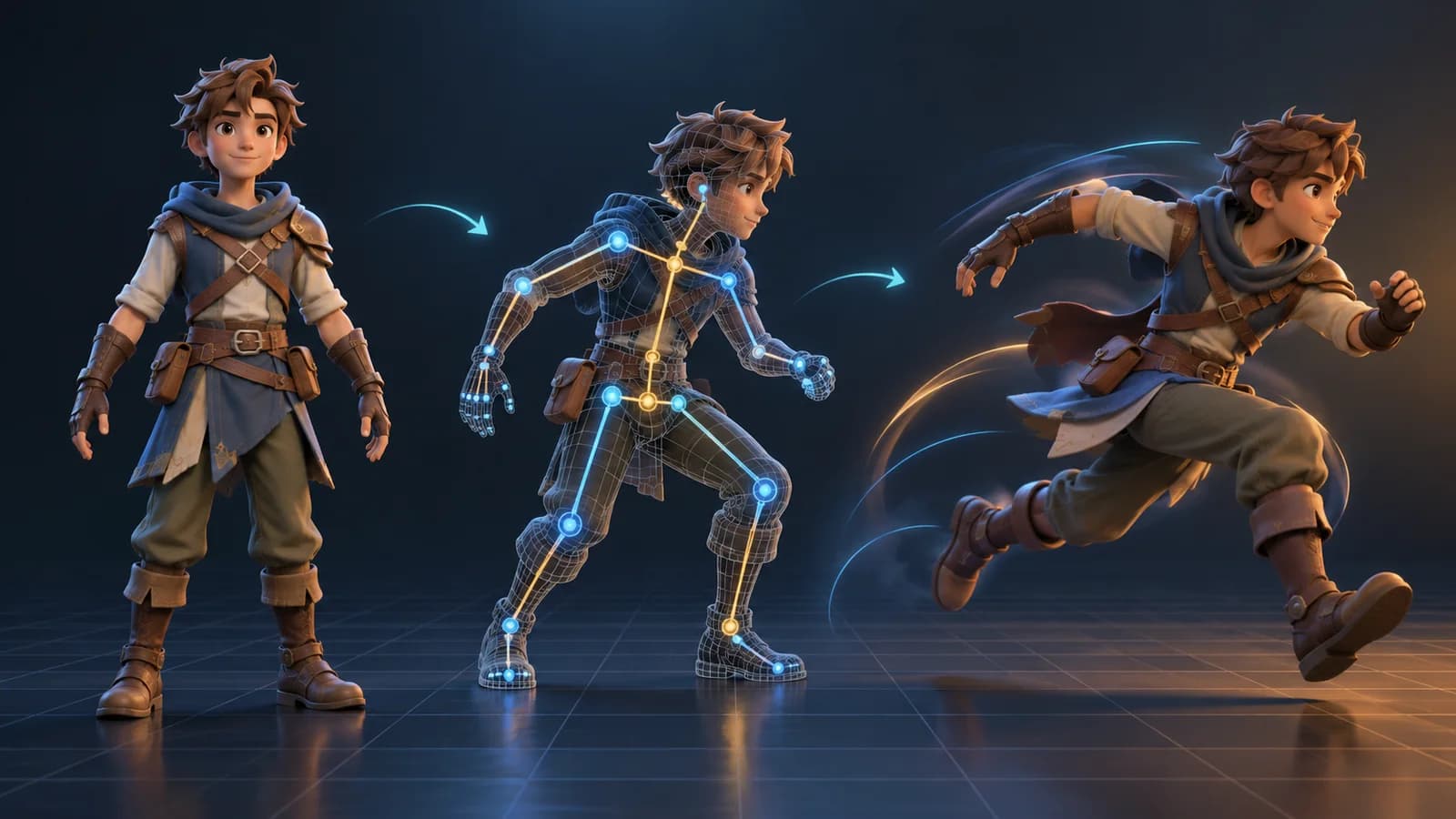
AI 3D Animation Generator: Animate an Existing 3D Model
Learn how an AI 3D animation generator can add motion to a riggable model, choose a suitable action, inspect the animated GLB, and export a usable result.
ToolsTutorials
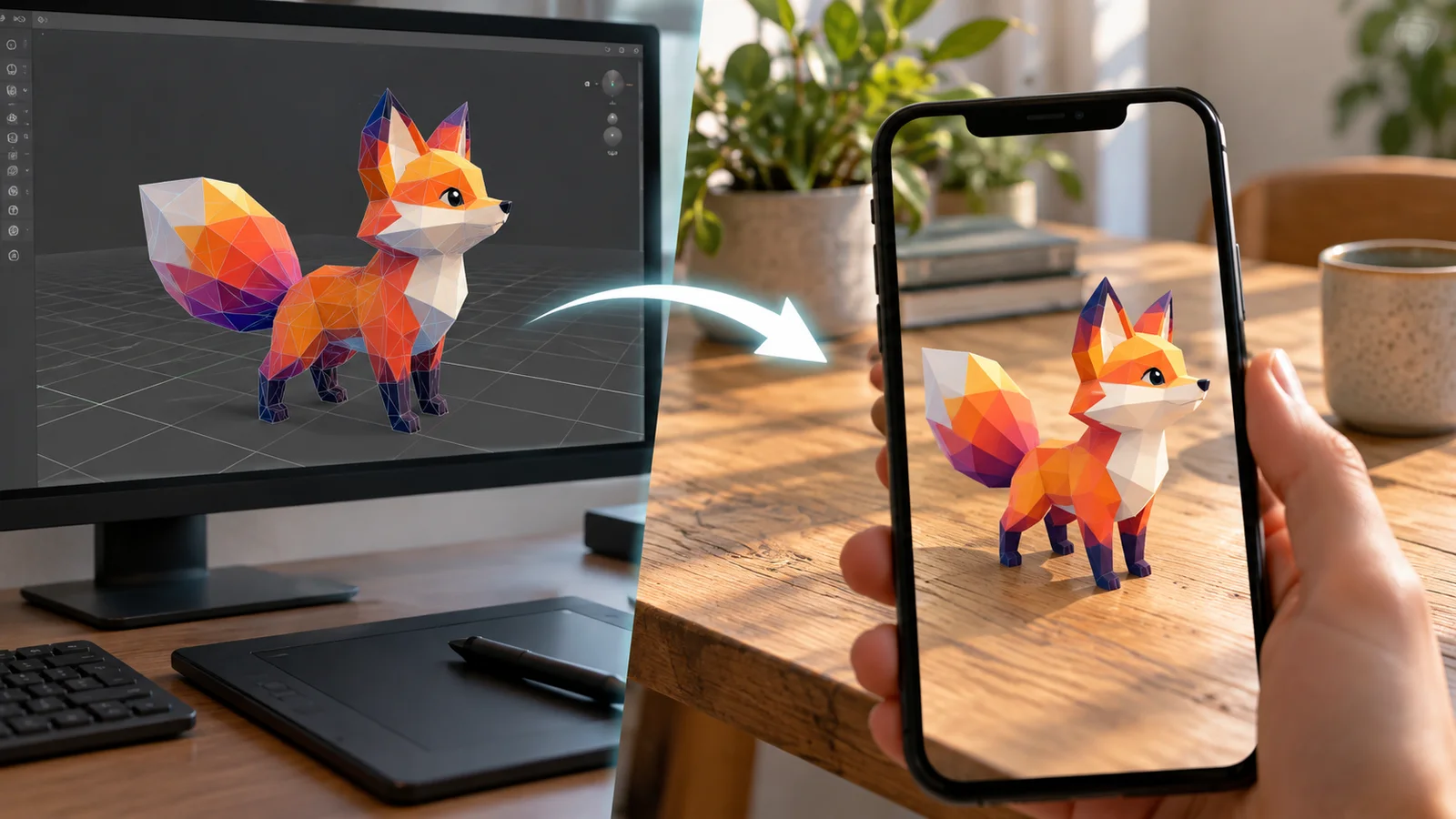
AI 3D Models for AR and the Web: A Practical Readiness Checklist
Learn how to review an AI-generated 3D model for web and AR use, including file size, materials, scale, orientation, mobile performance, and viewer testing.
ToolsTutorials
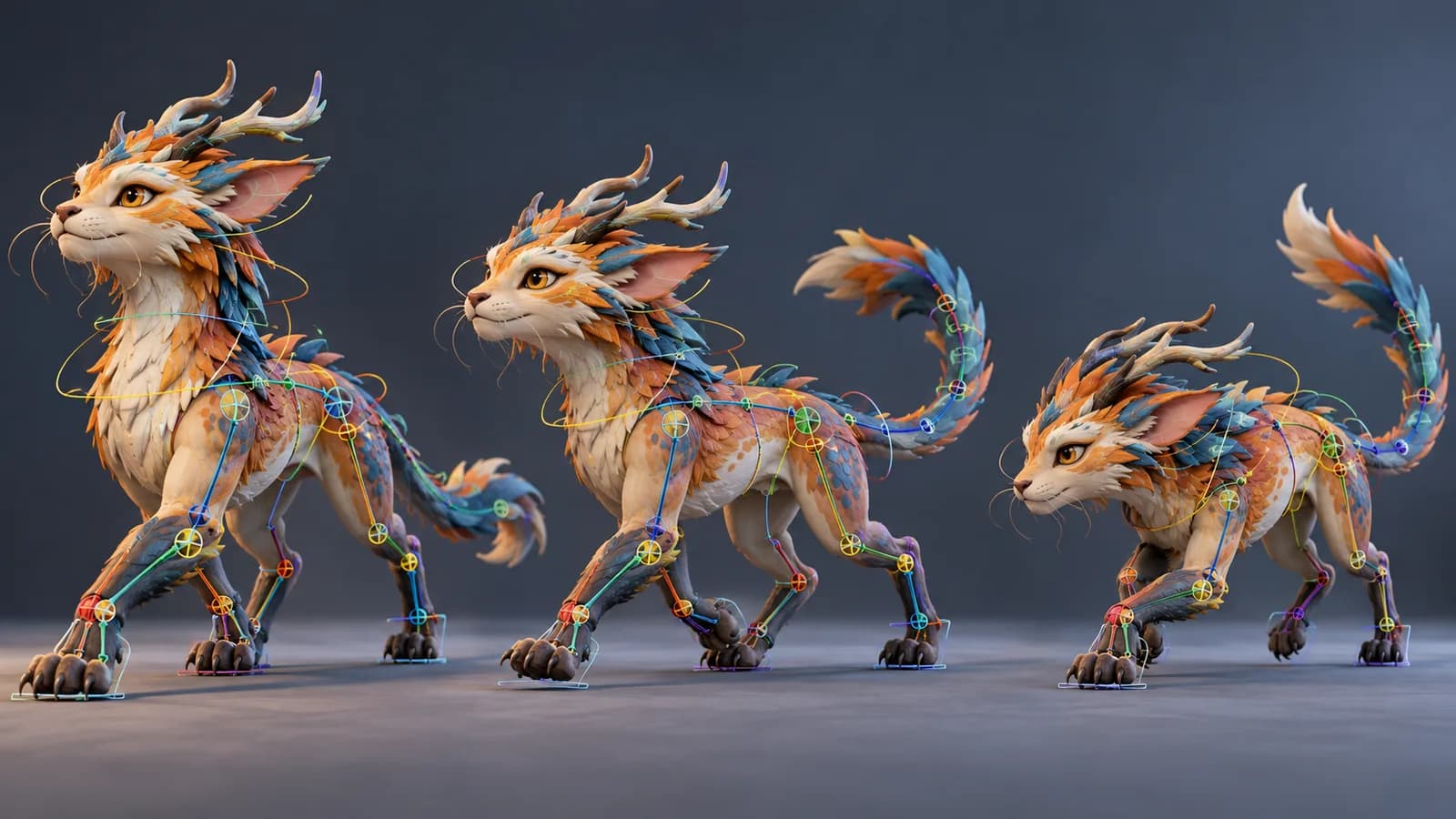
AI Creature Animation: A Practical Workflow for Non-Human Models
Learn how to test AI creature animation on dragons, animals, and stylized monsters, with realistic expectations for rigging, limb structure, motion selection, and cleanup.
Newsletter
Join the community
Subscribe to our newsletter for the latest news and updates