2026/10/22
AI 3D Animation Generator: Animate an Existing 3D Model
Learn how an AI 3D animation generator can add motion to a riggable model, choose a suitable action, inspect the animated GLB, and export a usable result.
AI 3D Animation Generator: Animate an Existing 3D Model
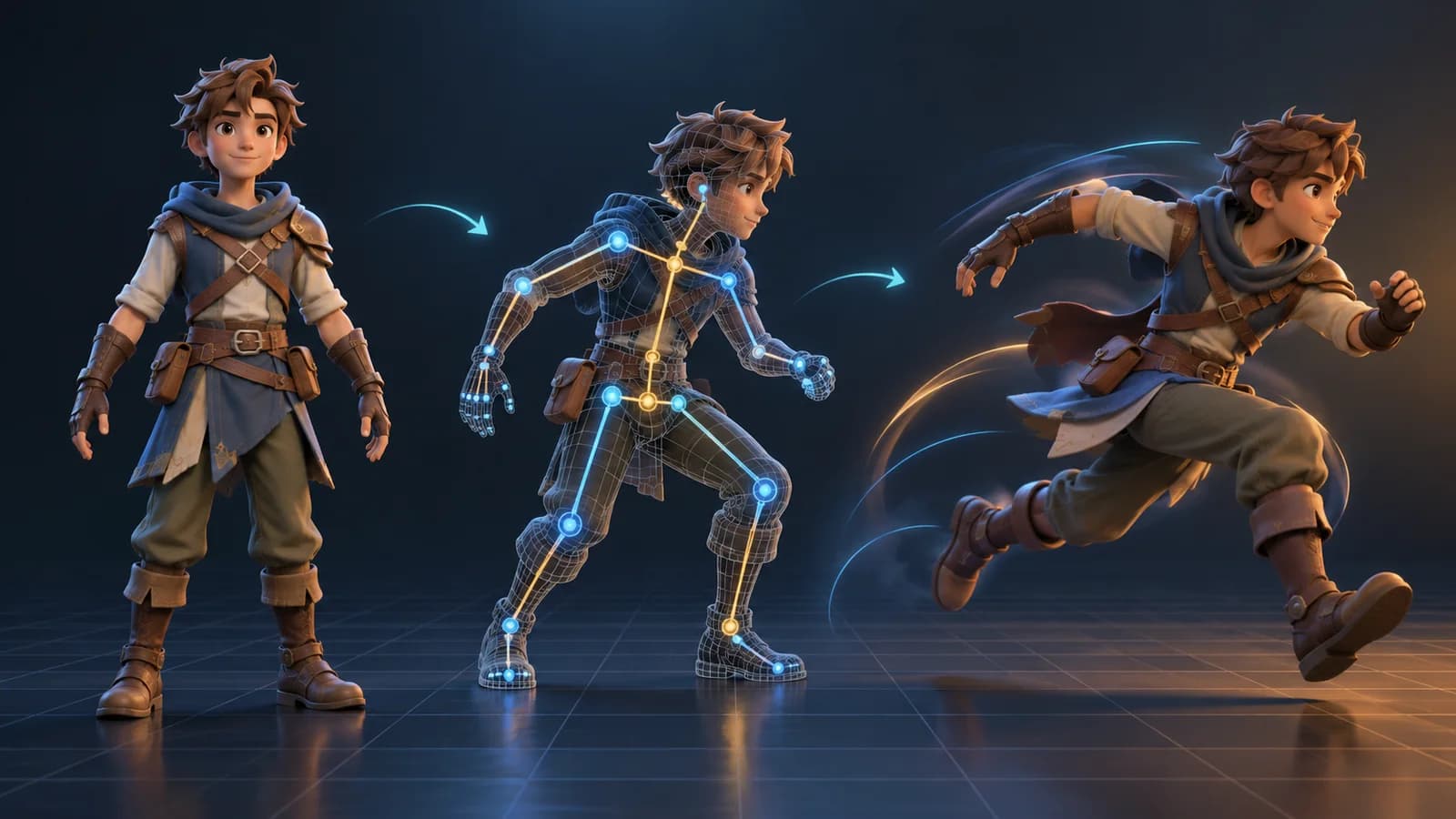
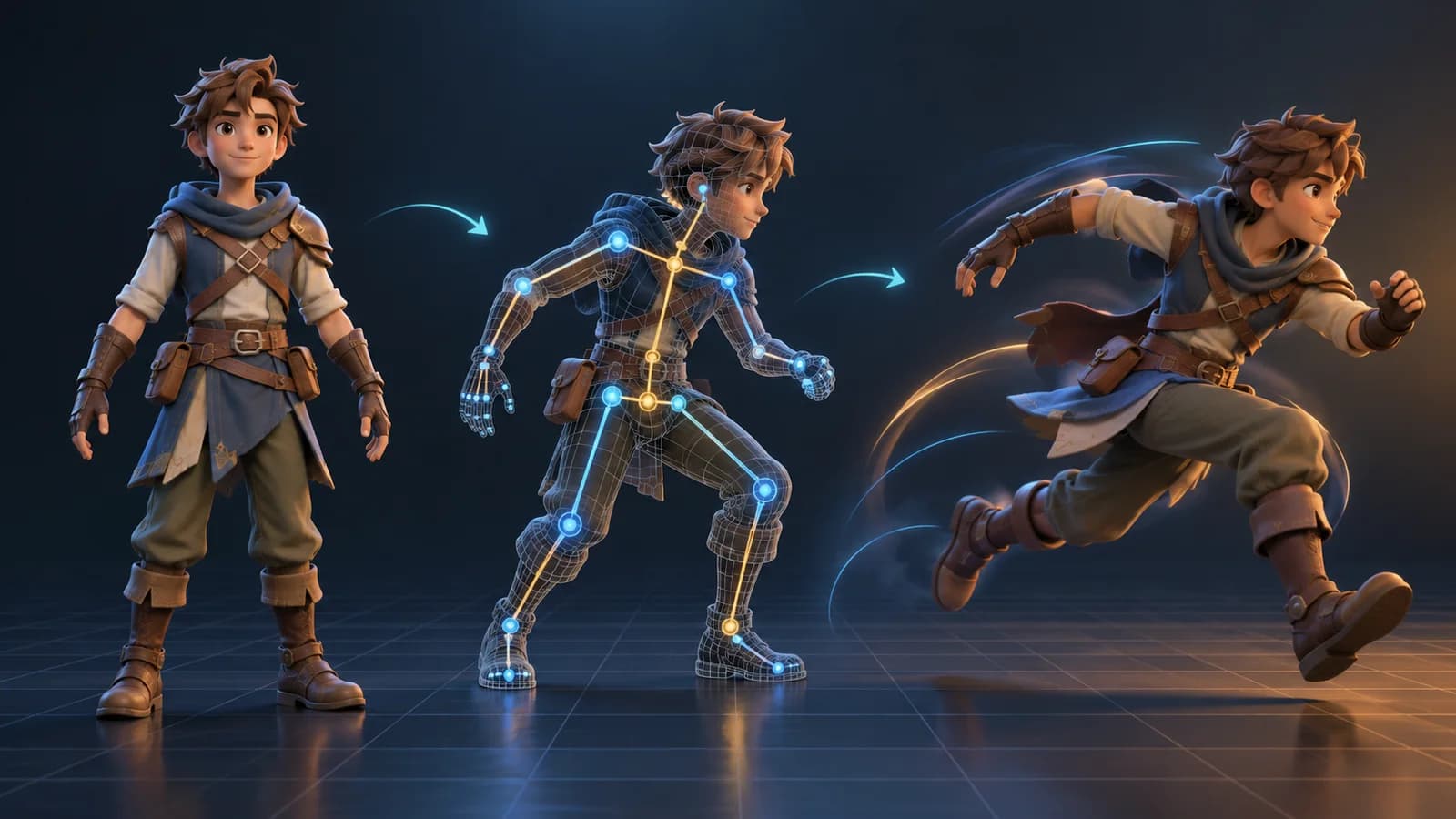
A static mesh is only the starting point for many game, product, and storytelling projects. An AI 3D animation generator can help turn a supported character model into a moving asset without keyframing every joint by hand. The important first step is checking whether the source model can be rigged; no animation tool can make every arbitrary mesh move cleanly.
Start with a model that can deform
Character-shaped models with clear limbs and a sensible pose are usually easier to rig than objects with fused parts, long thin accessories, or hidden joints. Before you animate, inspect the silhouette from the front and side. Make sure the arms and legs are separated, the feet touch the ground naturally, and clothing does not obscure where a limb bends.
Magic 3D's Animate workspace checks whether an imported or generated model is suitable for rigging before offering animation actions. If the check says the asset is not riggable, choose another model or simplify it first; forcing a bad rig tends to create worse results than starting over.
A practical AI 3D animation workflow
- Open the animation workspace and select a completed model from your workspace, or import a supported model.
- Let the rig check finish. Review the detected character type and confirm that the joints match the visible anatomy.
- Choose one motion that fits the asset: a walk, run, idle, jump, or another available action. Start with a single action so it is easy to spot problems.
- Preview the animated model from several angles. Check foot contact, elbows, shoulders, accessories, and whether the motion loops cleanly.
- Download the available animated GLB or FBX output and test it in the target viewer or engine before shipping it.
What to inspect before export
An attractive preview is not the same as a production-ready animation. Check the start and end of the clip for pops, look for feet sliding across the floor, and confirm that the character's proportions remain stable through the motion. In a game engine, verify the model scale, axis orientation, animation name, and material appearance. If the result is intended for a looping game character, test several repetitions rather than judging a single cycle.
AI-generated motion is best treated as a fast draft and an iteration aid. It can reduce setup work, but it does not replace review of the rig, deformation, timing, or licensing requirements for your project.
Can I animate any 3D model?
No. The model needs a form that can be recognized and rigged. Props, fused meshes, and characters with unclear limbs may fail the rig check or deform poorly.
Which formats should I test in my game engine?
GLB is convenient for preview and sharing; FBX is commonly used in game and animation pipelines. Confirm that the target application imports the chosen file and its animation tracks as expected.
Try a model in the AI 3D model generator, then check its rig before building a longer animation workflow.
More Posts
ToolsTutorials
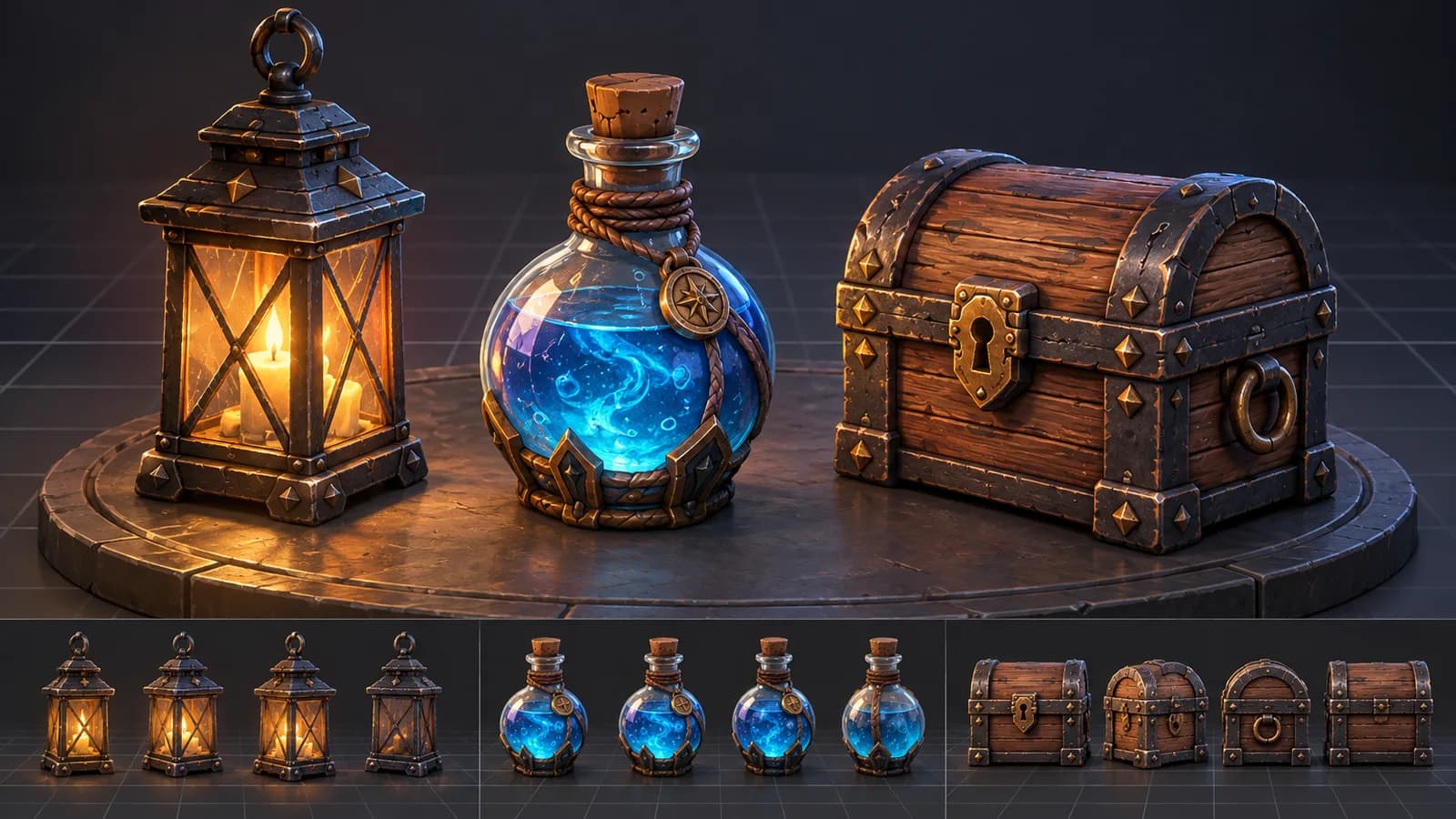
AI 3D Game Props Generator: From Concept to Reusable Asset
A practical guide to using an AI 3D game props generator for readable silhouettes, consistent asset styles, useful prompts, and engine-ready review.
ToolsTutorials
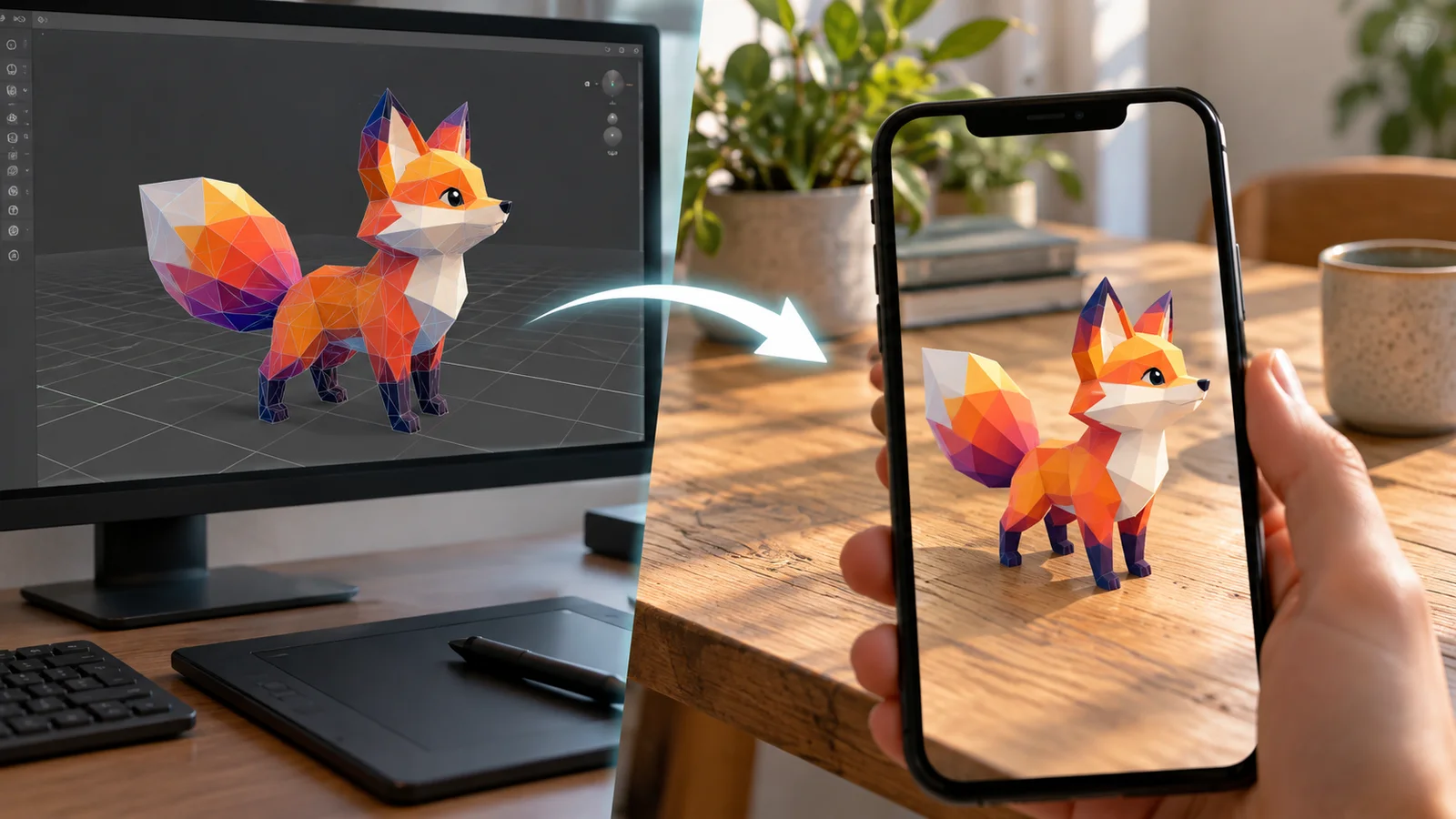
AI 3D Models for AR and the Web: A Practical Readiness Checklist
Learn how to review an AI-generated 3D model for web and AR use, including file size, materials, scale, orientation, mobile performance, and viewer testing.
ToolsTutorials
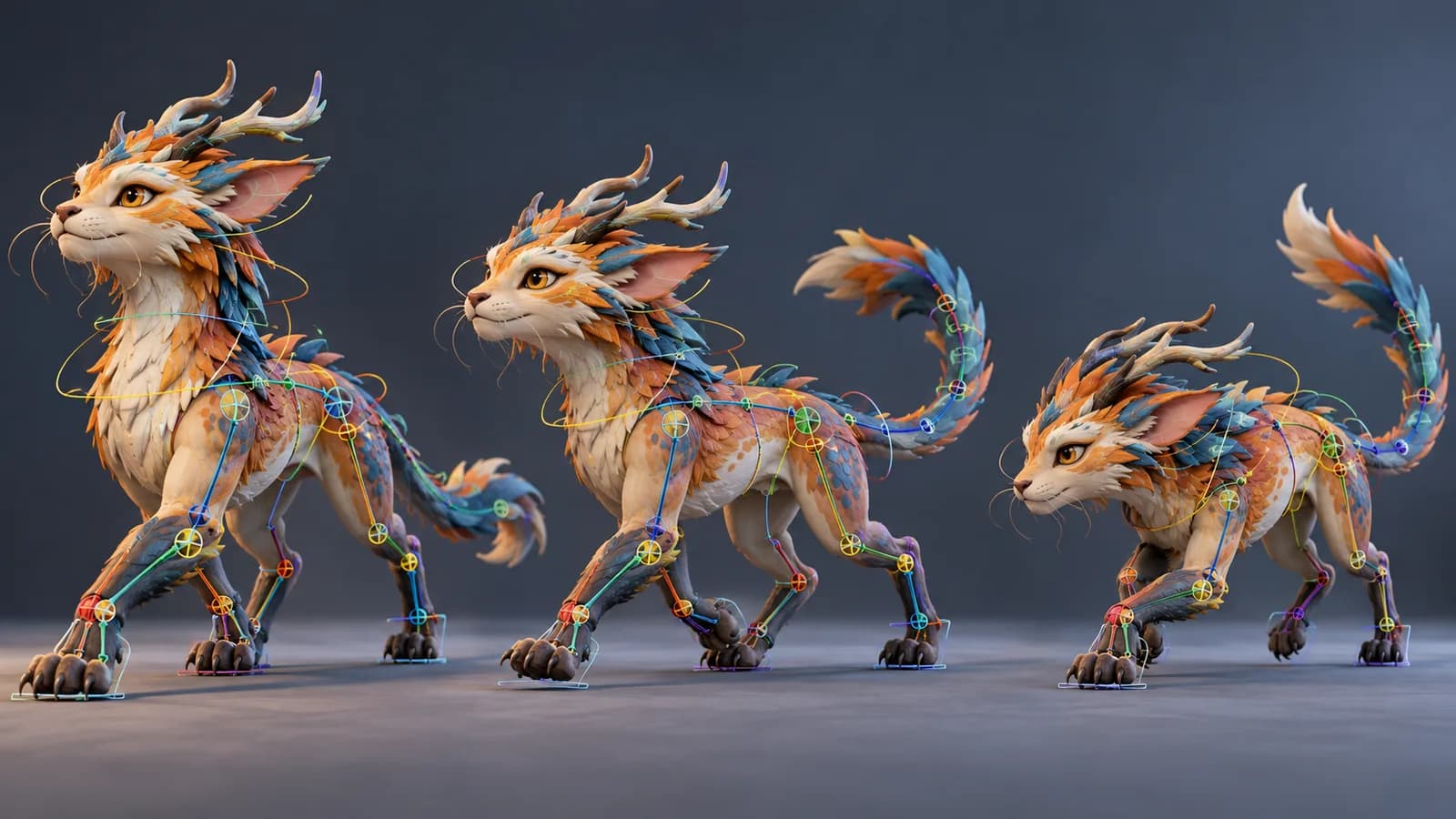
AI Creature Animation: A Practical Workflow for Non-Human Models
Learn how to test AI creature animation on dragons, animals, and stylized monsters, with realistic expectations for rigging, limb structure, motion selection, and cleanup.
Newsletter
Join the community
Subscribe to our newsletter for the latest news and updates