2026/10/22
AI Creature Animation: A Practical Workflow for Non-Human Models
Learn how to test AI creature animation on dragons, animals, and stylized monsters, with realistic expectations for rigging, limb structure, motion selection, and cleanup.
AI Creature Animation: A Practical Workflow for Non-Human Models
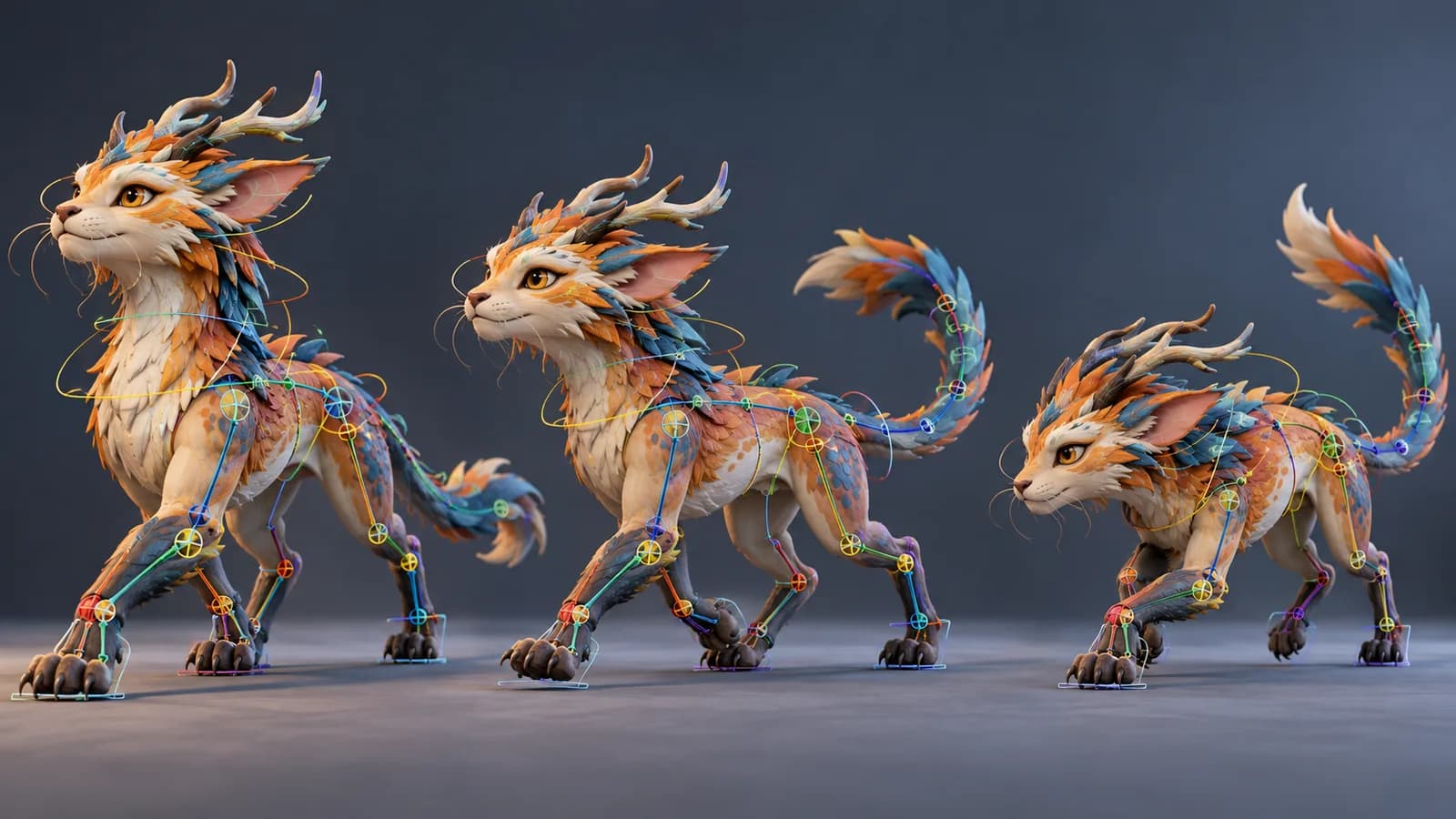
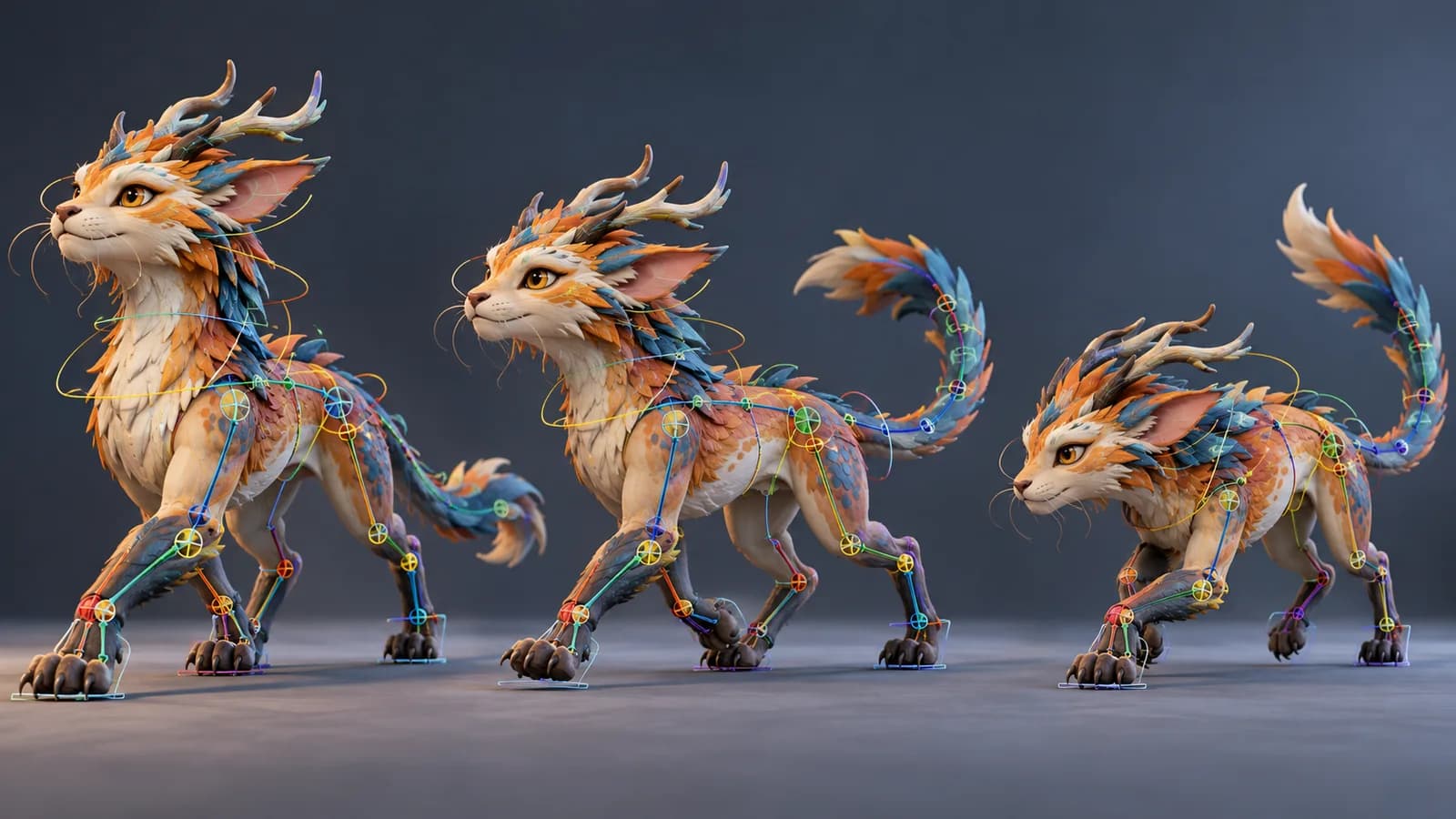
Creature animation is harder than moving a standard biped. A dragon, quadruped, or fantasy monster may have wings, tails, extra limbs, or an anatomy that does not match a familiar rig. An AI creature animation workflow works best when you treat the first result as a rig and motion test, then refine the design around what the tool can recognize.
Design the creature for a clear rig
Give the creature a readable pose with visible joints and separated limbs. Avoid hiding the legs beneath a cape or placing wings directly over the arms in the reference view. If the model has a long tail, extra fingers, or decorative spikes near a joint, check whether those parts intersect during a walk or turn. A strong silhouette helps both rig detection and visual review.
Magic 3D checks whether a model is suitable for rigging in its Animate workspace. This is a suitability check, not a promise that every fantasy anatomy can be animated. A model that does not pass may need a simpler design or a different motion approach.
Test movement from simple to complex
- Generate or import the creature and inspect its silhouette from multiple angles.
- Run the rig check. Confirm that major joints align with the shoulders, hips, knees, or equivalent limbs.
- Start with an idle or slow walk. Review deformation before trying a leap, flight, or attack.
- Look for clipped wings, tail intersections, feet sliding, and body parts that remain rigid when they should bend.
- Export a short result and test it in the target viewer or engine with the real camera angle.
Set realistic expectations for non-human motion
An animation system may map a creature to a supported body type that is only an approximation of its anatomy. A four-legged animal can be easier to recognize than a many-limbed monster, but the result still needs close inspection. If the action library does not contain the movement you need, use text-described motion where available, then check whether the output suits the rig.
For a production creature, plan time for cleanup in a dedicated 3D application. Fixing a few key poses, skin weights, or a tail curve can make a bigger difference than regenerating many times with a vague prompt.
Can AI animate a dragon or fantasy monster?
It depends on the model's anatomy and the rigging workflow. Test a simple action first; complex wings, tails, and extra limbs may need manual adjustments.
What should I check in an AI creature animation?
Inspect joint placement, intersections, foot contact, tail and wing deformation, and how the motion looks from the camera angle used in your project.
Build a creature model with the AI 3D model generator, then see whether it passes the rig check in the animation workspace.
More Posts
ToolsTutorials
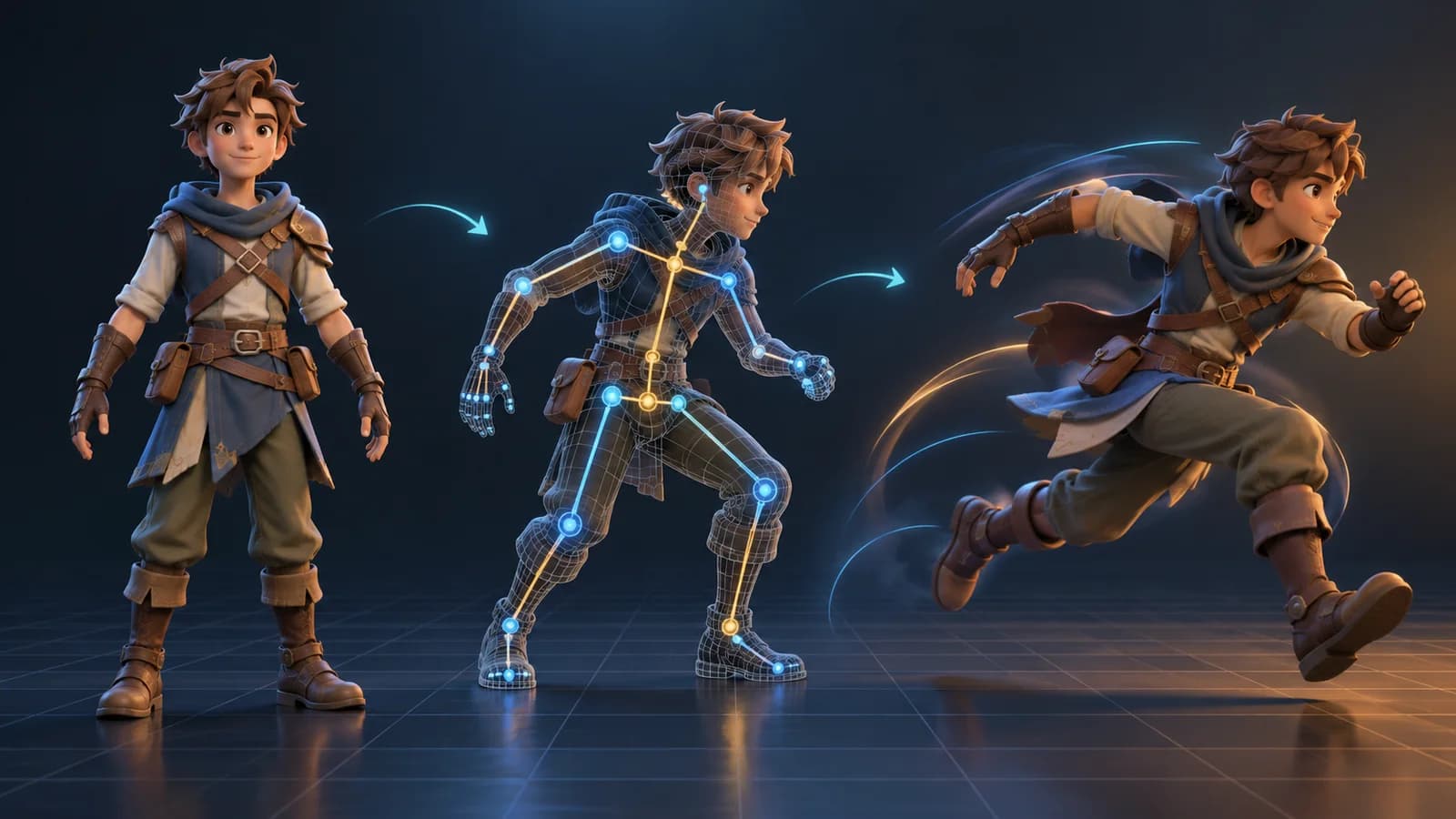
AI 3D Animation Generator: Animate an Existing 3D Model
Learn how an AI 3D animation generator can add motion to a riggable model, choose a suitable action, inspect the animated GLB, and export a usable result.

ToolsTutorials
AI 3D Game Props Generator: From Concept to Reusable Asset
A practical guide to using an AI 3D game props generator for readable silhouettes, consistent asset styles, useful prompts, and engine-ready review.
ToolsTutorials
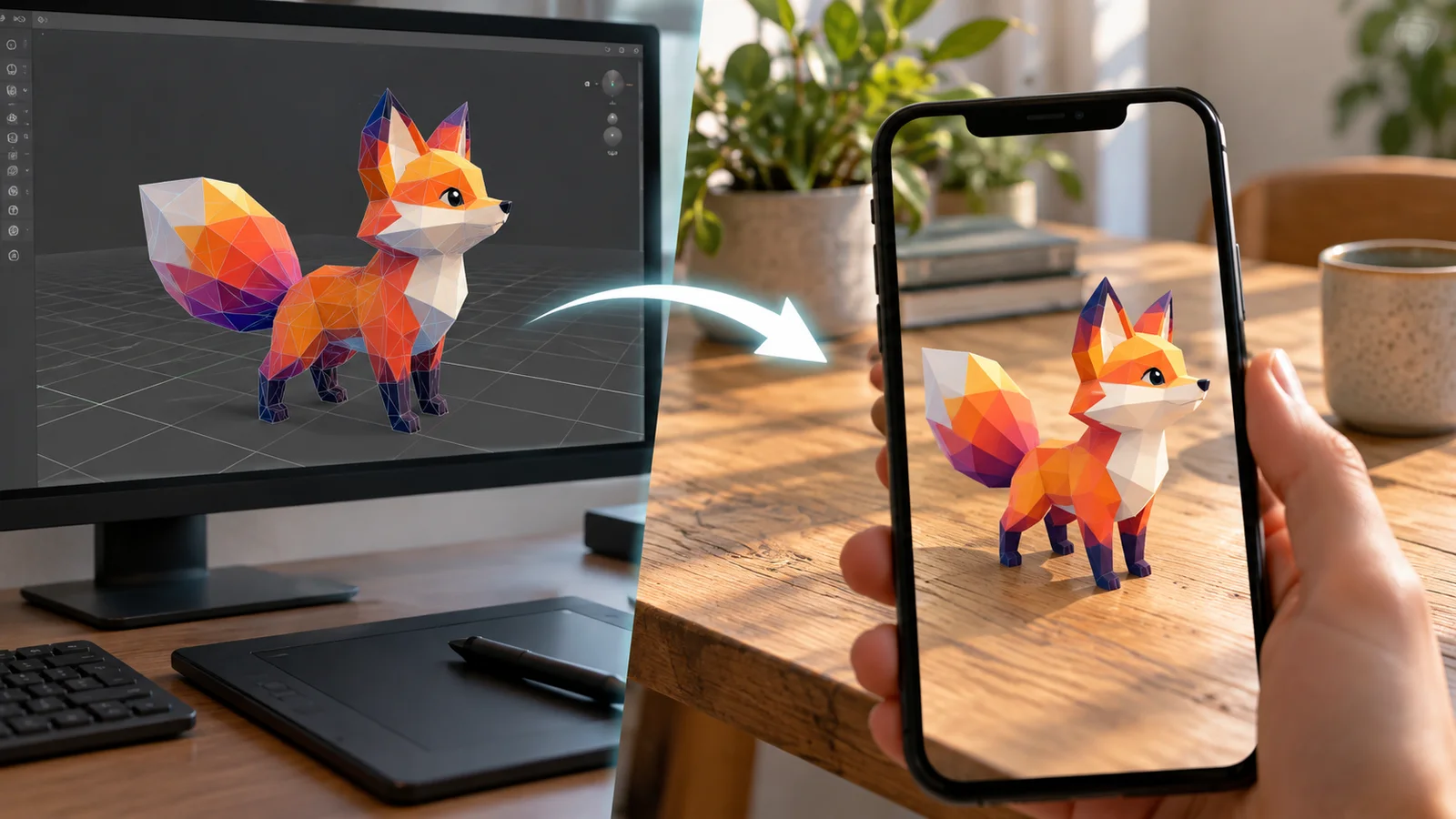
AI 3D Models for AR and the Web: A Practical Readiness Checklist
Learn how to review an AI-generated 3D model for web and AR use, including file size, materials, scale, orientation, mobile performance, and viewer testing.
Newsletter
Join the community
Subscribe to our newsletter for the latest news and updates