2026/10/22
Text to 3D Motion: Generate Character Movement from a Prompt
Explore text-to-motion generation for 3D characters: write an action prompt, set a short duration, review the movement, and export motion data for your workflow.
Text to 3D Motion: Generate Character Movement from a Prompt
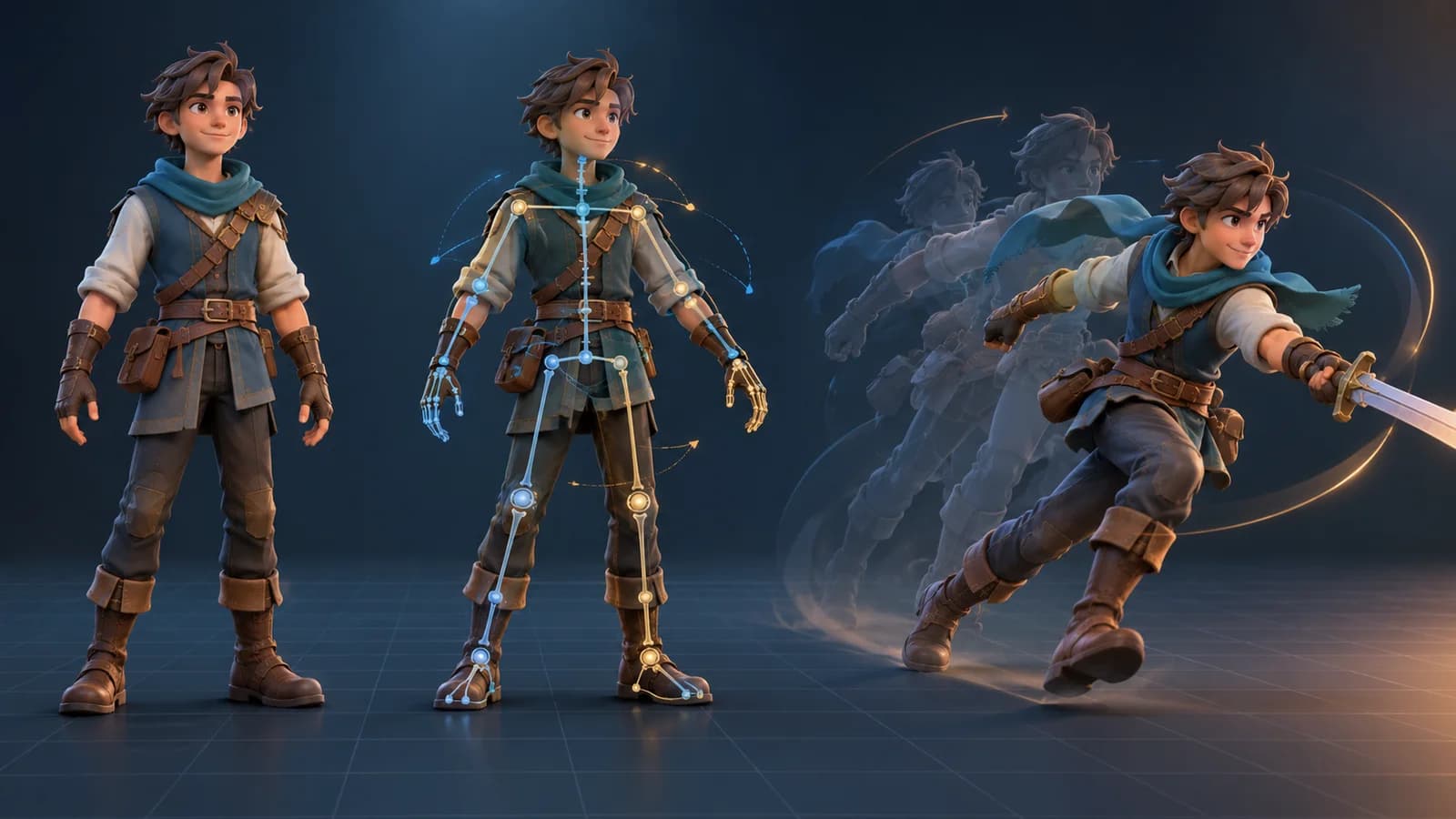
A text-to-3D motion generator translates a short action description into movement data for a character. It addresses a different task from text-to-3D modeling: the input describes how a character moves, not what the character looks like. This makes it useful for blocking an animation idea before spending time on detailed keyframes.
Write an action that can be acted out
Keep the prompt focused on one subject and one continuous action. State the character type, the motion, its pace, and the overall energy. For example: “A small explorer takes three cautious steps forward, pauses, then waves with the right hand; calm, balanced movement.” Avoid combining unrelated actions, camera directions, scenery, and facial acting in one sentence. Those details compete with the motion you want.
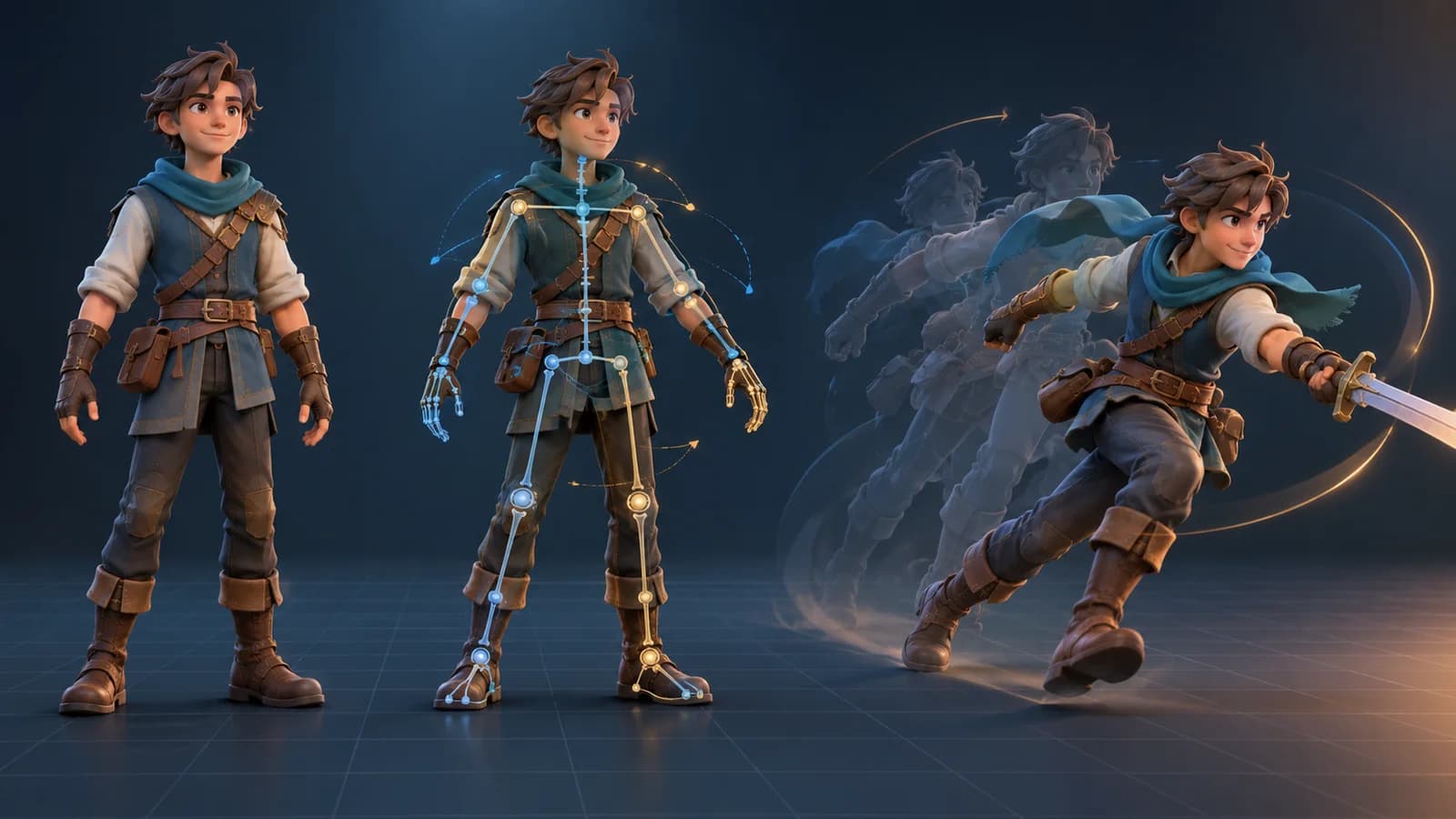
Magic 3D's Motion workspace supports text-described motion as well as preset actions for a compatible model. A motion-only result and an animated model are different outputs: the former is motion data, while the latter applies movement to a character rig. Check which output you are creating before choosing an export format.
Prompt-to-motion workflow
- Choose text motion in the Motion workspace and write one short, observable action.
- Set a brief duration for the first pass. A short clip is easier to inspect and refine.
- Generate the motion, then review its rhythm, balance, and transition between the start and end poses.
- If the action is unclear, change one instruction at a time: direction, speed, or intensity.
- Export the available motion format and retarget it to a compatible rig in your animation software.
Make the result easier to reuse
Describe actions with clear verbs such as walk, reach, turn, sit, or wave. Add a direction and a count only when they matter. “Walk forward, turn left, stop” is more testable than “move naturally in an exciting way.” For a loop, make the ending pose close to the starting pose and test the seam in your target application.
Text-generated motion still needs human review. Retargeting may change the timing or limb positions, especially when the source and target rigs have different proportions. Inspect foot contact, hand placement, clipping, and the final frame before using the animation in a game or video.
Does text-to-motion create a 3D character?
No. It creates motion data. You need a compatible rigged character to apply the animation and preview the combined result.
What makes a good motion prompt?
Use one character, one continuous action, a clear direction, and a pace. Generate a short draft, review it, and adjust one aspect at a time.
Create or import a character with the AI 3D model generator, then explore motion in the animation workspace.
More Posts
ToolsTutorials
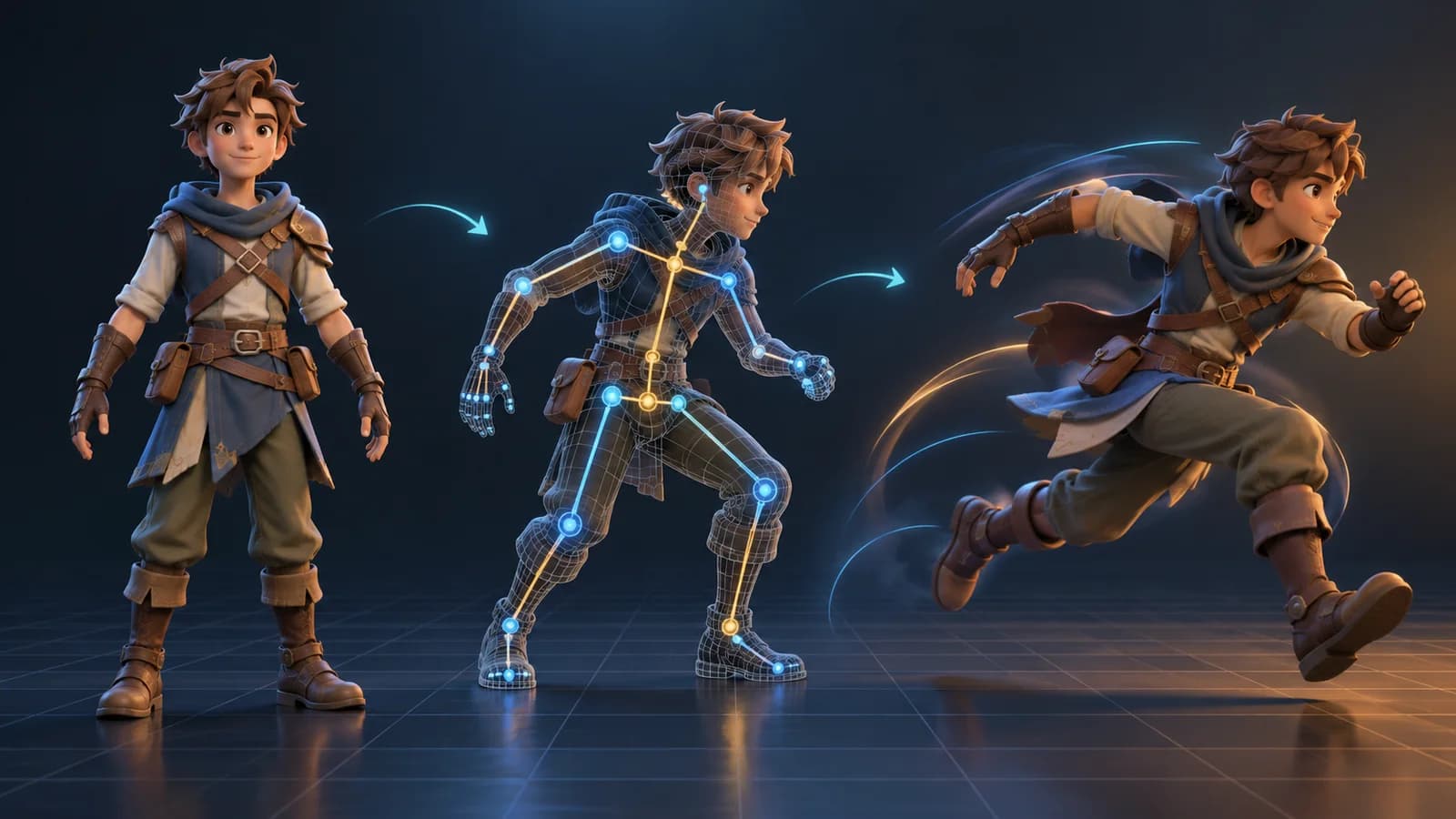
AI 3D Animation Generator: Animate an Existing 3D Model
Learn how an AI 3D animation generator can add motion to a riggable model, choose a suitable action, inspect the animated GLB, and export a usable result.

ToolsTutorials
AI 3D Game Props Generator: From Concept to Reusable Asset
A practical guide to using an AI 3D game props generator for readable silhouettes, consistent asset styles, useful prompts, and engine-ready review.
ToolsTutorials
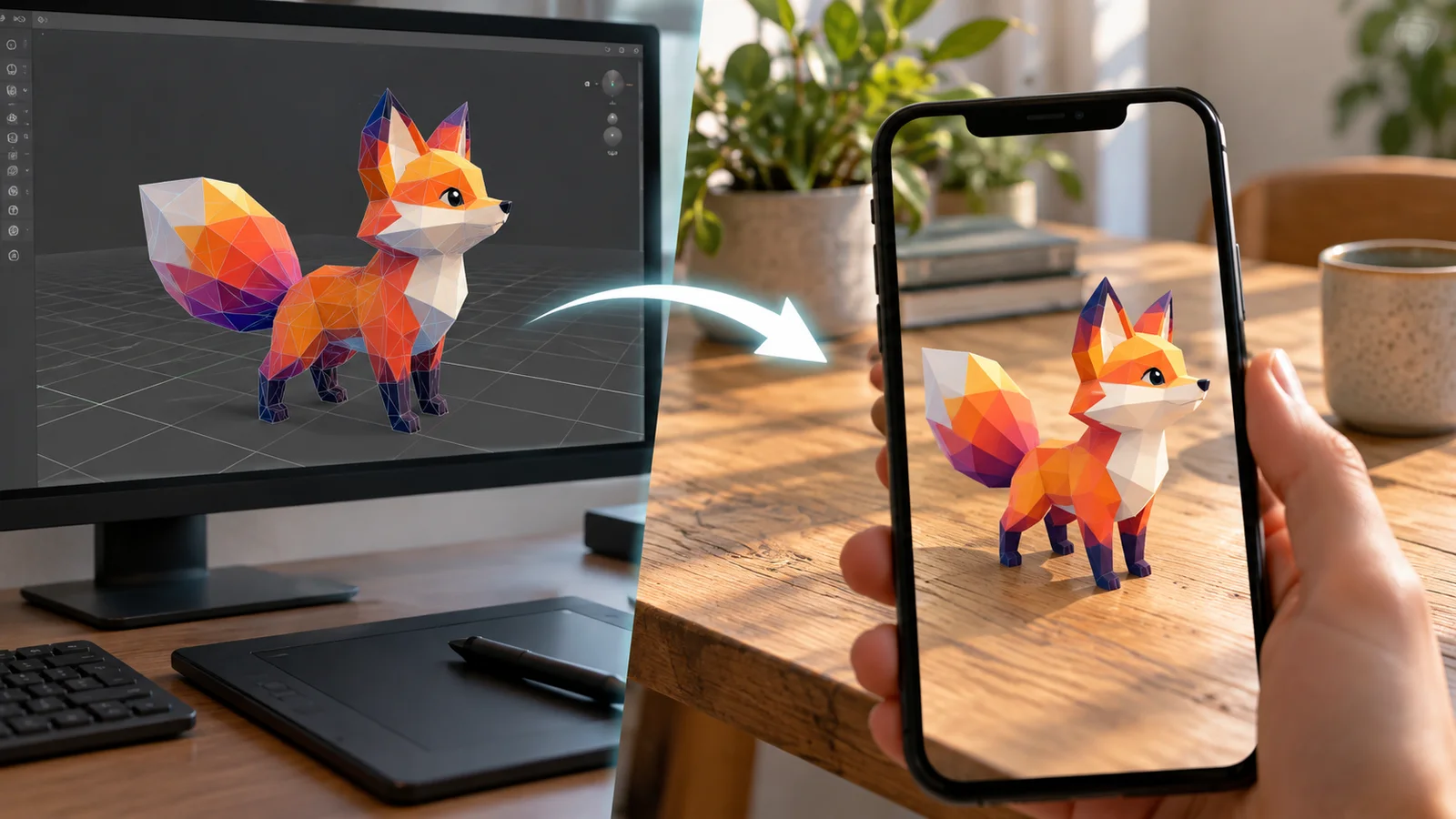
AI 3D Models for AR and the Web: A Practical Readiness Checklist
Learn how to review an AI-generated 3D model for web and AR use, including file size, materials, scale, orientation, mobile performance, and viewer testing.
Newsletter
Join the community
Subscribe to our newsletter for the latest news and updates