2026/10/22
AI Game Character Animation: Check the Rig Before You Export
A practical guide to AI game character animation: select a riggable model, test a simple motion, inspect deformation and looping, then verify the export in your engine.
AI Game Character Animation: Check the Rig Before You Export
An AI 3D character can speed up asset exploration, but a game character needs more than an appealing render. The model must have a usable silhouette, rigging that matches its anatomy, and motion that survives retargeting and export. A short test animation is a quick way to find problems before building a full game asset pipeline.
Choose a character that can move
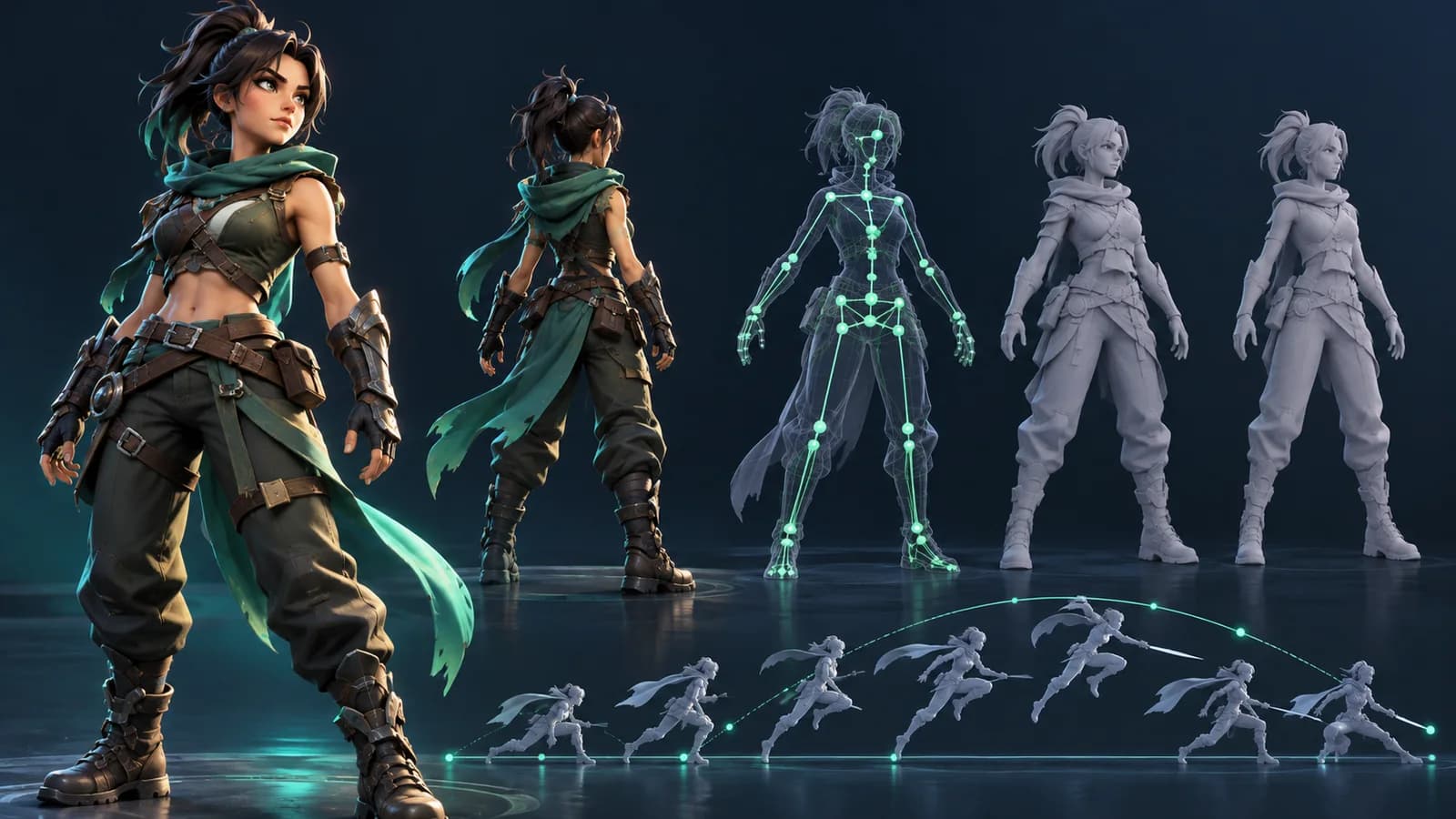
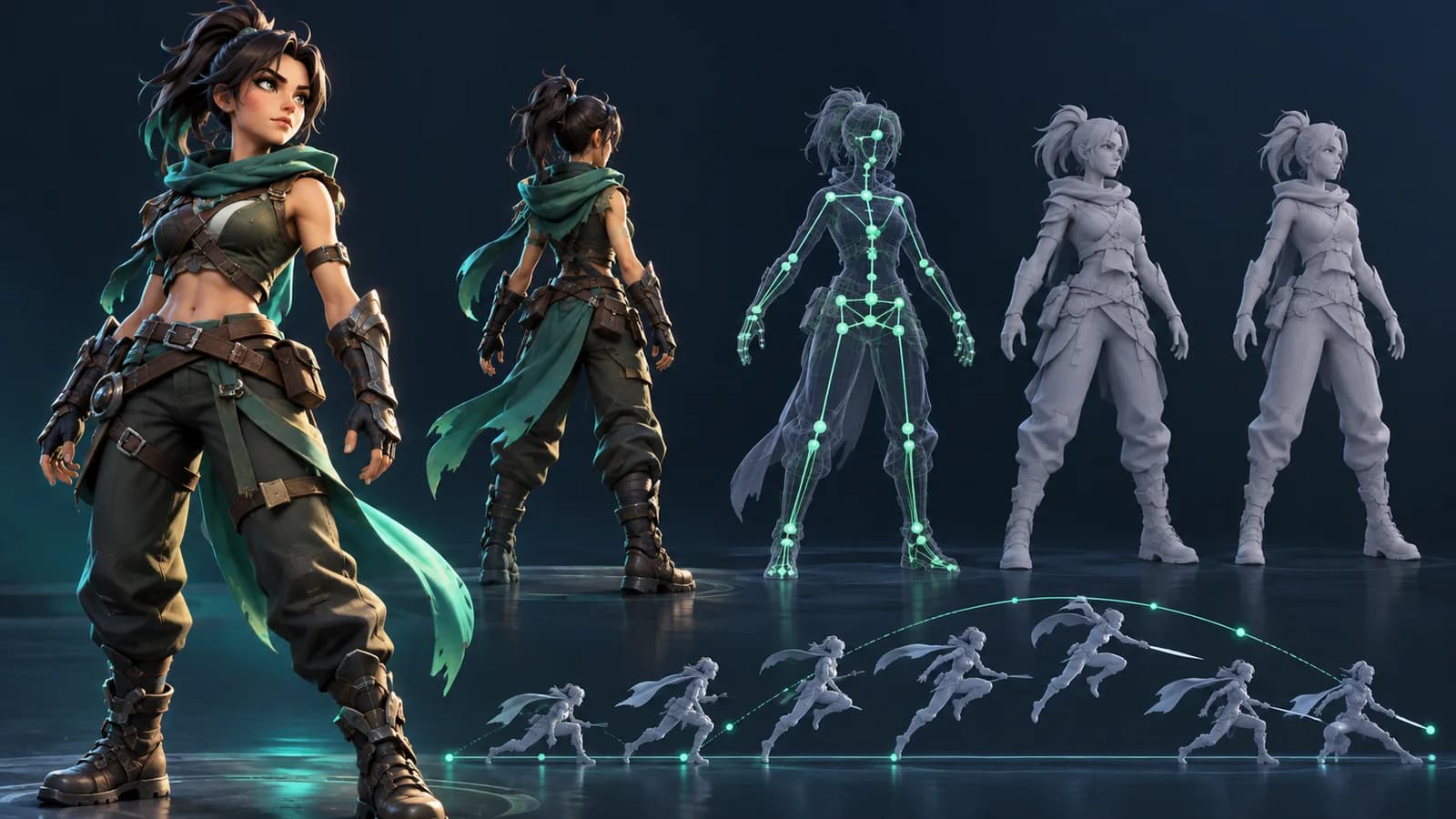
Begin with a clear, neutral standing pose and visible limbs. Very wide clothing, accessories that cross joints, merged hands, or unusual proportions can confuse automatic rigging. Check the front, side, and back views. For a stylized character, make sure the head, torso, arms, and legs remain distinct enough for the rig to identify them.
In the Animate workspace, the model is checked for rig suitability before animation. If a model is rejected, do not assume that changing the action will fix its geometry. Try a clearer source model or adjust the design first.
Test a game animation in five steps
- Select or generate the character with the AI 3D model generator.
- Run the rig check and confirm that the detected joints follow the character's body.
- Apply a simple idle, walk, or run action before trying combat or acrobatic movement.
- Preview the motion from several angles; inspect shoulders, hips, knees, feet, hands, and accessories.
- Export the animated model and verify scale, orientation, materials, and animation tracks in the target game engine.
What makes an animation game-ready?
“Game-ready” depends on the project. Check the polygon budget, texture size, material count, skeleton hierarchy, animation duration, and file size against your engine and target platform. A clean GLB preview does not prove that an asset is optimized for a mobile game or that its skeleton matches an existing character controller.
For a looping walk or idle, play the clip repeatedly and look for foot sliding or a jump at the seam. For an action animation, verify that the starting and ending poses allow the next state to blend. Treat AI animation as a draft and test it inside the real scene.
Can an AI 3D character be used directly in a game?
Sometimes, but it should be checked in the game engine first. Rig compatibility, scale, mesh complexity, materials, and license terms all affect whether it is ready for production.
Why does automatic rigging fail?
Unclear limb separation, non-human anatomy, intersecting parts, or an extreme pose can make a model difficult to interpret. Use a cleaner silhouette and review the rig result before generating motion.
Create a character with the AI 3D model generator, then test movement in the animation workspace.
More Posts
ToolsTutorials
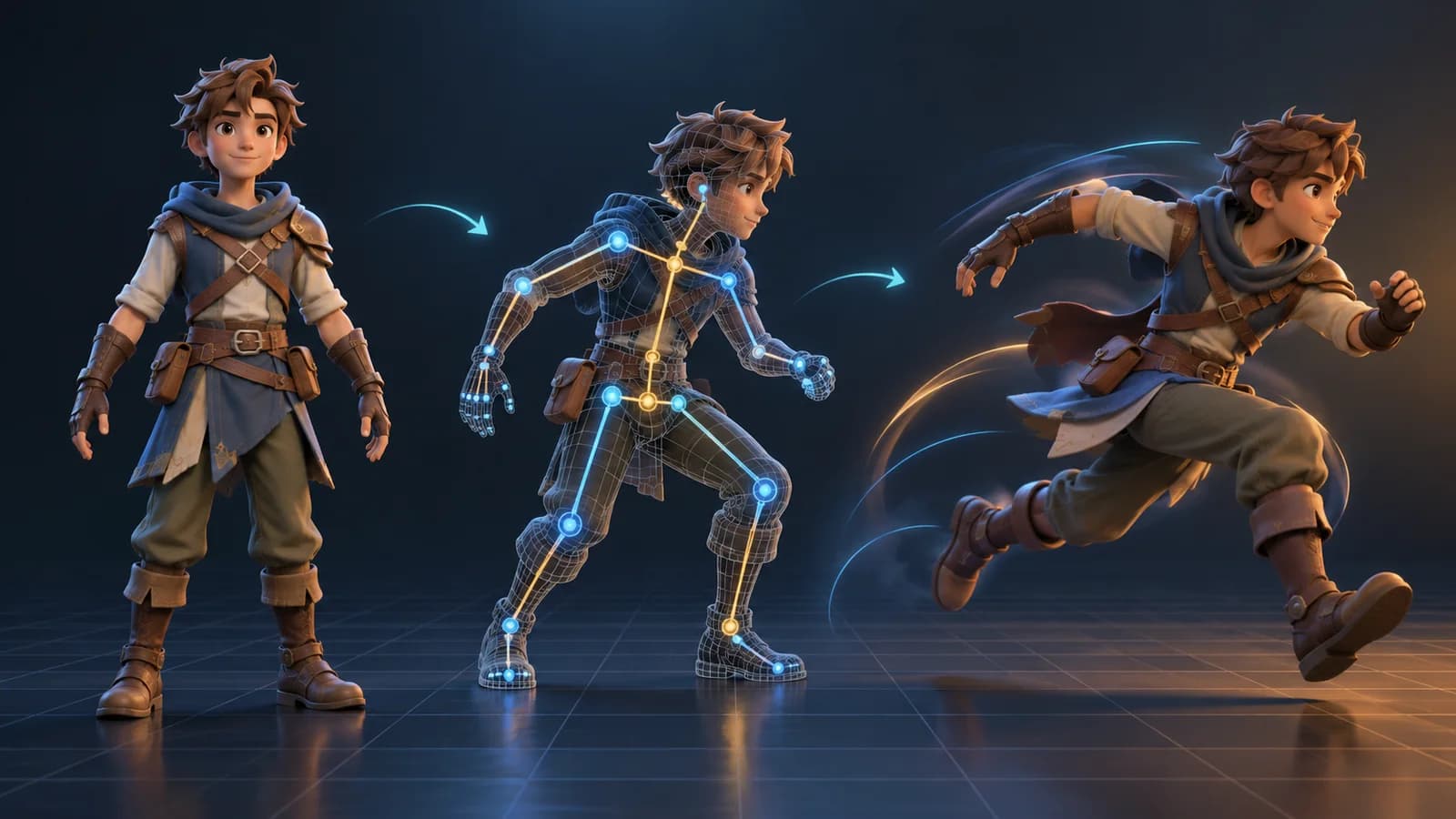
AI 3D Animation Generator: Animate an Existing 3D Model
Learn how an AI 3D animation generator can add motion to a riggable model, choose a suitable action, inspect the animated GLB, and export a usable result.
ToolsTutorials
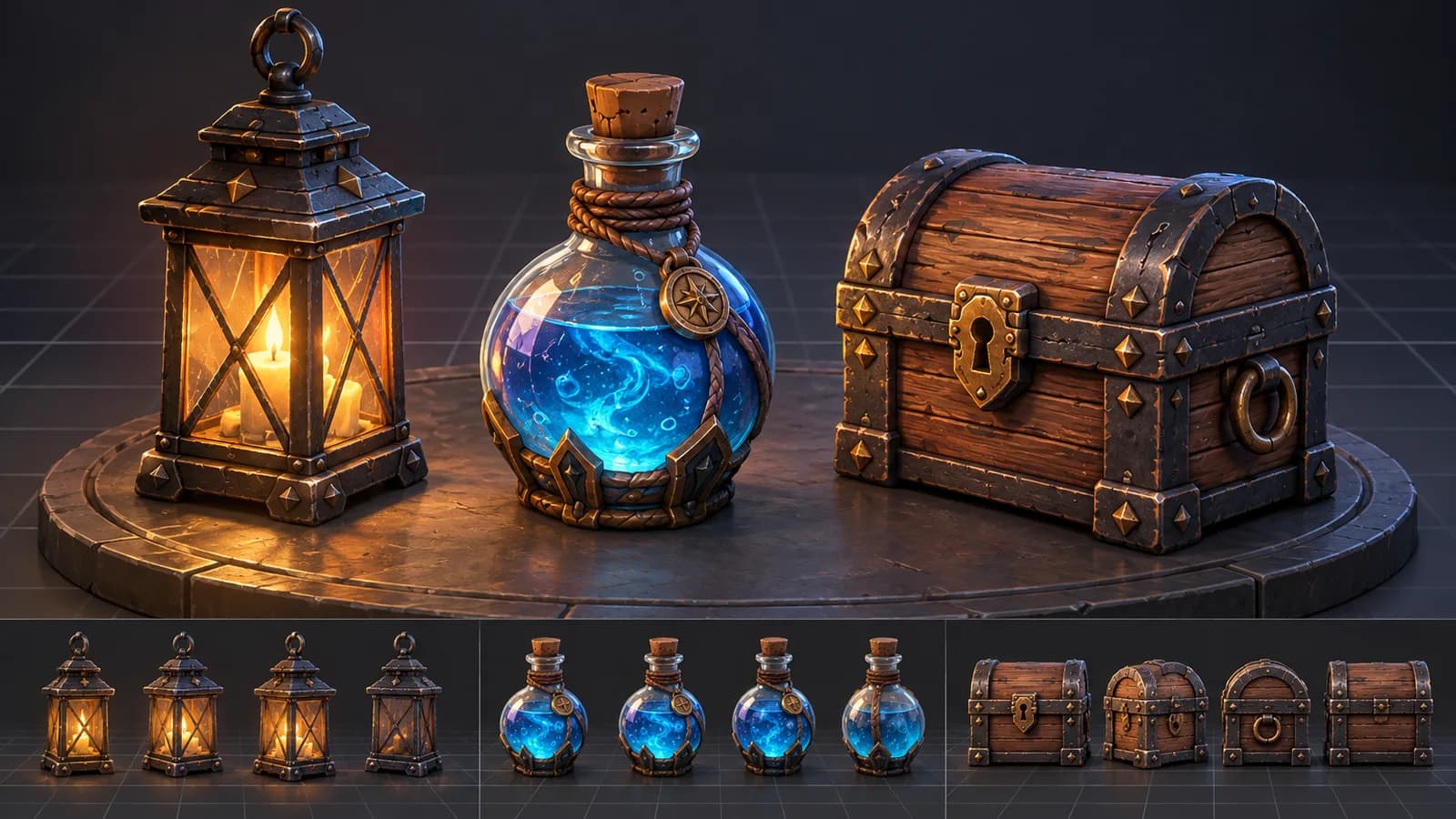
AI 3D Game Props Generator: From Concept to Reusable Asset
A practical guide to using an AI 3D game props generator for readable silhouettes, consistent asset styles, useful prompts, and engine-ready review.
ToolsTutorials
AI 3D Models for AR and the Web: A Practical Readiness Checklist
Learn how to review an AI-generated 3D model for web and AR use, including file size, materials, scale, orientation, mobile performance, and viewer testing.
Newsletter
Join the community
Subscribe to our newsletter for the latest news and updates