2026/09/07
3D Text Generator: Make 3D Text Online from a Prompt
Learn what a 3D text generator can create, how to write a clear prompt, and how to turn a text concept into a reusable 3D model for renders, games, and print preparation.
3D Text Generator: Make 3D Text Online from a Prompt
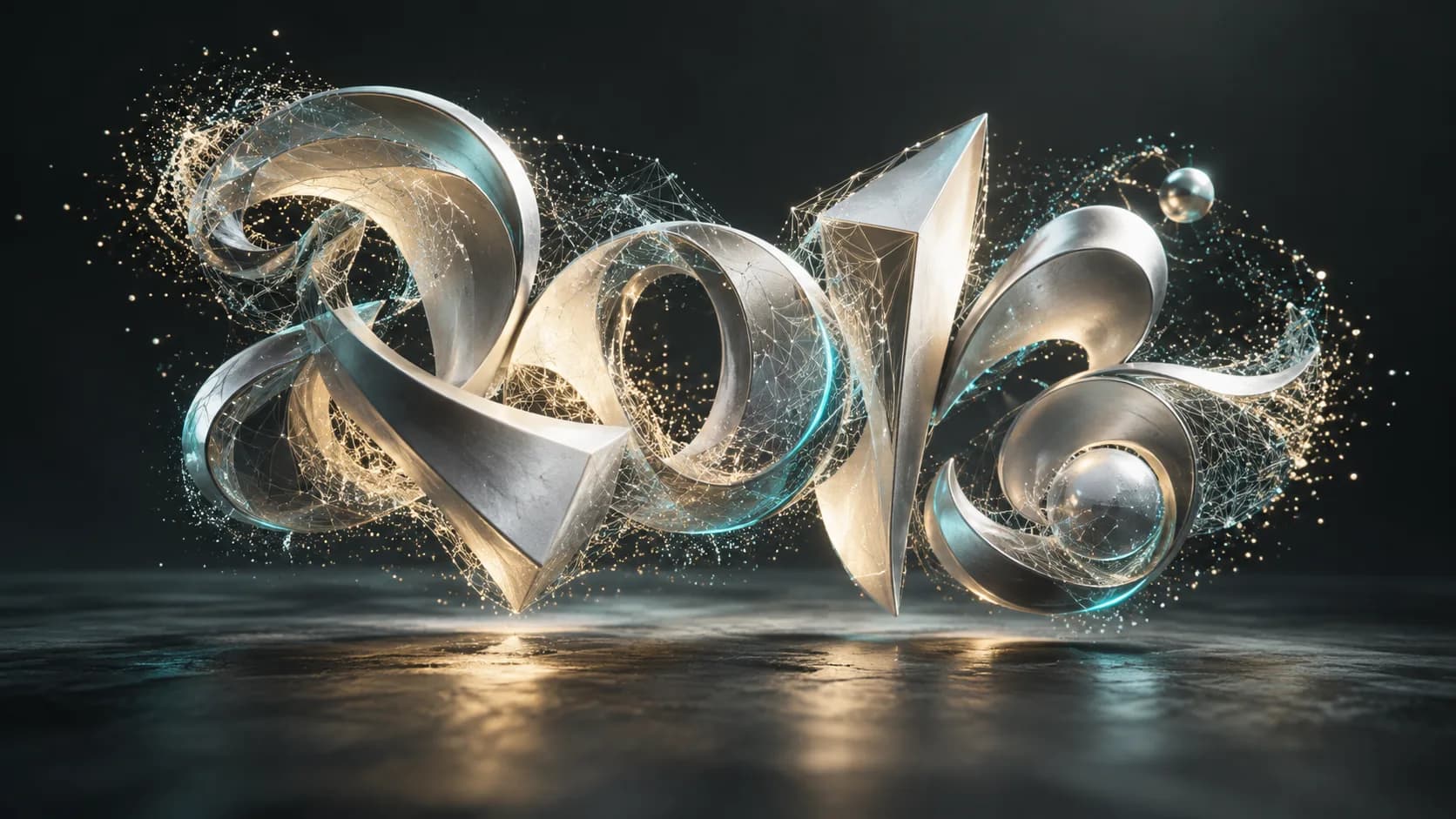
A 3D text generator turns a written description into dimensional lettering you can inspect, refine, and export as a 3D model. It is useful when a flat text effect is not enough: a game title, product badge, sign concept, or animated scene needs real depth, bevels, materials, and lighting.
The reliable workflow is simple: describe the words, letter style, depth, material, and intended use; generate a model; then check the result before exporting. Magic3D's Text to 3D generator is built for this early concept-to-model step.
What a 3D text maker should produce
An online 3D text maker should give you geometry rather than a one-time raster image. Geometry lets you rotate the lettering, test it in a scene, make a render, or prepare it for later cleanup. A useful result has four visible decisions:
- The exact words and spelling
- Letter form: bold, rounded, serif, script, block, or custom
- Depth and edge treatment: extrusion, bevel, inset, or cutout
- Surface intent: polished chrome, matte plastic, stone, painted metal, and so on
For a quick concept, start with one short word. Long phrases add more opportunities for letters to merge, tilt, or lose readability.
Write a prompt for a 3D text generator
Use a prompt with a clear hierarchy. Put the wording first, then define the type style, geometry, material, and scene. For example:
The word “ORBIT” in thick rounded sans-serif letters, deep extrusion, small bevel, pearl-white plastic, centered as a clean 3D model, isolated background.
If the wording is important, generate a few candidates and inspect each letter. Generative 3D tools can be strong at shape and material, but exact typography may need an edit pass in Blender or another modeling tool.
A practical 3D text workflow
- Open Text to 3D and enter a short, specific prompt.
- Mention depth and material instead of relying on “cool” or “modern.”
- Generate the model, rotate it, and inspect the front, sides, and back.
- Regenerate if letters touch, counters close up, or the word is misspelled.
- Export a working format such as GLB for previews, web scenes, and further editing.
3D text versus a 3D text PNG generator
A 3D text PNG generator creates a 2D image that looks dimensional. It is fast for a social post or a thumbnail, but you cannot rotate the letters or use them as a mesh. A 3D text generator creates a model, which is the better choice for interactive web scenes, game assets, AR, animation, and prototype signage.
| Need | Better output |
|---|---|
| Poster, banner, meme, or thumbnail | 3D-looking PNG |
| Turntable render or motion graphic | 3D model |
| Game or web scene | 3D model, usually GLB |
| Printable sign | 3D model, then validate and export STL |
Common problems and fixes
The word is wrong. Keep the word short, spell it in quotation marks, and generate alternatives. For a brand name or legally exact copy, treat generation as a concept rather than final typography.
Letters melt together. Ask for “separate readable letters,” add spacing, reduce ornate flourishes, and use a thicker font.
The model is too shallow. Specify an extrusion depth and a beveled front edge. Describe the desired viewing angle if the title is meant for a particular camera.
The result is decorative but unusable. Remove background objects from the prompt and ask for an isolated, centered model.
FAQ
Is there a free 3D text generator?
Many AI 3D tools offer free trial credits or limited generations. Check the export terms and the included formats before planning a production workflow. Magic3D lets you begin with Text to 3D and review the model before deciding how to use it.
Can I make 3D text for a website?
Yes. Export a web-friendly 3D format such as GLB, optimize the polygon count and texture size, and test loading on mobile devices. A clean, compact 3D text model usually performs better than a highly detailed one.
Can a 3D text generator make printable text?
It can create the starting mesh. Before printing, verify manifold geometry, wall thickness, letter spacing, size, and supports. See 3D text for 3D printing for the print-specific checks.
Create a 3D text concept
Start with one word, a type direction, and a material. Generate it in Magic3D, then use the model as the base for a render, scene, or refinement workflow.
3D Text Generator: Make 3D Text Online from a PromptWhat a 3D text maker should produceWrite a prompt for a 3D text generatorA practical 3D text workflow3D text versus a 3D text PNG generatorCommon problems and fixesFAQIs there a free 3D text generator?Can I make 3D text for a website?Can a 3D text generator make printable text?Create a 3D text concept
More Posts
ToolsTutorials
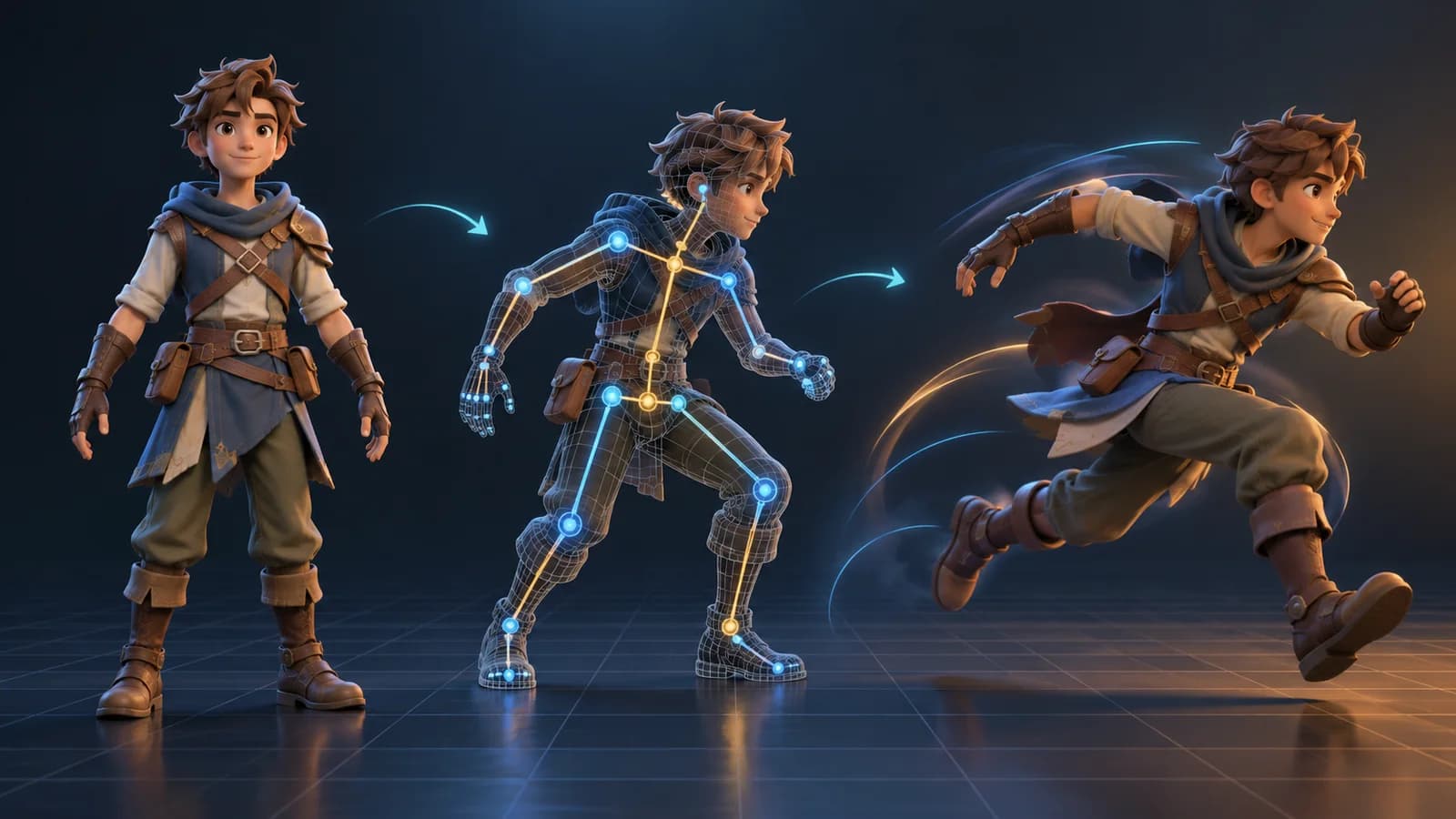
AI 3D Animation Generator: Animate an Existing 3D Model
Learn how an AI 3D animation generator can add motion to a riggable model, choose a suitable action, inspect the animated GLB, and export a usable result.
ToolsTutorials
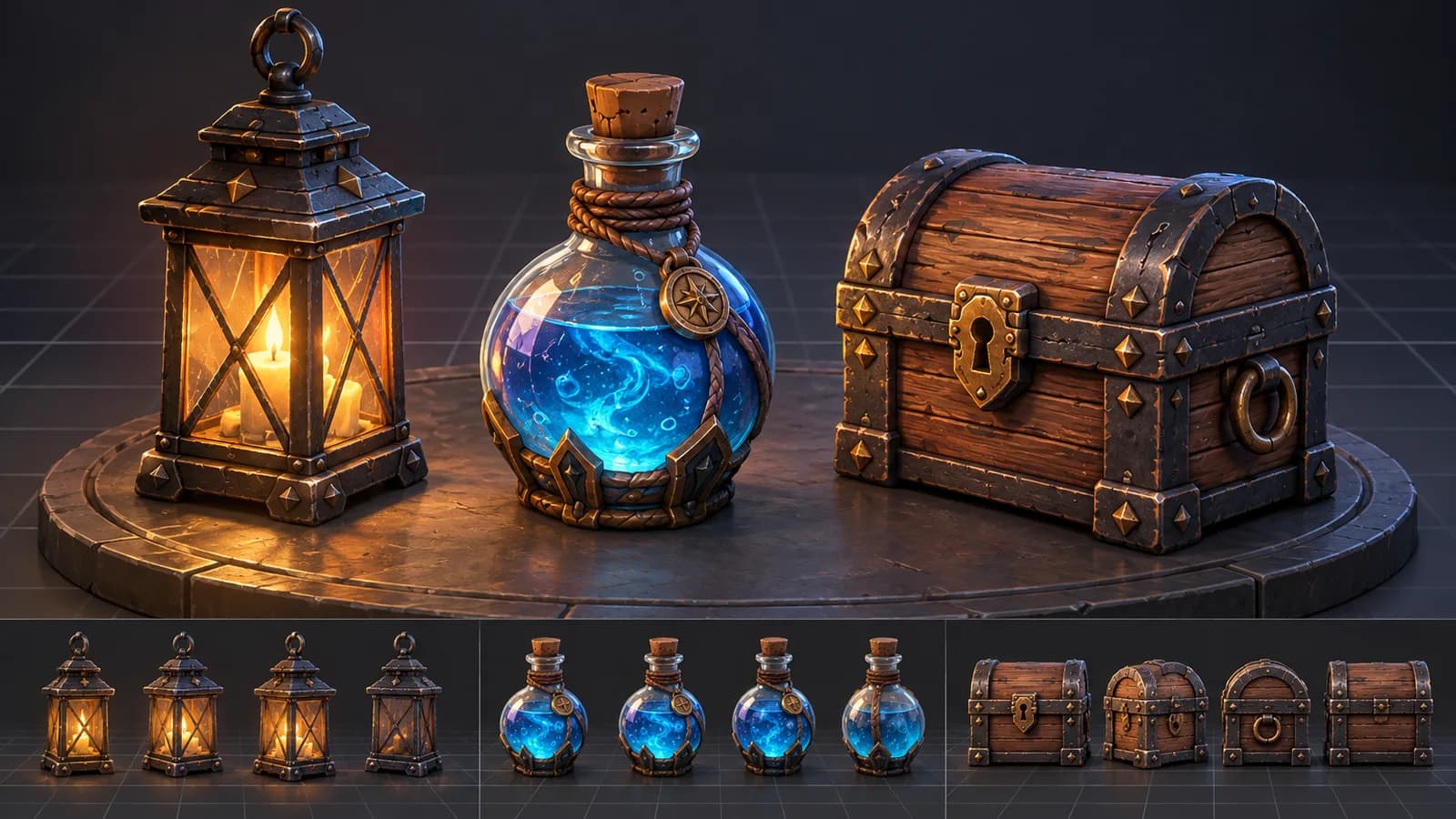
AI 3D Game Props Generator: From Concept to Reusable Asset
A practical guide to using an AI 3D game props generator for readable silhouettes, consistent asset styles, useful prompts, and engine-ready review.
ToolsTutorials
AI 3D Models for AR and the Web: A Practical Readiness Checklist
Learn how to review an AI-generated 3D model for web and AR use, including file size, materials, scale, orientation, mobile performance, and viewer testing.
Newsletter
Join the community
Subscribe to our newsletter for the latest news and updates