2026/09/07
Make a 3D Sculpture from a Photo: A Practical Image-to-3D Workflow
Turn a photo into a 3D sculpture concept with better reference images, realistic expectations, and essential checks for figures, busts, and printable keepsakes.
Make a 3D Sculpture from a Photo: A Practical Image-to-3D Workflow
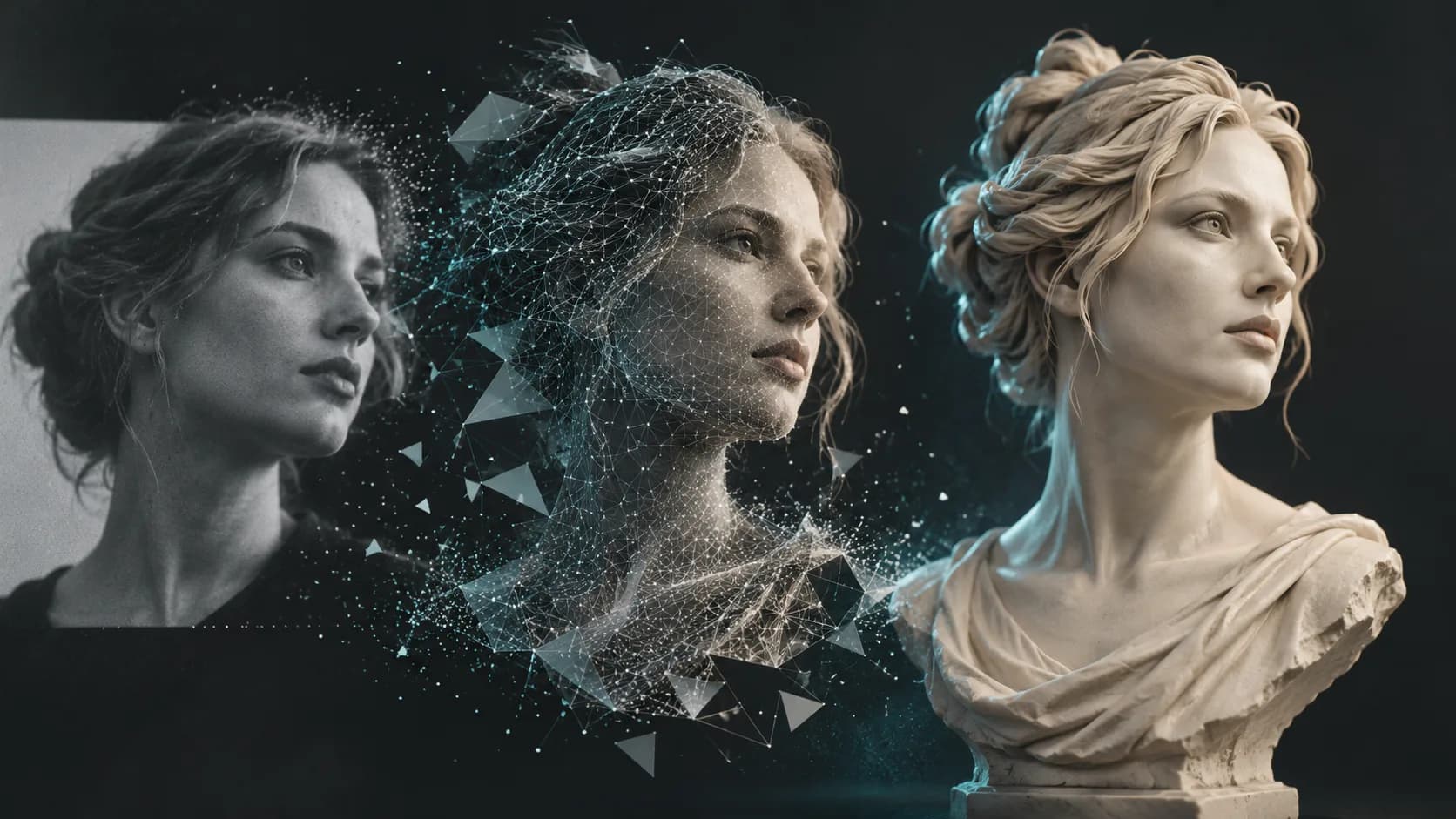
To make a 3D sculpture from a photo, start with a clear, well-lit reference and use the result as a concept that needs review. A single image shows one side of a person or object; the generator must infer hidden surfaces, so likeness, hairstyle, hands, and the back of a figure require careful inspection.
This workflow works well for a commemorative bust concept, a stylized character reference, or an early printable keepsake. It is not a guarantee of an exact scan or a production-ready portrait from one image.
Choose a strong reference photo
For a person-to-figure or 3D face model workflow, select an image with a visible face, even lighting, sharp focus, and minimal obstructions. Sunglasses, heavy shadows, hands covering the face, and extreme wide-angle distortion create ambiguity.
Better references have:
- A front or three-quarter view
- Neutral, even lighting
- Clear separation between hair, face, and background
- Natural proportions rather than a beauty filter or extreme lens
- Permission from the person shown
Create the first 3D sculpture concept
- Open Image to 3D.
- Upload a reference image you have the right to use.
- State whether the goal is a realistic bust, stylized figurine, or low-poly figure.
- Generate the model, then rotate it to inspect facial features and silhouette.
- Export a working model only after checking visible artifacts.
Realistic versus stylized figures
A realistic portrait demands accurate proportions, fine facial detail, and an informed reconstruction of hidden areas. A stylized sculpture is often more forgiving because it intentionally simplifies features, hair, and clothing. State the desired direction before generating: “clean stylized clay bust” creates a different expectation from “photoreal full-body figurine.”
For a low-poly character, make the style an explicit part of the prompt. Low poly is not simply a lower-quality version of a realistic mesh; it is a deliberate geometric aesthetic with simple planes and controlled silhouette.
Prepare a photo-based model for printing
Before printing a photo-to-sculpture model, verify that it has a stable base, connected thin parts, appropriate wall thickness, and a scale that preserves facial features. A small bust may need simplified hair strands and a thicker neck than the visual concept suggests.
Use an STL export for most print workflows, then examine it in your slicer. See the AI STL generator guide for export and print checks.
Can I turn myself into a 3D figure from one photo?
You can create a concept figure, but a single photo leaves the back and hidden areas unknown. Use the result as a starting point and inspect it closely before printing or publishing it.
Is it okay to make a 3D model of another person?
Only use photos you own or have permission to use. Be especially careful with children, private images, public figures, and commercial projects.
What photo makes the best 3D face model?
A sharp, evenly lit front or three-quarter portrait with an unobstructed face. Additional views are helpful for manual refinement even if the first generation uses one image.
Create the concept in Magic3D, then validate likeness, consent, and printability before treating it as finished.
Make a 3D Sculpture from a Photo: A Practical Image-to-3D WorkflowChoose a strong reference photoCreate the first 3D sculpture conceptRealistic versus stylized figuresPrepare a photo-based model for printingCan I turn myself into a 3D figure from one photo?Is it okay to make a 3D model of another person?What photo makes the best 3D face model?
More Posts
ToolsTutorials
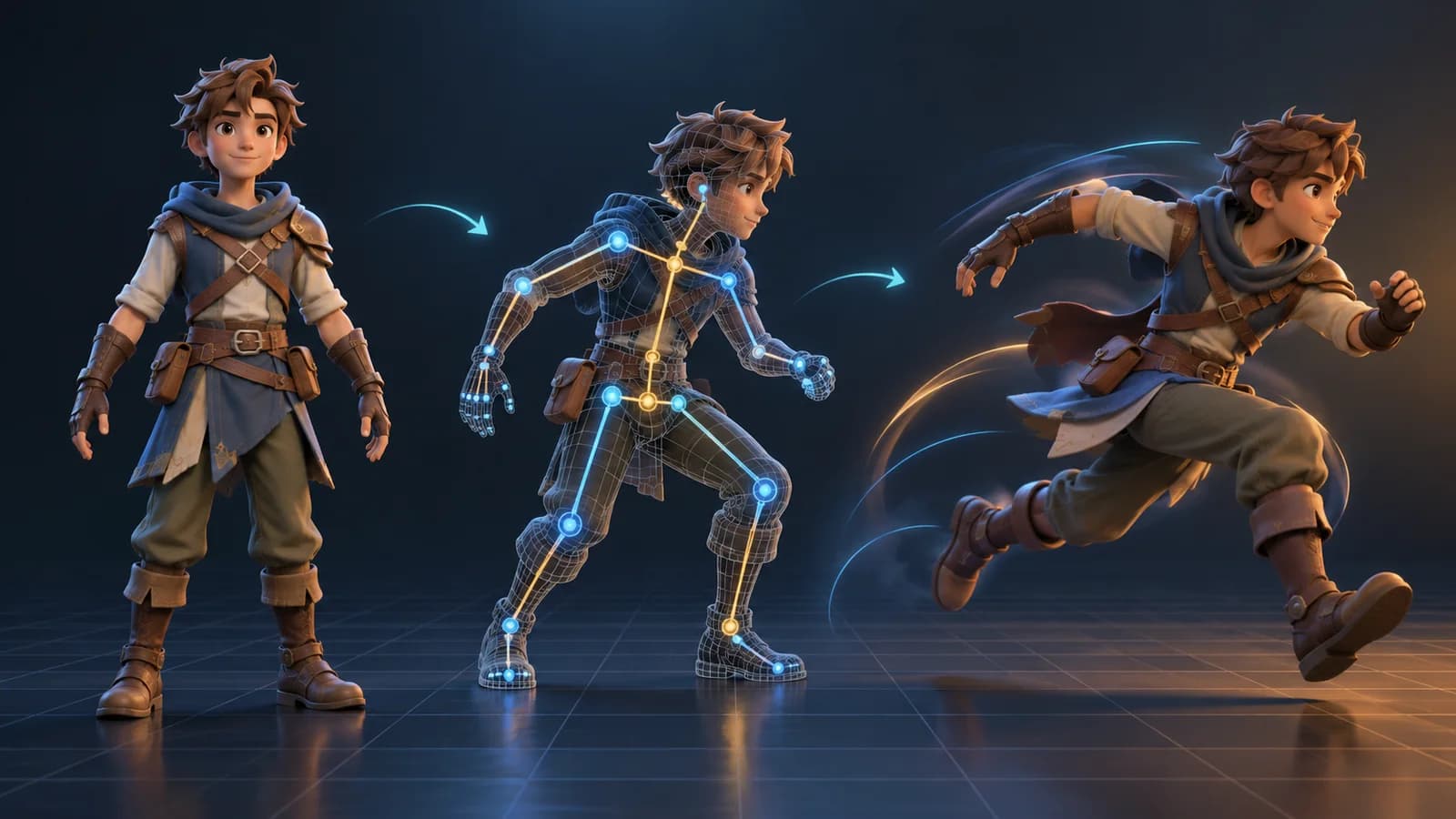
AI 3D Animation Generator: Animate an Existing 3D Model
Learn how an AI 3D animation generator can add motion to a riggable model, choose a suitable action, inspect the animated GLB, and export a usable result.
ToolsTutorials
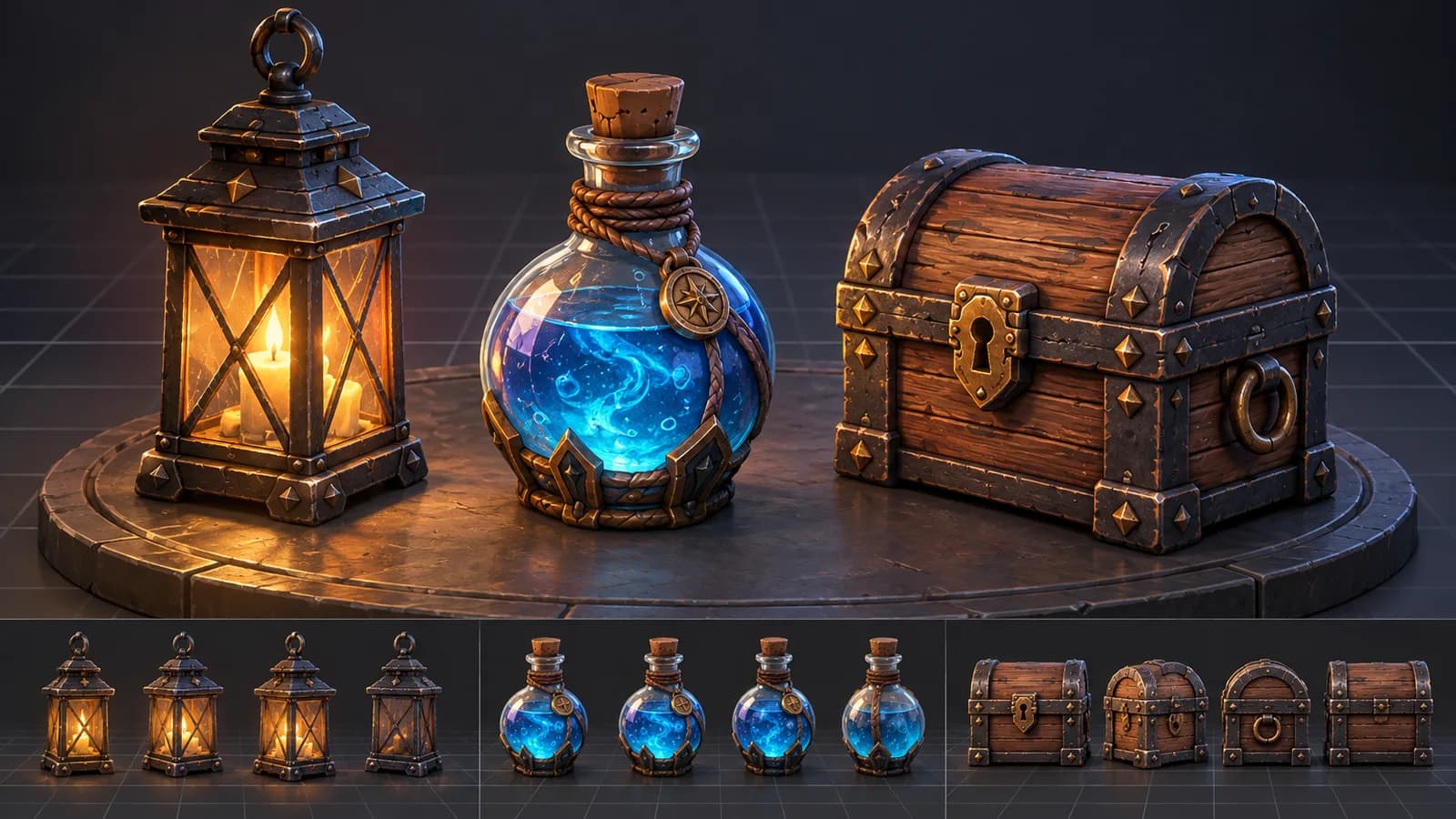
AI 3D Game Props Generator: From Concept to Reusable Asset
A practical guide to using an AI 3D game props generator for readable silhouettes, consistent asset styles, useful prompts, and engine-ready review.
ToolsTutorials
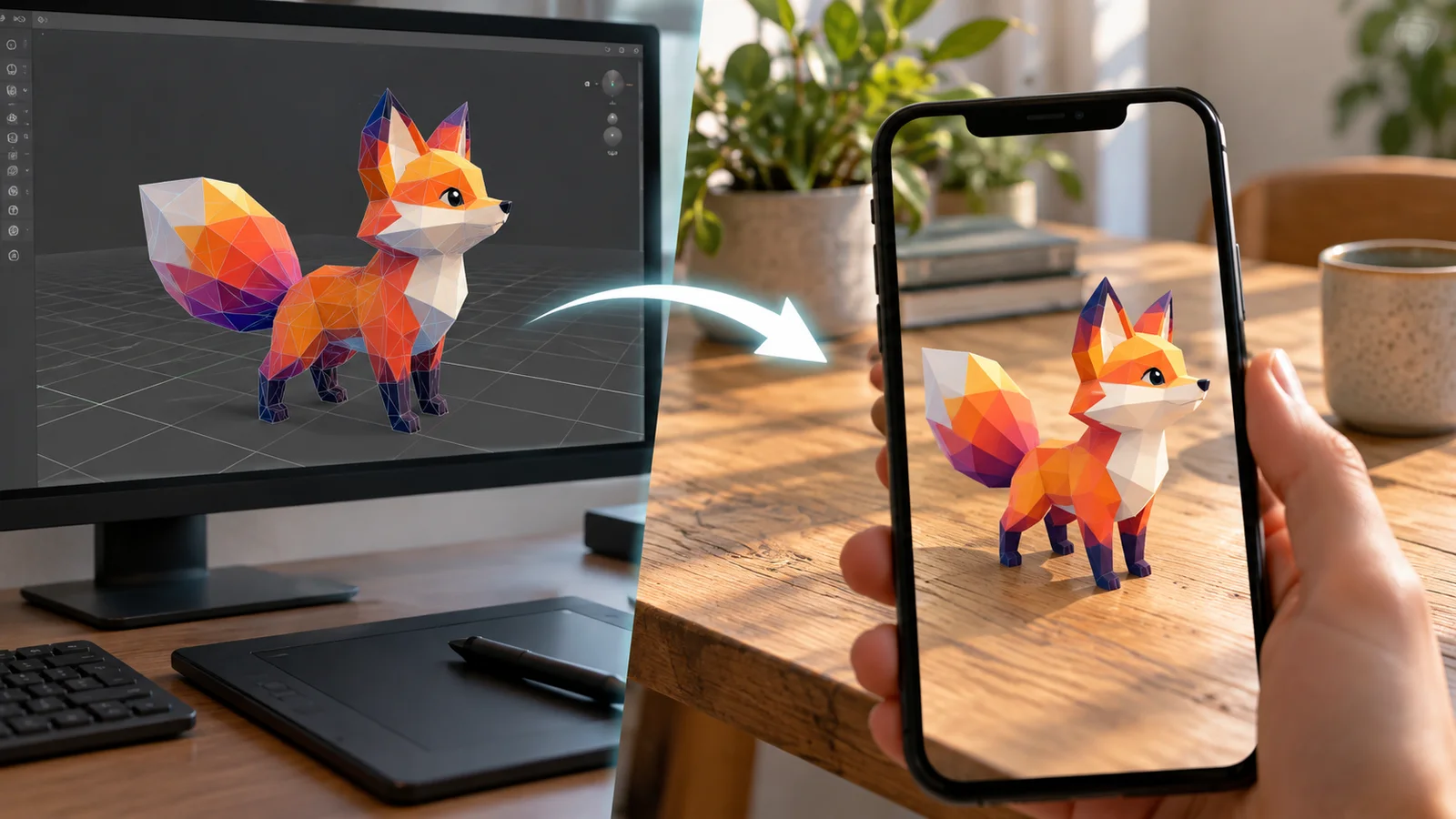
AI 3D Models for AR and the Web: A Practical Readiness Checklist
Learn how to review an AI-generated 3D model for web and AR use, including file size, materials, scale, orientation, mobile performance, and viewer testing.
Newsletter
Join the community
Subscribe to our newsletter for the latest news and updates