2026/10/22
Text to Video AI Prompt Guide: Describe a Clear Moving Shot
Learn a simple text-to-video AI prompt structure for subject, action, camera, setting, and lighting, with examples for generating more controllable short clips.
Text to Video AI Prompt Guide: Describe a Clear Moving Shot
A useful text-to-video AI prompt describes a shot that can happen over a few seconds. It names the subject, gives it one visible action, sets the camera movement, and establishes the scene and lighting. This structure gives the video generator a clear sequence to interpret instead of a list of disconnected visual adjectives.
A five-part prompt formula
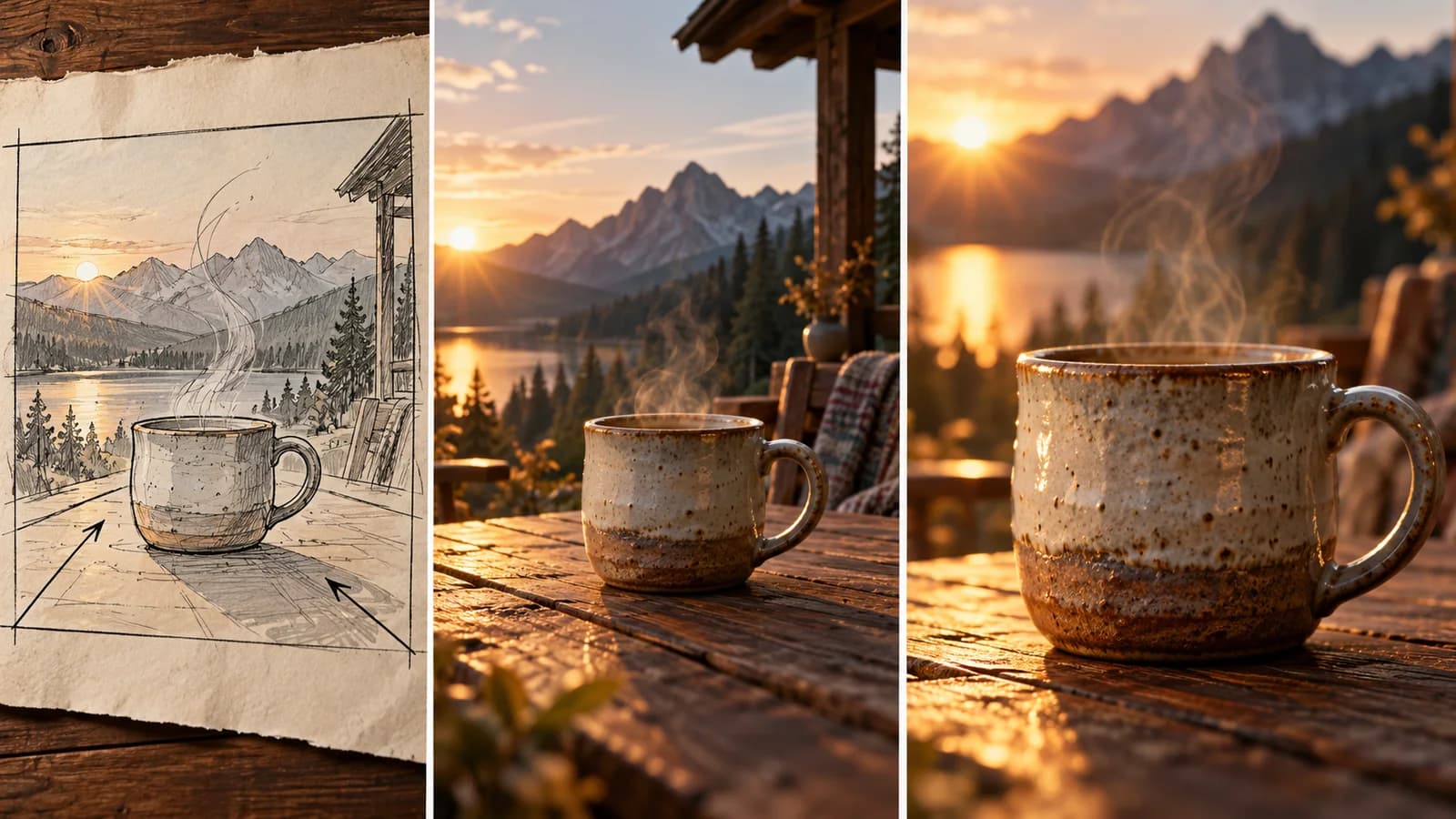
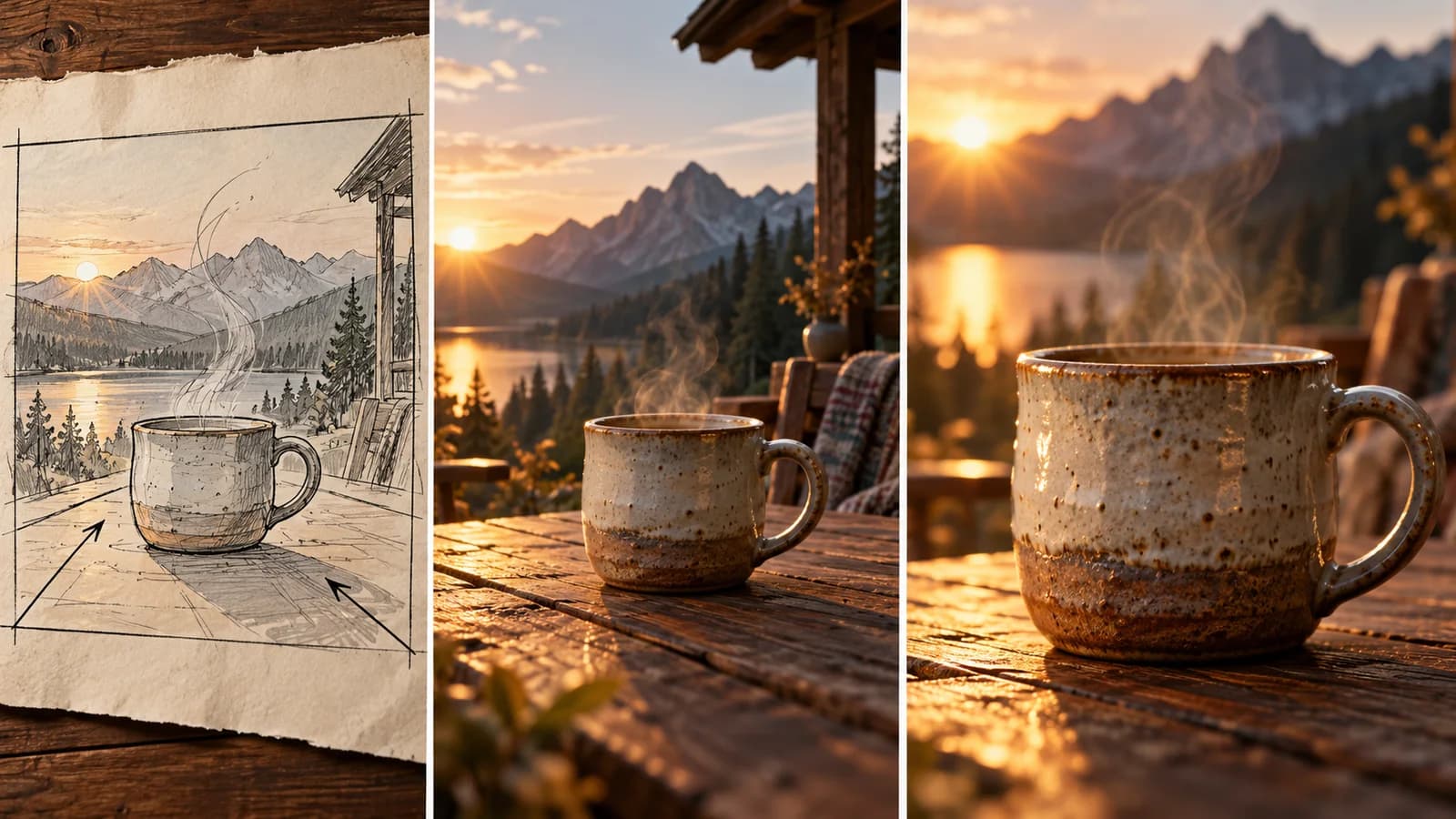
Build a prompt from these parts: subject + action + camera + setting + light. For example: “A handmade blue ceramic cup rotates slowly on a wooden table; a gentle camera push-in; warm morning window light; quiet studio kitchen.” The subject and action explain what viewers see; camera and light establish the shot.
Avoid asking for many scene changes in a short clip. A single continuous shot is easier to assess than a character entering, picking something up, speaking, and leaving in a few seconds. If you need more beats, generate separate clips and edit them together.
Prompting workflow for AI video
- Open the AI video generator and choose text-to-video.
- Write one sentence using the five-part formula.
- Generate a short draft, then note the specific issue: wrong camera direction, weak action, or inconsistent object details.
- Change only the part related to that issue and generate another version.
- Review the first, middle, and final frames before exporting the clip.
Use concrete verbs and camera language
“The camera slowly pushes in” gives a more direct instruction than “make it cinematic.” “The paper lantern sways gently in the breeze” names an observable action. Add pace words such as slowly, steadily, or sharply when timing matters. Keep the setting concise so it does not compete with the main action.
Video generation is probabilistic: the same text may produce different takes, and fine text or product marks may drift. Treat prompts as a way to guide a shot, not as a guarantee of exact frame-by-frame control. Save the best variation and review it at full size before publishing.
How long should a text-to-video prompt be?
Long enough to define the subject, action, camera, setting, and light, but short enough to describe one coherent shot. Remove details that do not affect the result.
Should I use text-to-video or image-to-video?
Use text-to-video to explore a new scene. Use image-to-video when a specific image, composition, or product appearance should guide the clip.
Try a prompt in the AI video generator, or start with a still image from the AI image generator.
More Posts
ToolsTutorials
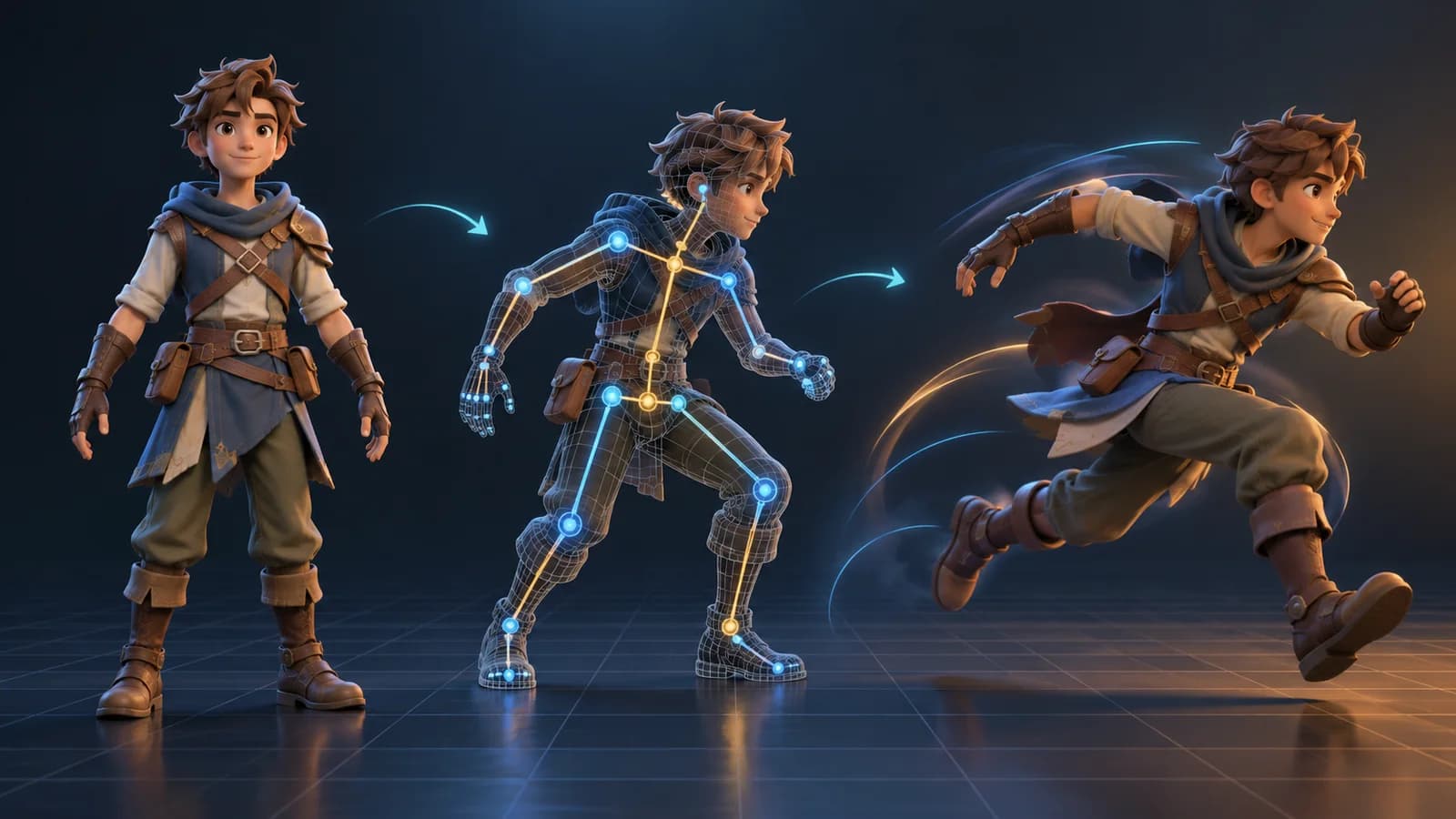
AI 3D Animation Generator: Animate an Existing 3D Model
Learn how an AI 3D animation generator can add motion to a riggable model, choose a suitable action, inspect the animated GLB, and export a usable result.

ToolsTutorials
AI 3D Game Props Generator: From Concept to Reusable Asset
A practical guide to using an AI 3D game props generator for readable silhouettes, consistent asset styles, useful prompts, and engine-ready review.
ToolsTutorials
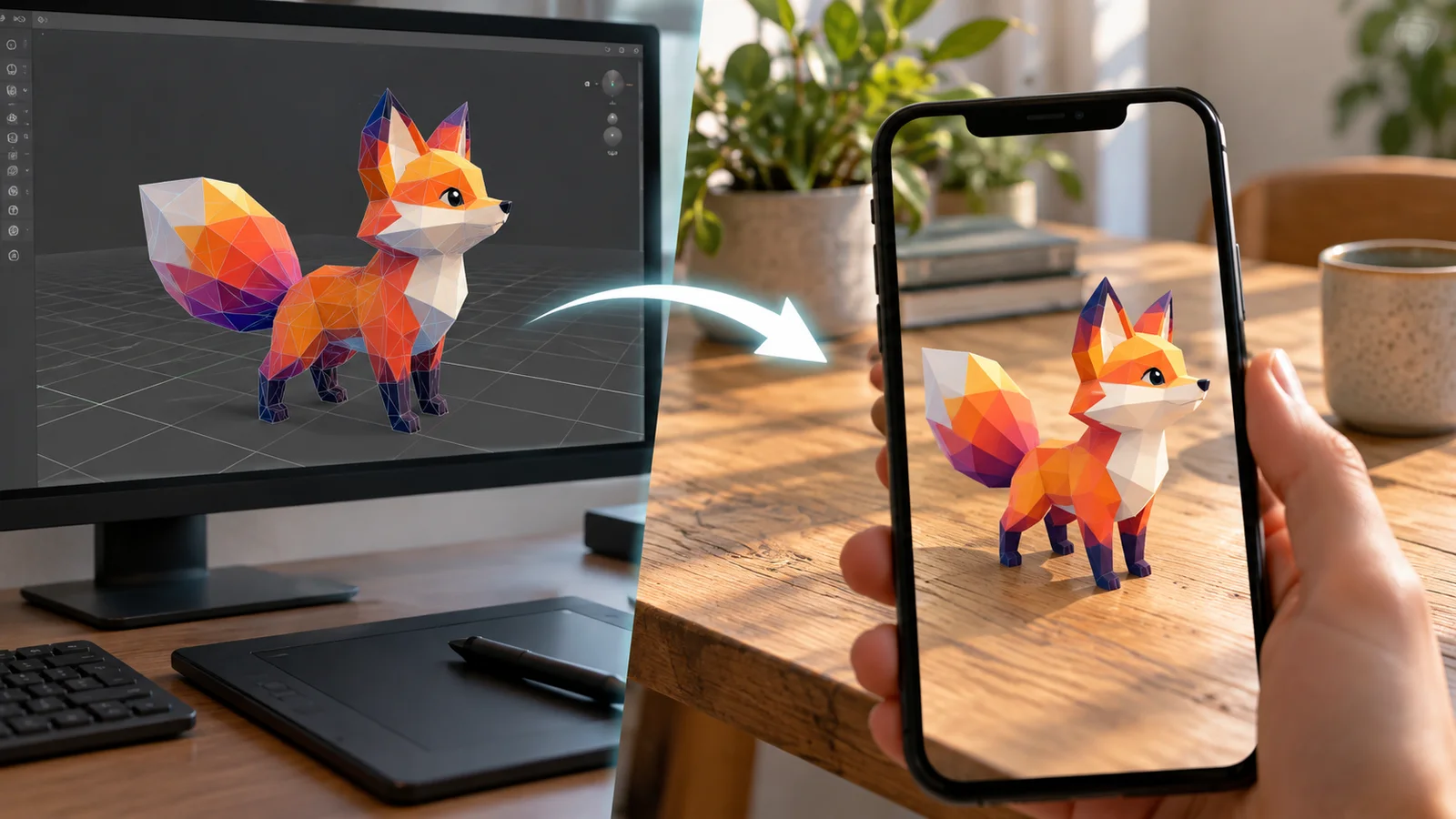
AI 3D Models for AR and the Web: A Practical Readiness Checklist
Learn how to review an AI-generated 3D model for web and AR use, including file size, materials, scale, orientation, mobile performance, and viewer testing.
Newsletter
Join the community
Subscribe to our newsletter for the latest news and updates