
2026/10/22
AI Background Removal for Product Photos: A Clean Workflow
Use AI background removal to prepare product photos for catalogs and creative projects, with tips for clean edges, shadows, transparent exports, and detail review.
AI Background Removal for Product Photos: A Clean Workflow
An AI background remover can isolate a product from its setting so you can place it on a clean catalog background, in a campaign layout, or in a creative workflow. The result depends on the source photo: soft edges, transparent materials, reflective surfaces, and motion blur can make separation less accurate.
Choose a source photo that separates cleanly
Use a sharp image with visible boundaries between the product and background. Avoid clipping the product at the image edge. Hair, glass, shiny metal, and thin cords often need closer review than a solid object against a plain wall. If the product casts a useful shadow, decide whether to retain it or add a new one after removal.
Remove and review the background
- Open the image editing tools in Magic 3D Studio and upload a product image you have permission to use.
- Run background removal and inspect the outline at full size, especially around handles, transparent parts, and narrow gaps.
- Compare the cutout against both a light and dark background to spot leftover halos or missing edges.
- Export the isolated image in a format that supports transparency when you need a transparent background.
- Place the cutout into its final layout and check that its scale, shadow, and color still look natural.

Keep product images truthful
Background removal changes the surrounding pixels, but the product itself should remain accurate. Inspect labels, cap edges, color, and shape before using the image in a catalog. Do not let a generated replacement background imply a material, setting, or feature that the product does not have. For large catalogs, keep the original image and establish a consistent background and shadow style for every SKU.
If you plan to animate the product later, use a clean cutout or approved still as the image-to-video reference. Keep the motion restrained and review the label and silhouette across the full clip.
Does an AI background remover preserve transparent objects?
Not perfectly in every case. Glass, clear plastic, and reflections can blend with the background, so zoom in and review the edges before export.
What image format keeps a transparent background?
PNG and WebP can store transparency. Choose a format accepted by your publishing tool and confirm that transparency is retained after export.
Prepare a product image in Magic 3D Studio, then use it as a source for the AI image generator or AI video generator.
More Posts
ToolsTutorials
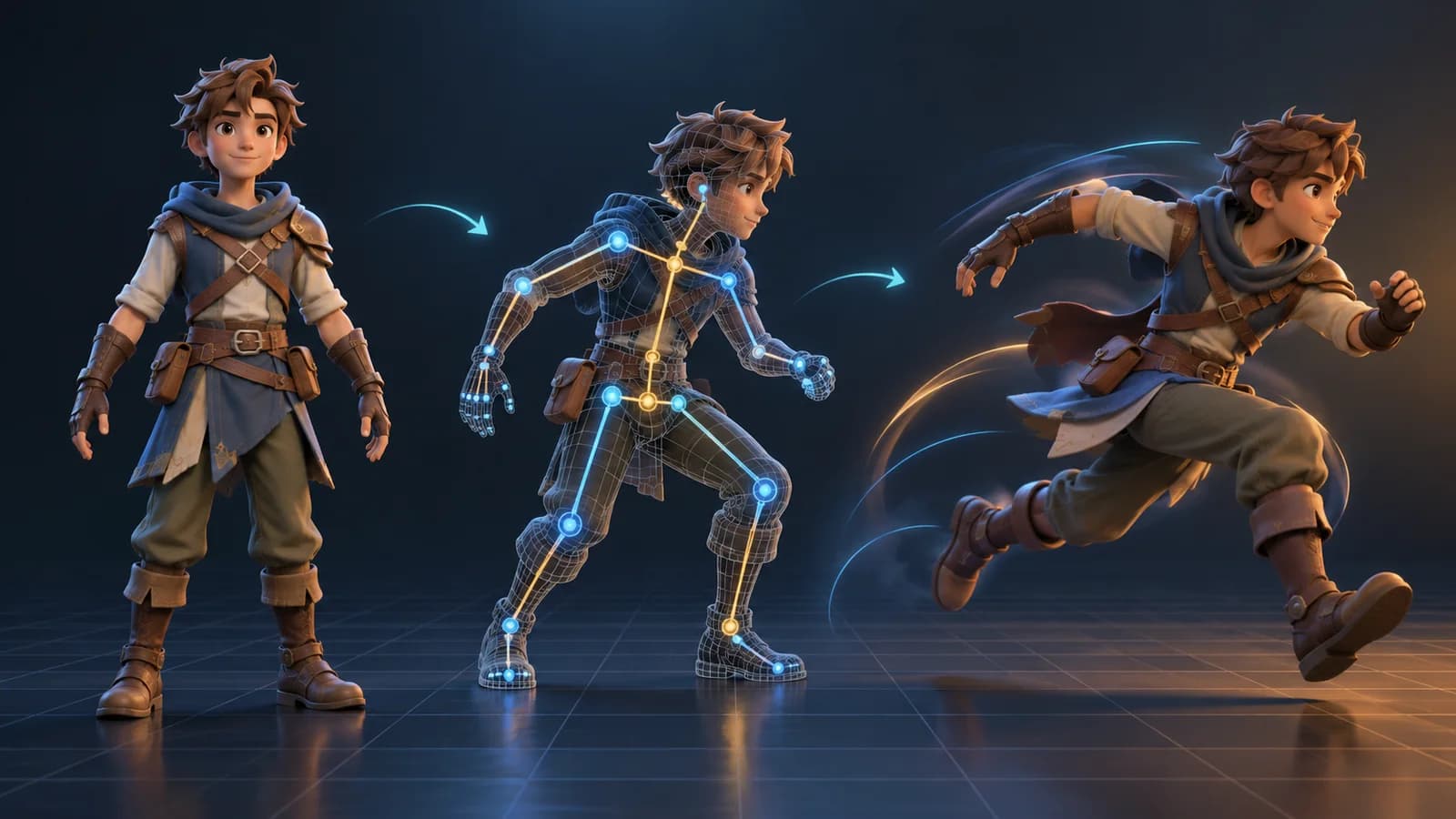
AI 3D Animation Generator: Animate an Existing 3D Model
Learn how an AI 3D animation generator can add motion to a riggable model, choose a suitable action, inspect the animated GLB, and export a usable result.

ToolsTutorials
AI 3D Game Props Generator: From Concept to Reusable Asset
A practical guide to using an AI 3D game props generator for readable silhouettes, consistent asset styles, useful prompts, and engine-ready review.
ToolsTutorials
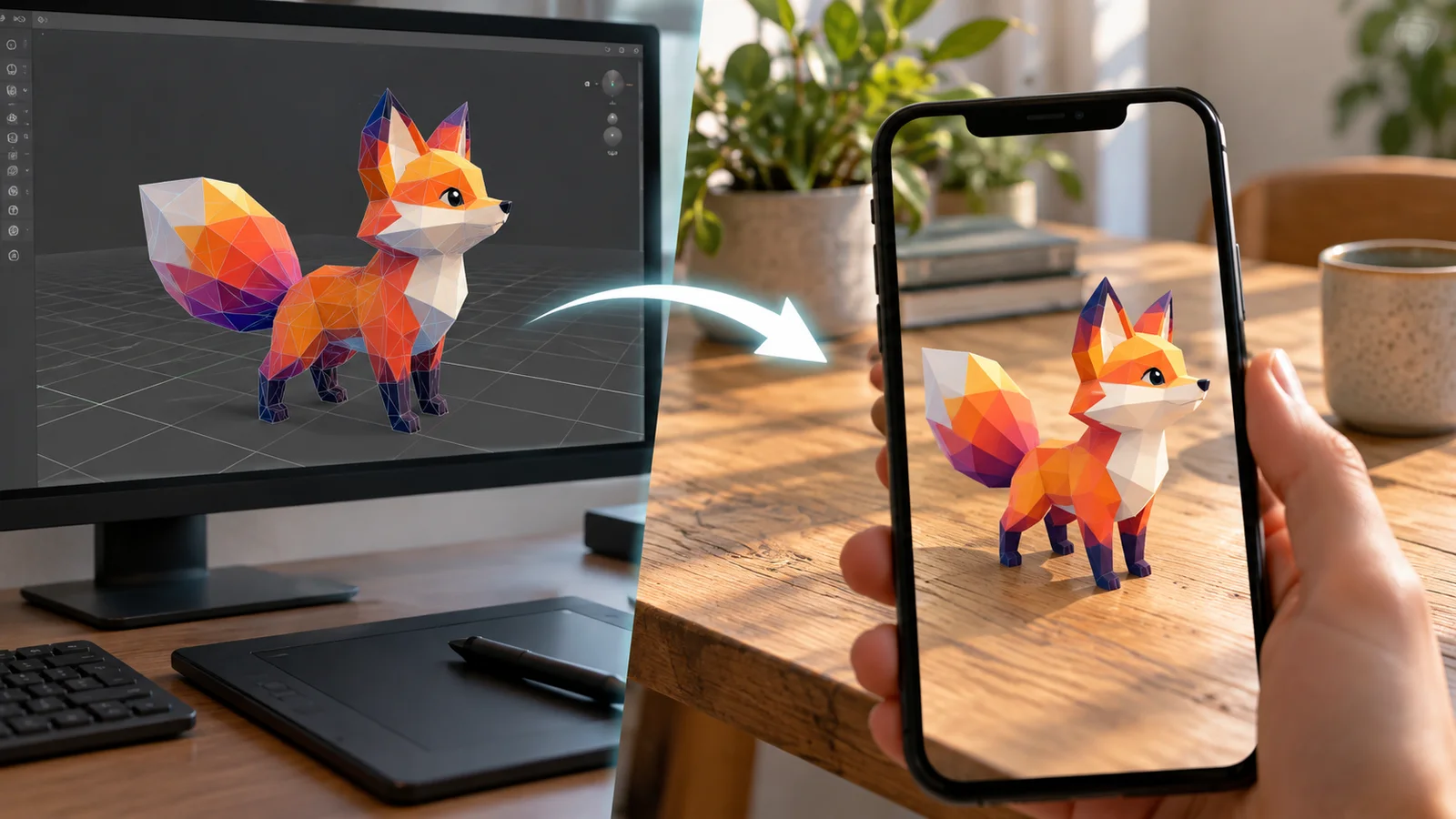
AI 3D Models for AR and the Web: A Practical Readiness Checklist
Learn how to review an AI-generated 3D model for web and AR use, including file size, materials, scale, orientation, mobile performance, and viewer testing.
Newsletter
Join the community
Subscribe to our newsletter for the latest news and updates