2026/10/22
Image to Video AI: Turn a Still Image into a Short Video
A practical image-to-video AI guide for choosing a strong starting image, describing camera movement, keeping motion restrained, and reviewing the generated clip.
Image to Video AI: Turn a Still Image into a Short Video
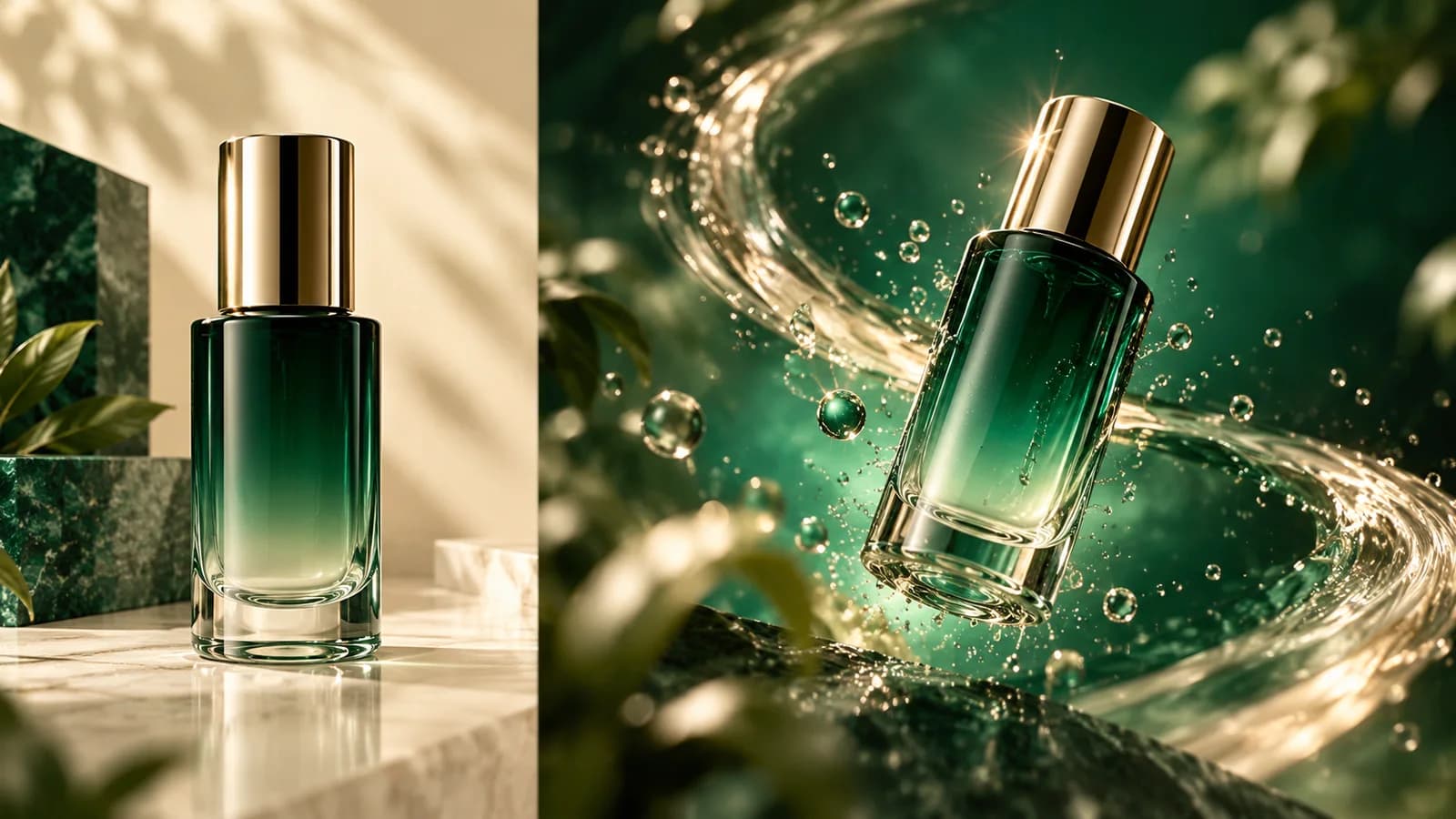
An image-to-video AI tool uses a still image as a visual starting point, then generates motion around it. This can be useful when you already have a product photo, illustration, or scene concept and want a short animated variation. The result is a generated clip, so it should be reviewed for changes to details that matter, such as labels, faces, or object shape.
Choose an image with room for motion
Use a sharp image with a clear subject, uncluttered edges, and lighting that supports the movement you plan to request. A centered product on a simple background is easier to animate than a busy collage. Leave some space around the subject if you want a camera push, orbit, or small object movement. Strong blur, tiny text, and overlapping objects can become less stable in video.
A repeatable photo-to-video workflow
- Open the AI video generator in Studio and choose image-to-video mode.
- Upload the frame you want to use as the visual reference.
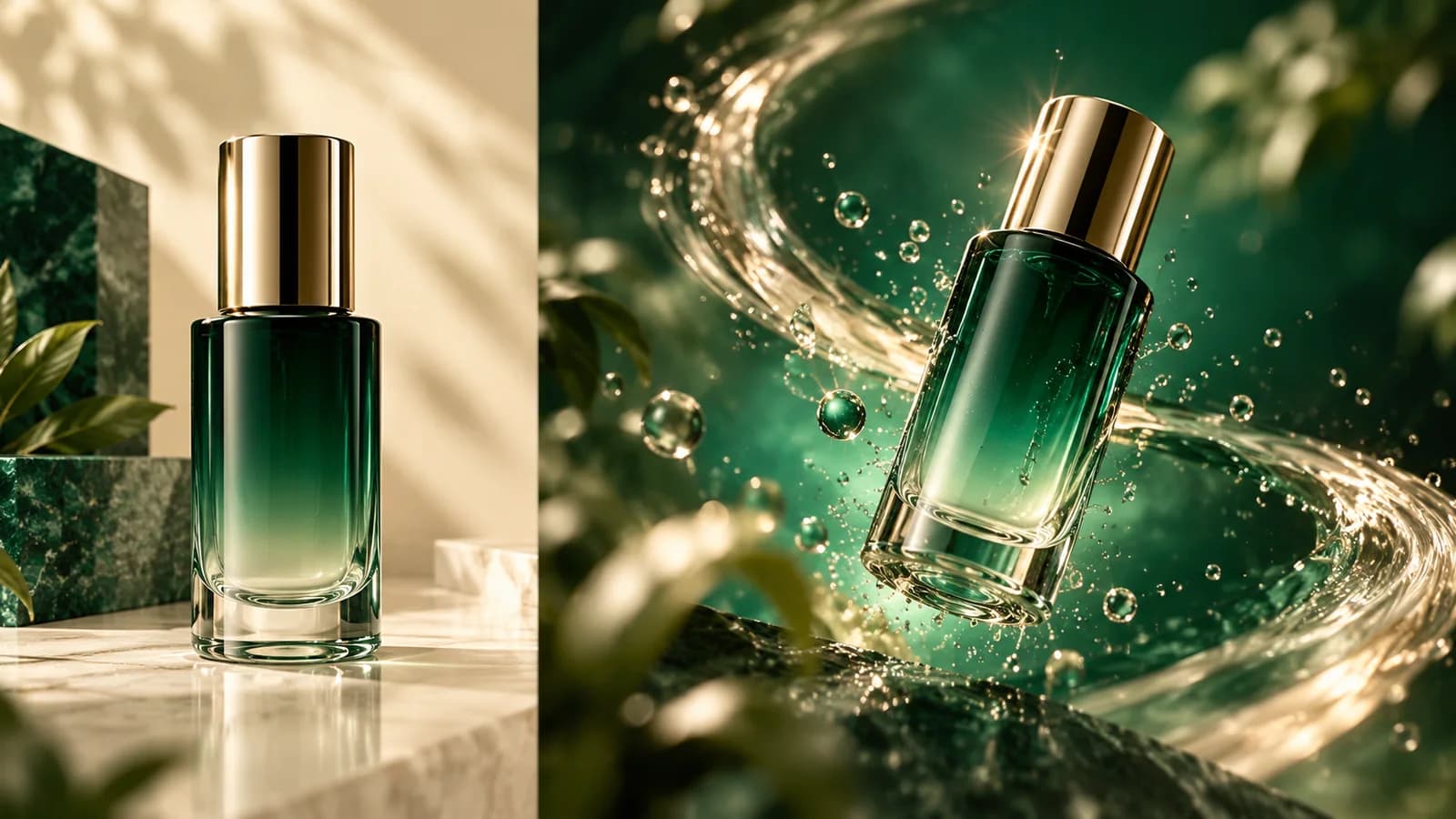
- Describe only the motion: for example, “slow camera push toward the bottle, soft highlights travel across the glass, background remains still.”
- Generate a short preview and check whether the subject stays recognizable through the whole clip.
- Refine one variable at a time, then export the version that fits your social post, landing page, or presentation.
Describe movement, not the whole picture again
The image already tells the model what the scene looks like. Use the prompt to say what changes over time: camera direction, subject action, speed, and what should remain steady. “A gentle orbit from left to right; keep the bottle label and silhouette unchanged” is more actionable than repeating the object's color and setting.
Short, restrained movement is often easier to control than several simultaneous actions. For product clips, check that packaging, logos, and small text remain accurate. If exact product details are essential, use the generated clip as a concept and compare it against the original before publishing.
What image works best for AI image-to-video?
A well-lit, sharp image with a distinct subject and simple composition gives the motion model clearer visual information. Use a frame where the intended movement has enough room.
Can image-to-video preserve every detail exactly?
Not always. Generated video can alter fine details between frames. Review the entire clip and avoid relying on it for exact text, packaging, or technical claims.
Create a source frame with the AI image generator, then animate it in the AI video generator.
More Posts
ToolsTutorials
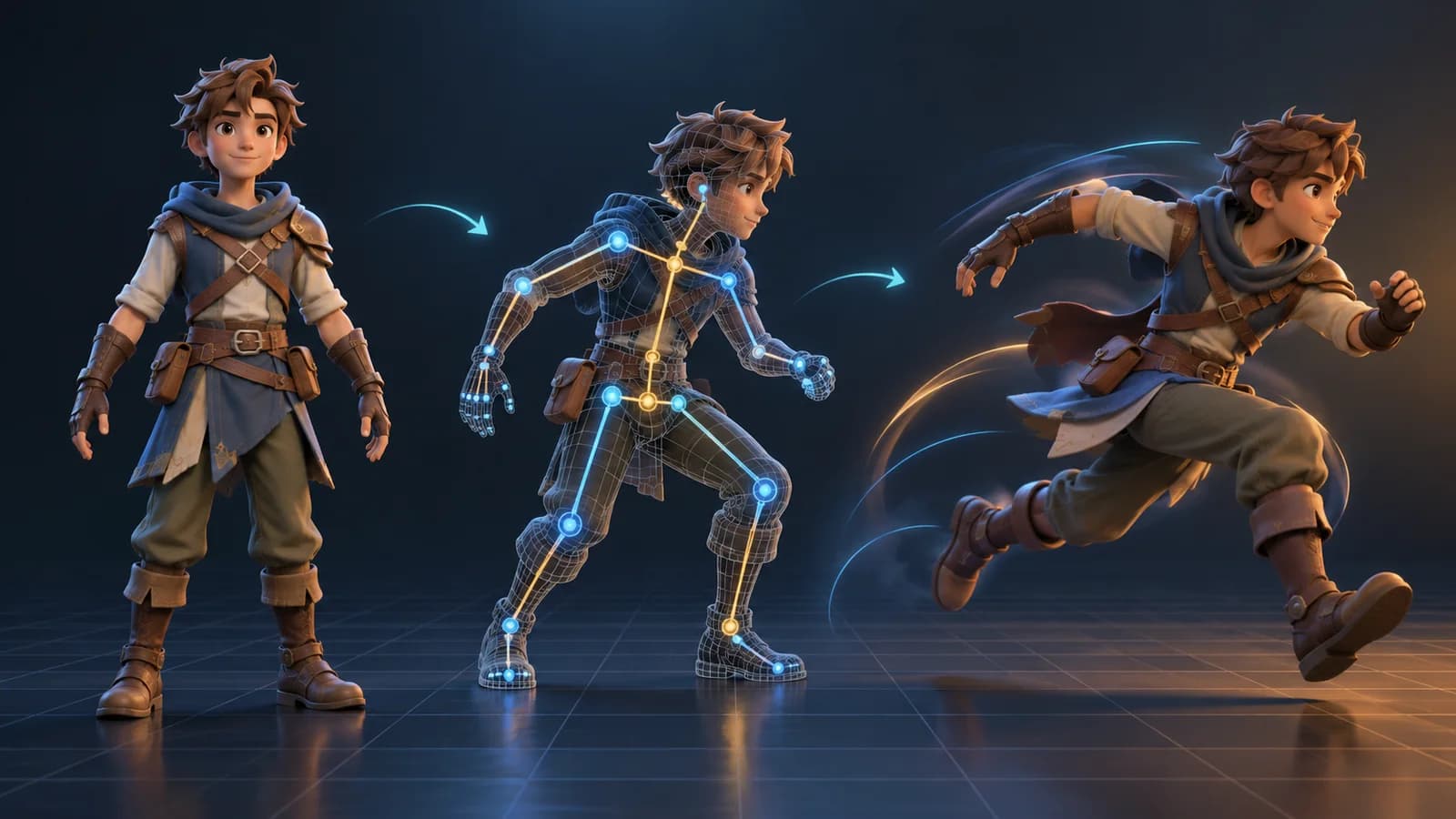
AI 3D Animation Generator: Animate an Existing 3D Model
Learn how an AI 3D animation generator can add motion to a riggable model, choose a suitable action, inspect the animated GLB, and export a usable result.
ToolsTutorials
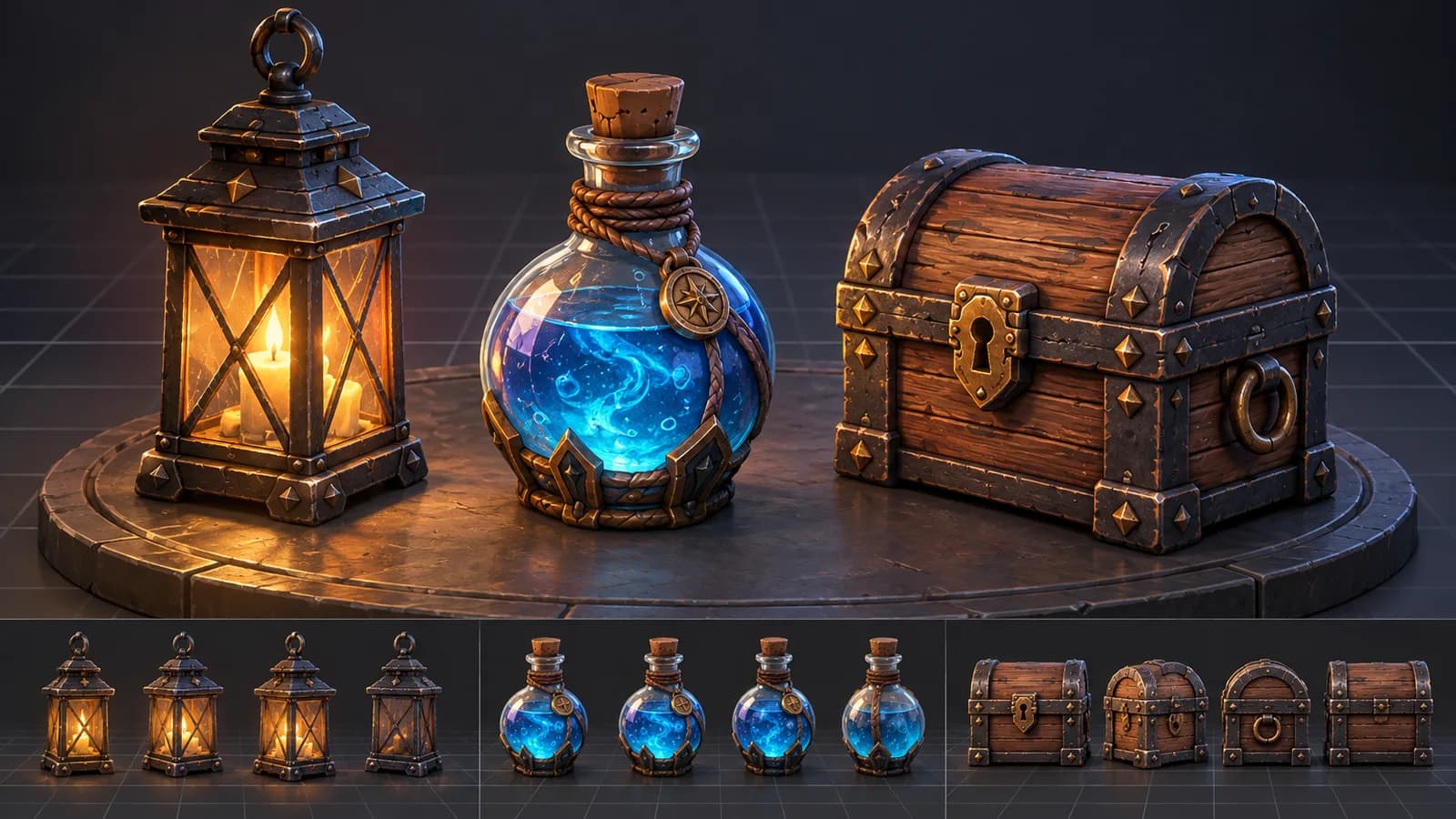
AI 3D Game Props Generator: From Concept to Reusable Asset
A practical guide to using an AI 3D game props generator for readable silhouettes, consistent asset styles, useful prompts, and engine-ready review.
ToolsTutorials
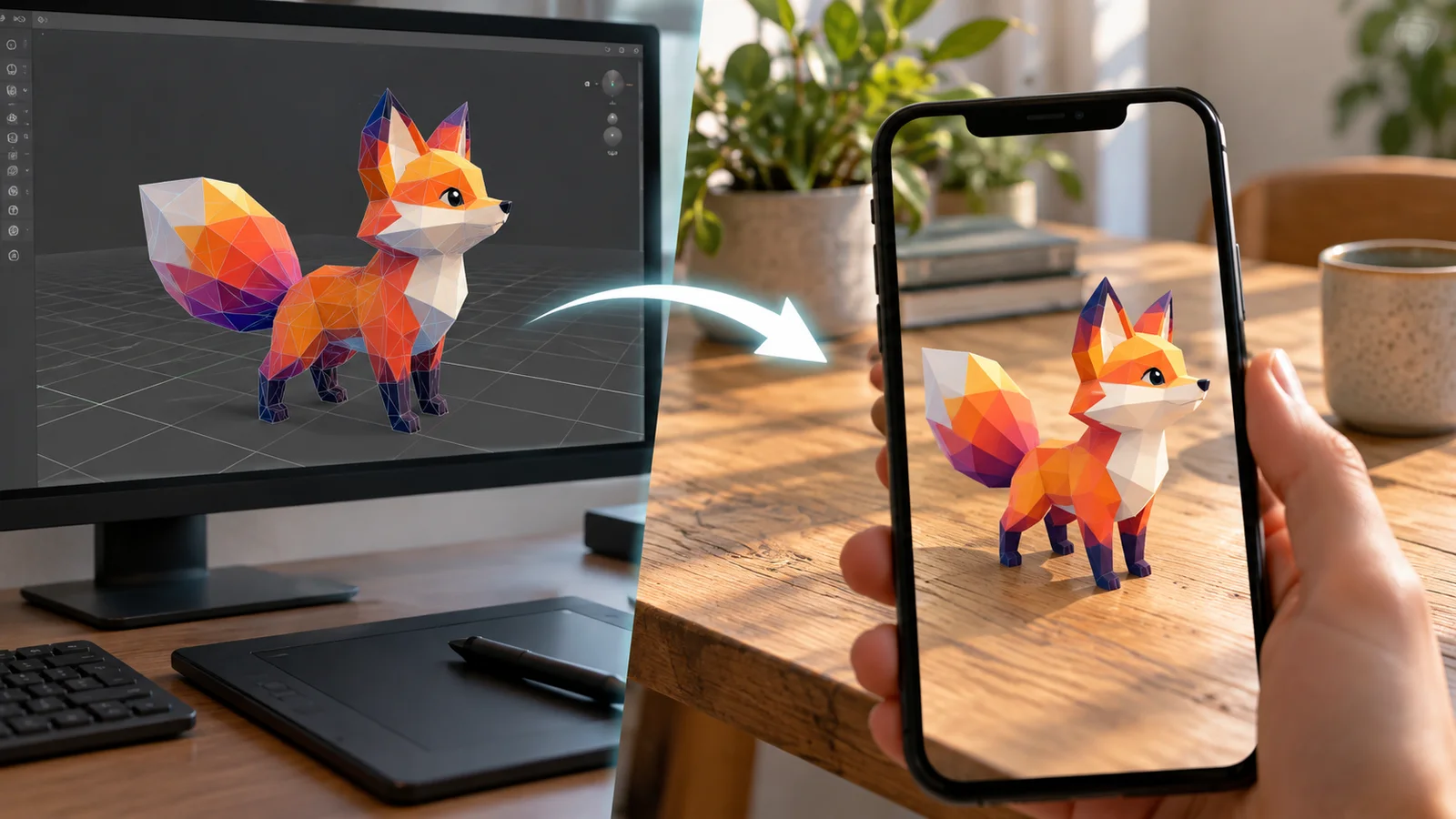
AI 3D Models for AR and the Web: A Practical Readiness Checklist
Learn how to review an AI-generated 3D model for web and AR use, including file size, materials, scale, orientation, mobile performance, and viewer testing.
Newsletter
Join the community
Subscribe to our newsletter for the latest news and updates