
2026/09/07
3D Text Effects Online: Create Metallic, Retro, and Animated-Look Text
A practical guide to 3D text effects online: choose a readable effect, describe materials and lighting, and decide when you need a 3D model instead of a flat graphic.
3D Text Effects Online: Create Metallic, Retro, and Animated-Look Text
3D text effects online are useful when words need visual weight: a game title, event graphic, social post, or product announcement. The best effect starts with readable type and then adds a controlled combination of depth, material, color, and lighting.
The first choice is whether you need a flat final image or a true 3D model. A graphic is quicker for a post. A model is more flexible when you want to animate, rotate, render from several angles, or put the words into a scene.
Choose one effect direction
A strong 3D text effect has a clear visual idea. Select one primary direction before adding details:
- Metallic text: polished chrome, brushed aluminum, gold foil, or painted metal
- Retro / 90s text: chunky plastic, bright gradients, chrome highlights, soft studio light
- Blue 3D text: cobalt or cyan material with contrasting rim light
- Animated-look text: exaggerated extrusion and lighting designed for a motion title
- Meme text: high contrast, short words, and a simple front-facing silhouette
Combining every style usually makes the message weaker. Start with the audience and where the text will appear.
Prompt recipe for 3D text effects
Write the text first, then state the effect. This structure is a good starting point:
“[WORD]” in bold rounded 3D letters, deep extrusion, polished silver metallic surface, dark studio background, blue rim light, centered title object.
For a 3D metallic text effect online, name the metal and the lighting. “Metal” alone is ambiguous; “brushed aluminum with a narrow cool rim light” gives the generator a more usable visual target.
Build the effect as a real object
- Generate the initial lettering in Text to 3D.
- Check the front view for spelling and hierarchy.
- Check the sides for enough depth to create shadows.
- Use one material direction and one lighting direction.
- Export the model for a turntable, scene, or later render.
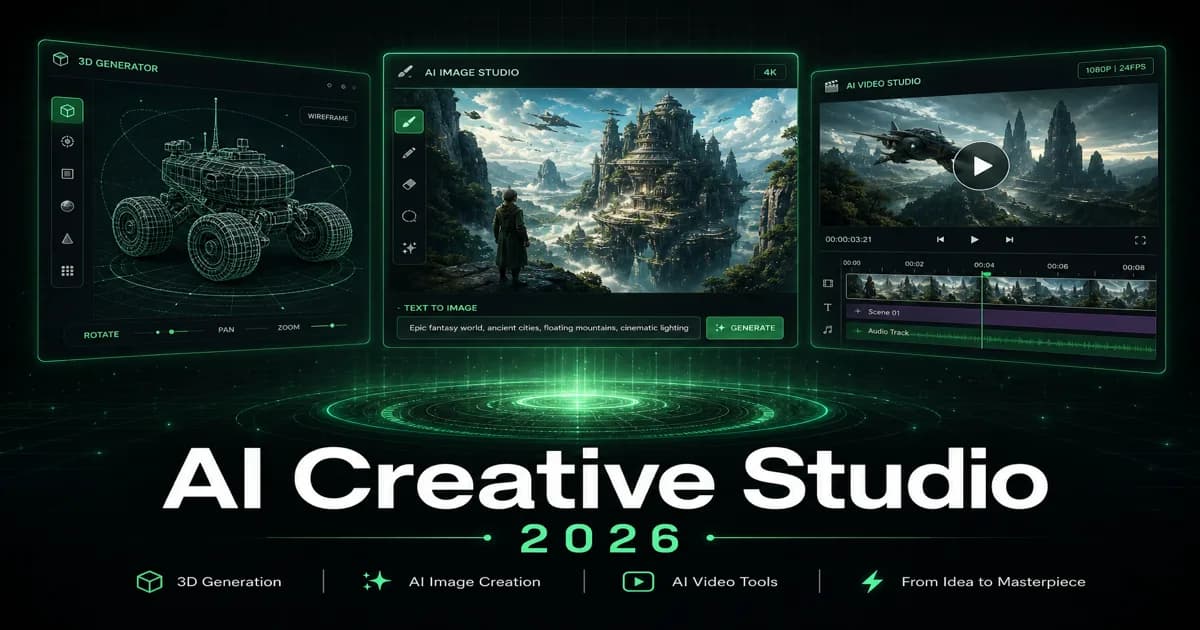
3D render text versus animated text
A 3D render text asset is a still image or a model displayed from one camera angle. An animated title needs more: clean geometry, enough side depth, controlled lighting, and a scene or timeline that moves it. Generate the model first, then animate it in the environment that suits your project.
If the output only needs to suggest movement, use an “animated title” lighting style but do not claim it is a GIF or video. A model and a motion asset are different deliverables.
Keep effects legible
Test the title at the size users will actually see. Thin type, low contrast, and busy reflections may look impressive at full size but disappear in a thumbnail. Use these checks:
| Check | Why it matters |
|---|---|
| Short text | Fewer spelling and overlap problems |
| Thick strokes | Better at small display sizes |
| Limited palette | Keeps the message clear |
| Simple background | Preserves the letter silhouette |
| One focal light | Makes the 3D depth readable |
Can I create a 3D text GIF generator result with a 3D model?
Yes, use the model as the source asset, then animate and export it as a GIF or video in an animation tool. The model gives you reusable geometry; it does not automatically create motion.
What is the best effect for a 90s 3D text style?
Try wide rounded letters, visible extrusion, bright plastic or chrome material, and a simple colored rim light. Keep the word short and use a front-facing camera for the clearest result.
Is a 3D text effect good for a website title?
It can be, provided the model is optimized and the text remains readable. For small screens, offer a lightweight fallback image or text treatment.
Create the dimensional base in Magic3D, then choose the right rendering or animation tool for the final format.
3D Text Effects Online: Create Metallic, Retro, and Animated-Look TextChoose one effect directionPrompt recipe for 3D text effectsBuild the effect as a real object3D render text versus animated textKeep effects legibleCan I create a 3D text GIF generator result with a 3D model?What is the best effect for a 90s 3D text style?Is a 3D text effect good for a website title?
More Posts
ToolsTutorials
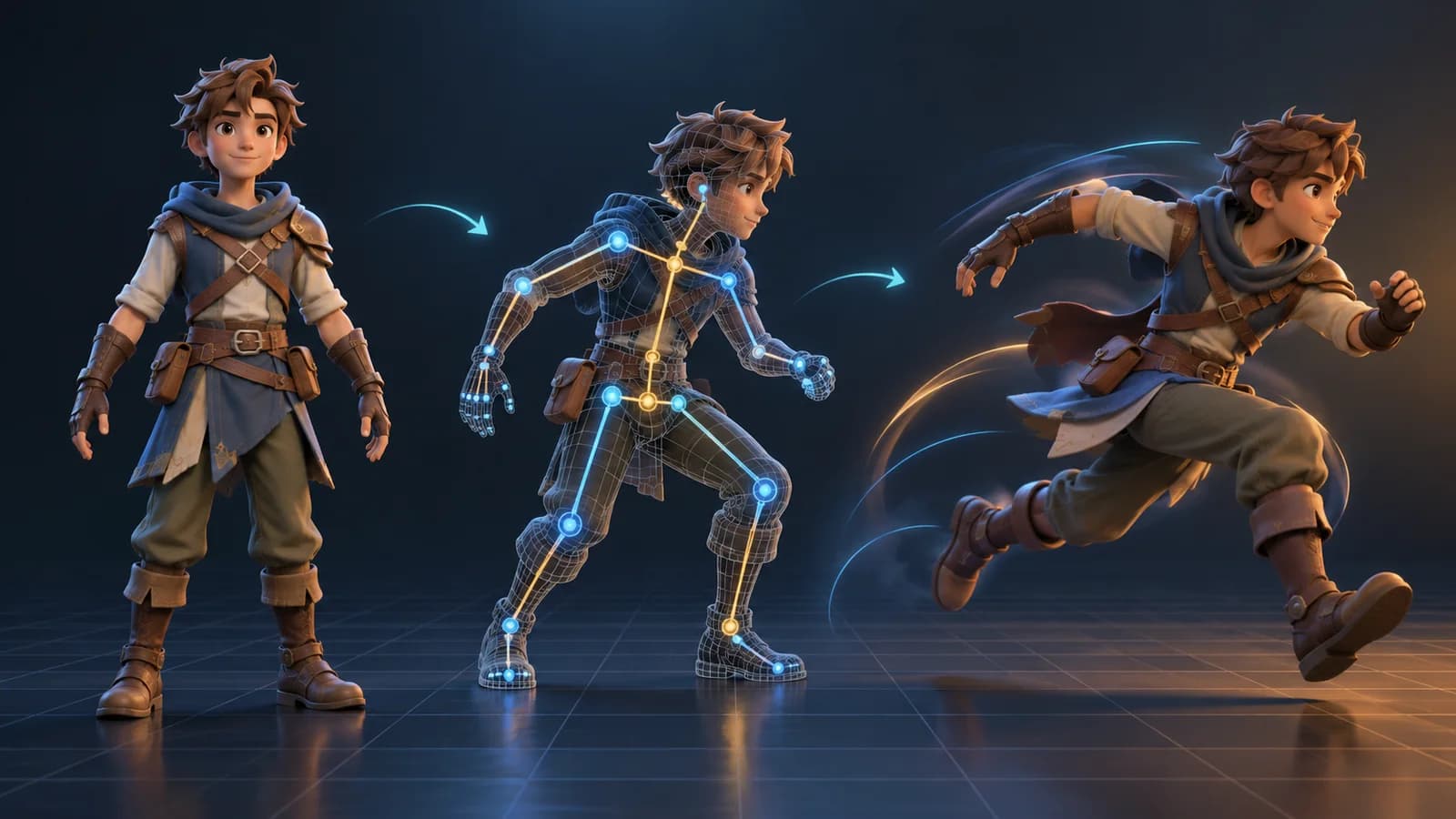
AI 3D Animation Generator: Animate an Existing 3D Model
Learn how an AI 3D animation generator can add motion to a riggable model, choose a suitable action, inspect the animated GLB, and export a usable result.
ToolsTutorials
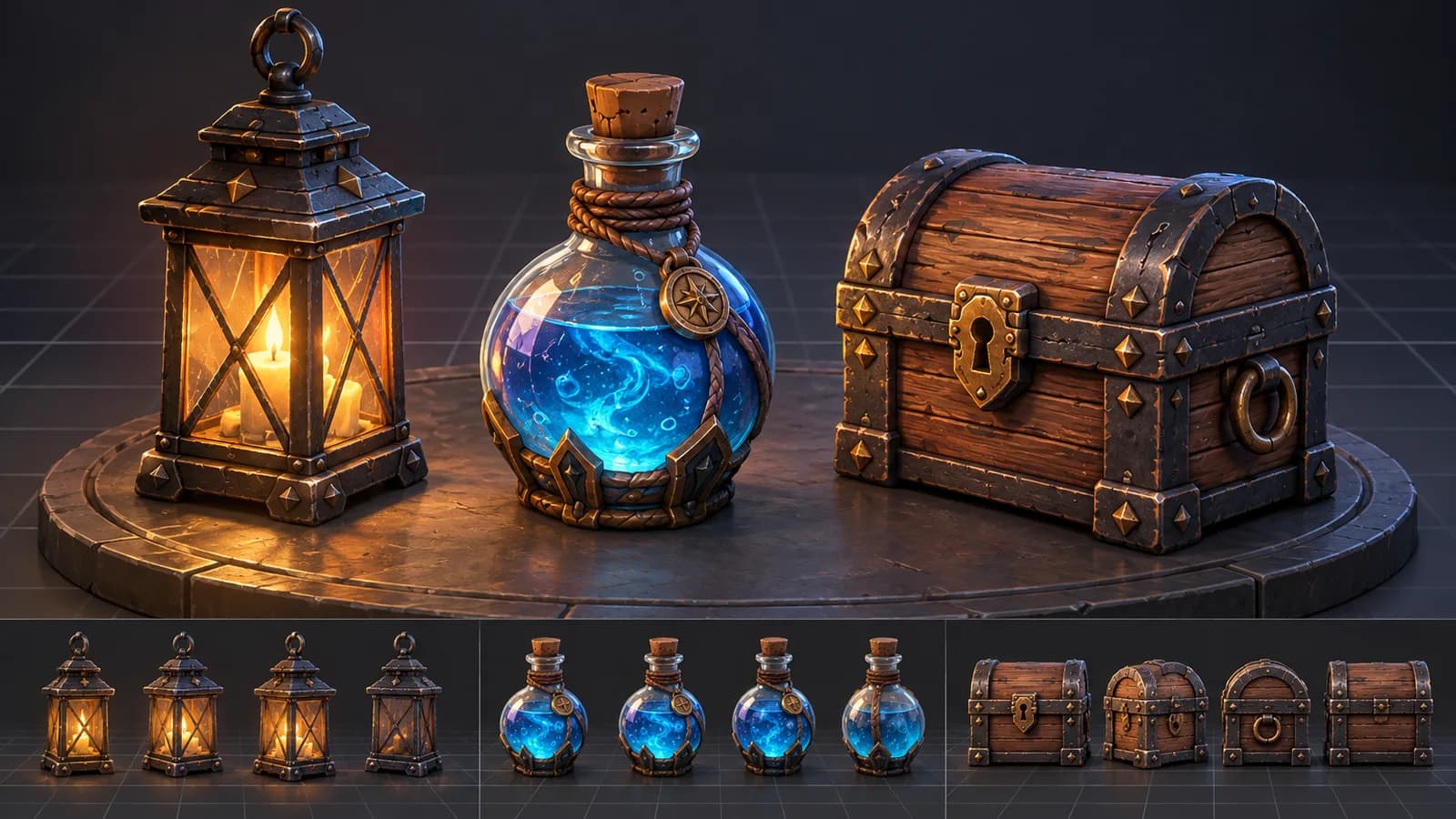
AI 3D Game Props Generator: From Concept to Reusable Asset
A practical guide to using an AI 3D game props generator for readable silhouettes, consistent asset styles, useful prompts, and engine-ready review.
ToolsTutorials
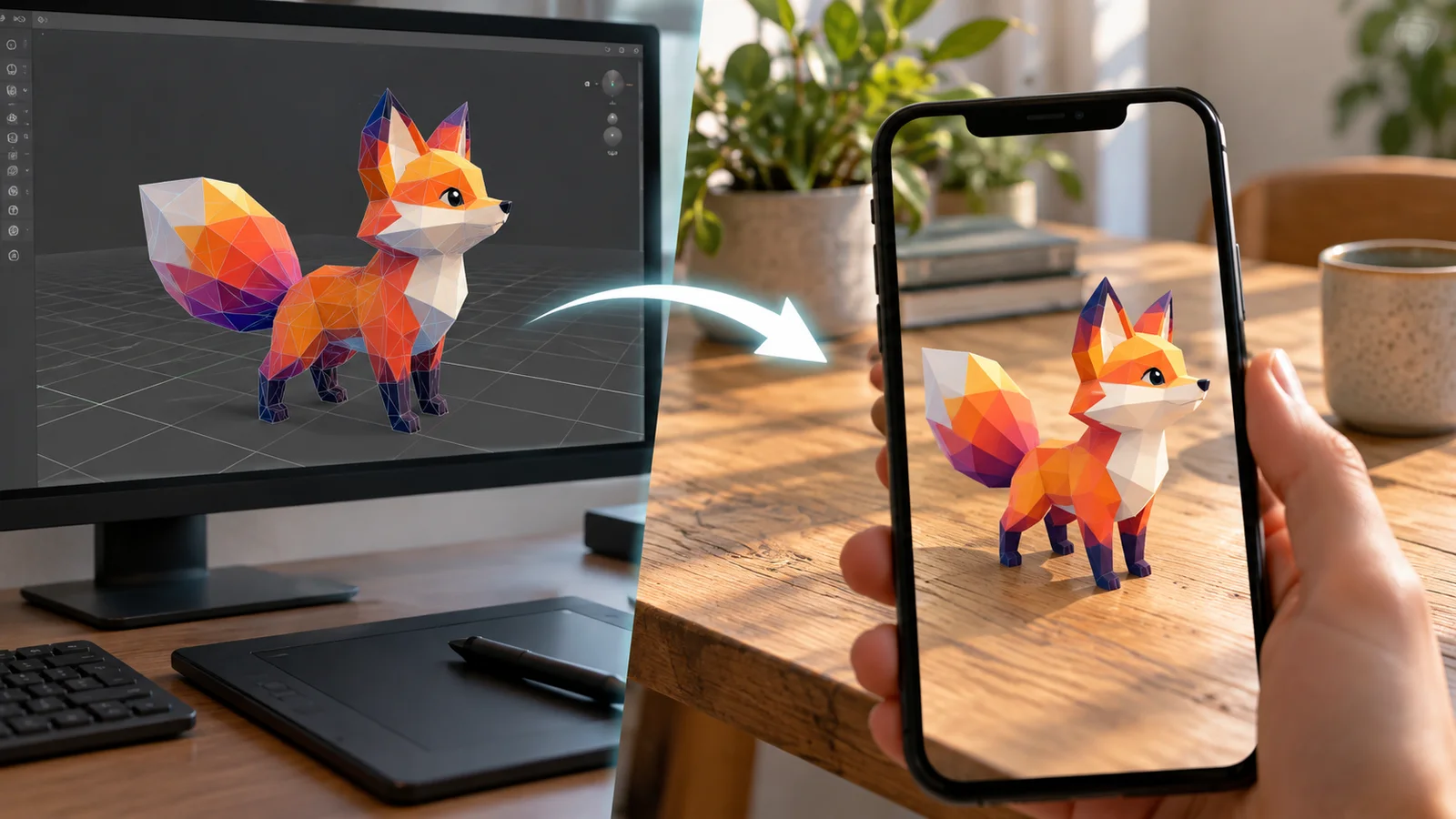
AI 3D Models for AR and the Web: A Practical Readiness Checklist
Learn how to review an AI-generated 3D model for web and AR use, including file size, materials, scale, orientation, mobile performance, and viewer testing.
Newsletter
Join the community
Subscribe to our newsletter for the latest news and updates