2026/09/07
3D Logo Generator: Explore Dimensional Logo Concepts Without Losing Brand Control
Use a 3D logo generator for campaign graphics, product scenes, and title concepts. Learn prompt structure, readable materials, and when to return to the original vector logo.
3D Logo Generator: Explore Dimensional Logo Concepts Without Losing Brand Control
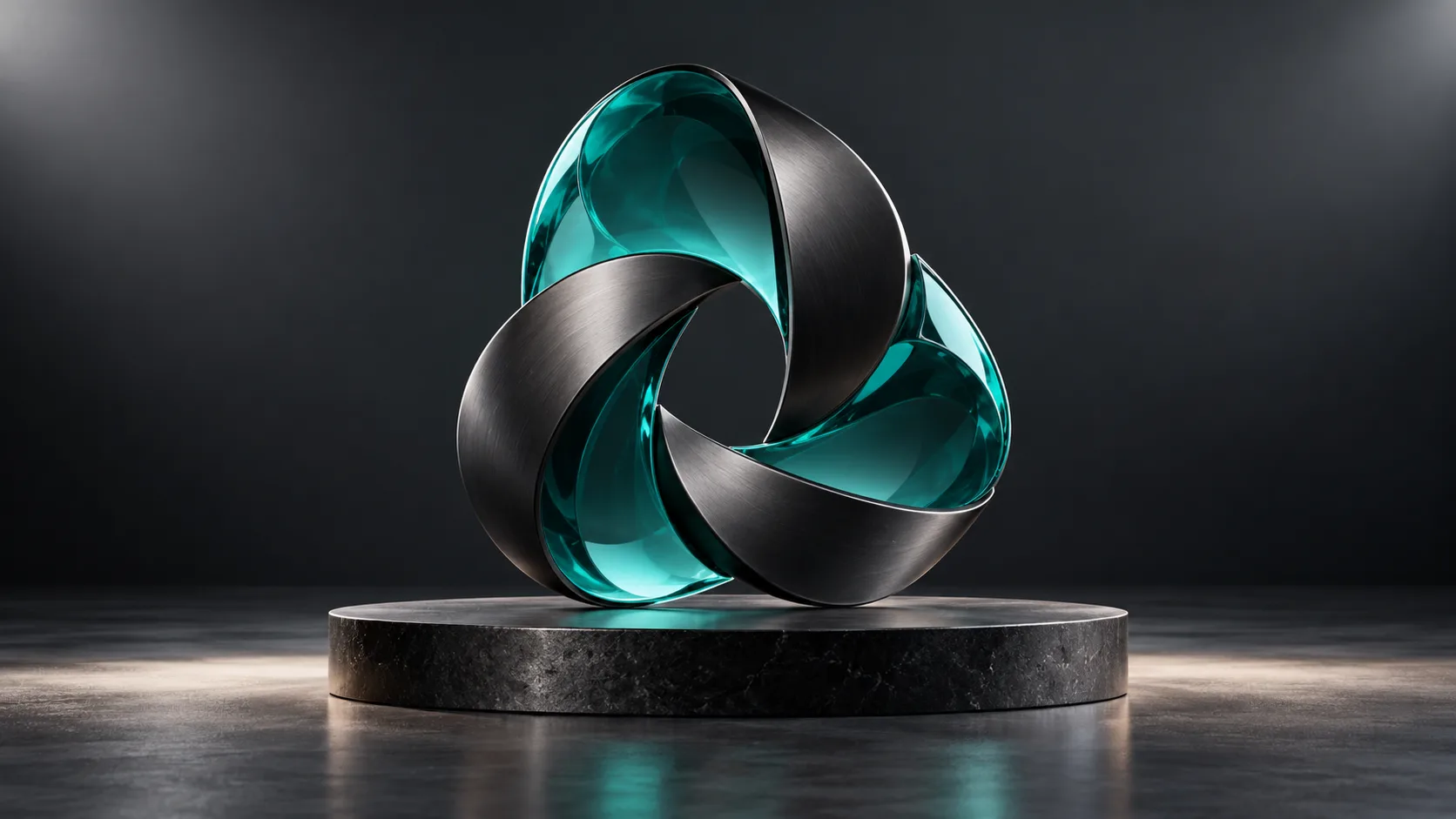
A 3D logo generator can help a team visualize a wordmark, monogram, or title as a dimensional object. It is especially useful for campaign key art, an event title, product renders, or social content where light, depth, and material make the identity feel physical.
It should not replace your official vector logo. A production brand system still needs approved source artwork, clear-space rules, accessible color contrast, trademark review, and a reliable flat version for small screens.
Define the job of the 3D logo
Before generating, decide whether the output is a campaign object or a formal identity asset. A campaign can be expressive: chrome, glass, clay, neon, or sculpted letters. A core logo must remain exact and consistent across contexts.
Use a 3D logo AI workflow for these situations:
- A launch-page hero or product scene
- A game title or event identity treatment
- A motion graphics starting asset
- A presentation concept for stakeholder review
Do not use it as the only source for legal, packaging, or interface-critical logo artwork.
Prompt a dimensional wordmark
Start with a short word or initials. State the type direction, geometry, material, and presentation. Example:
“ORBIT” as a compact all-caps 3D wordmark, rounded geometric letterforms, medium depth, anodized cobalt metal, isolated studio object, readable front view.
Use quotation marks for exact text, but review the spelling carefully. Generative output can be excellent for mood and form while still needing manual correction for exact typographic fidelity.
Generate, inspect, then refine
- Create the concept in Text to 3D.
- Compare several material and depth directions.
- Test the front silhouette at a small size.
- Keep the original vector logo as the source of truth.
- Bring the selected 3D concept into a render or animation workflow.
Materials that support readability
Highly reflective chrome can hide letterforms in busy lighting. Translucent glass can lose contrast on a light background. For a readable 3D text logo, use a simple camera angle, one principal light, and a material that contrasts with the backdrop.
| Material direction | Best use |
|---|---|
| Matte plastic | Friendly product and app concepts |
| Brushed metal | Technology and industrial titles |
| Clay or stone | Editorial and premium campaign art |
| Translucent resin | Experimental launch visuals |
| Flat color with bevel | Small, readable 3D badges |
Deliver the right formats
Keep SVG or other approved vector files for the official logo. Use rendered PNG/WebP artwork for fixed campaign placements, and GLB only where an interactive 3D object is genuinely useful and performance has been tested.
Can an AI make my official logo?
It can help explore visual directions, but official identity work needs exact typography, ownership checks, accessibility review, and approved source files. Treat a generated logo as a concept until a designer finalizes it.
How do I make a logo look 3D without making it unreadable?
Use modest depth, a clean front-facing camera, high contrast, and a simple material. Test it at the smallest intended size before approving it.
Can I animate a 3D logo model?
Yes. A 3D model can be a source asset for a turntable, camera move, or motion graphic. Animation itself is a separate step from generation.
Use Magic3D for an early dimensional direction, and keep your formal brand assets separate and controlled.
3D Logo Generator: Explore Dimensional Logo Concepts Without Losing Brand ControlDefine the job of the 3D logoPrompt a dimensional wordmarkGenerate, inspect, then refineMaterials that support readabilityDeliver the right formatsCan an AI make my official logo?How do I make a logo look 3D without making it unreadable?Can I animate a 3D logo model?
More Posts
ToolsTutorials
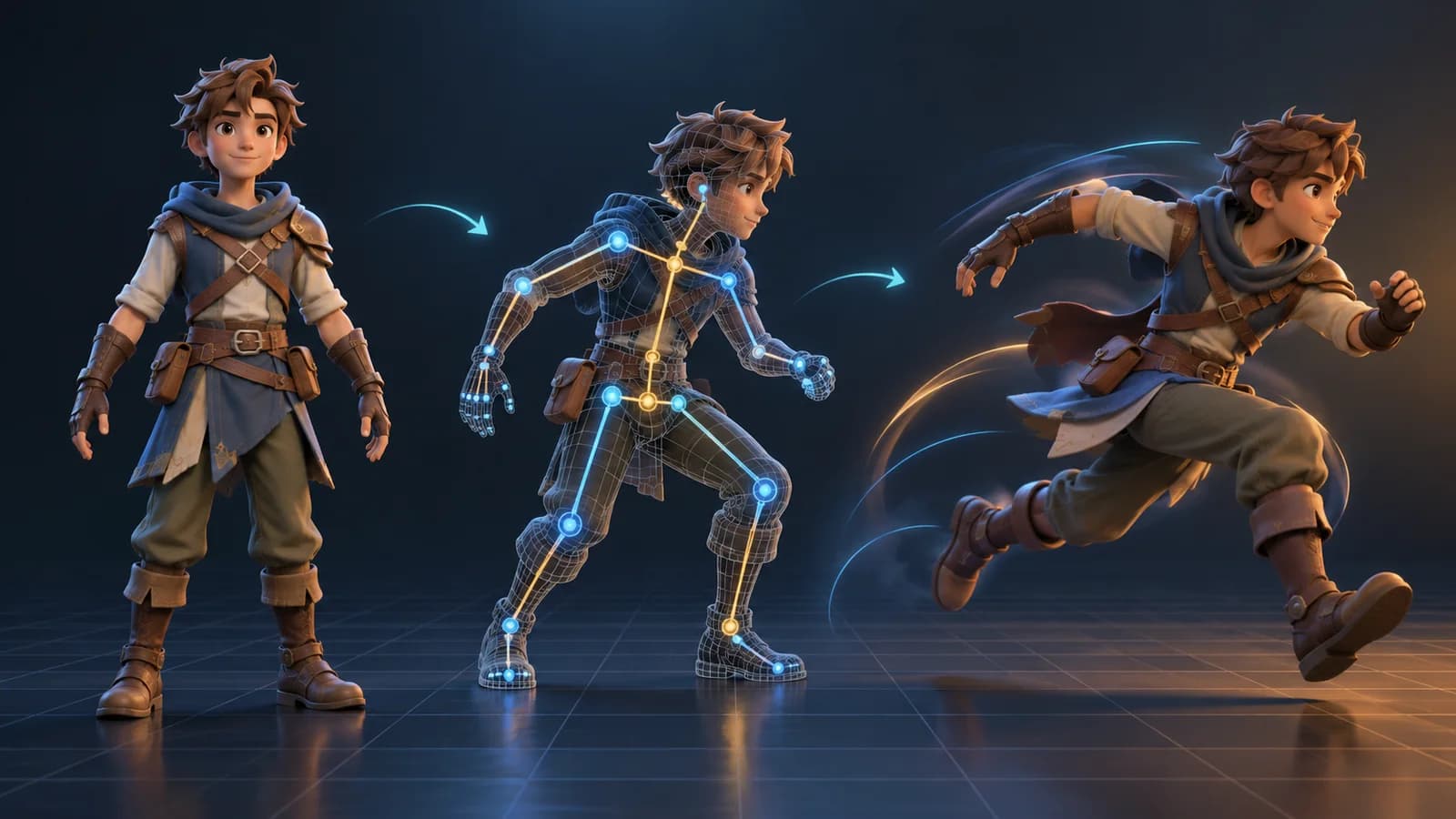
AI 3D Animation Generator: Animate an Existing 3D Model
Learn how an AI 3D animation generator can add motion to a riggable model, choose a suitable action, inspect the animated GLB, and export a usable result.
ToolsTutorials
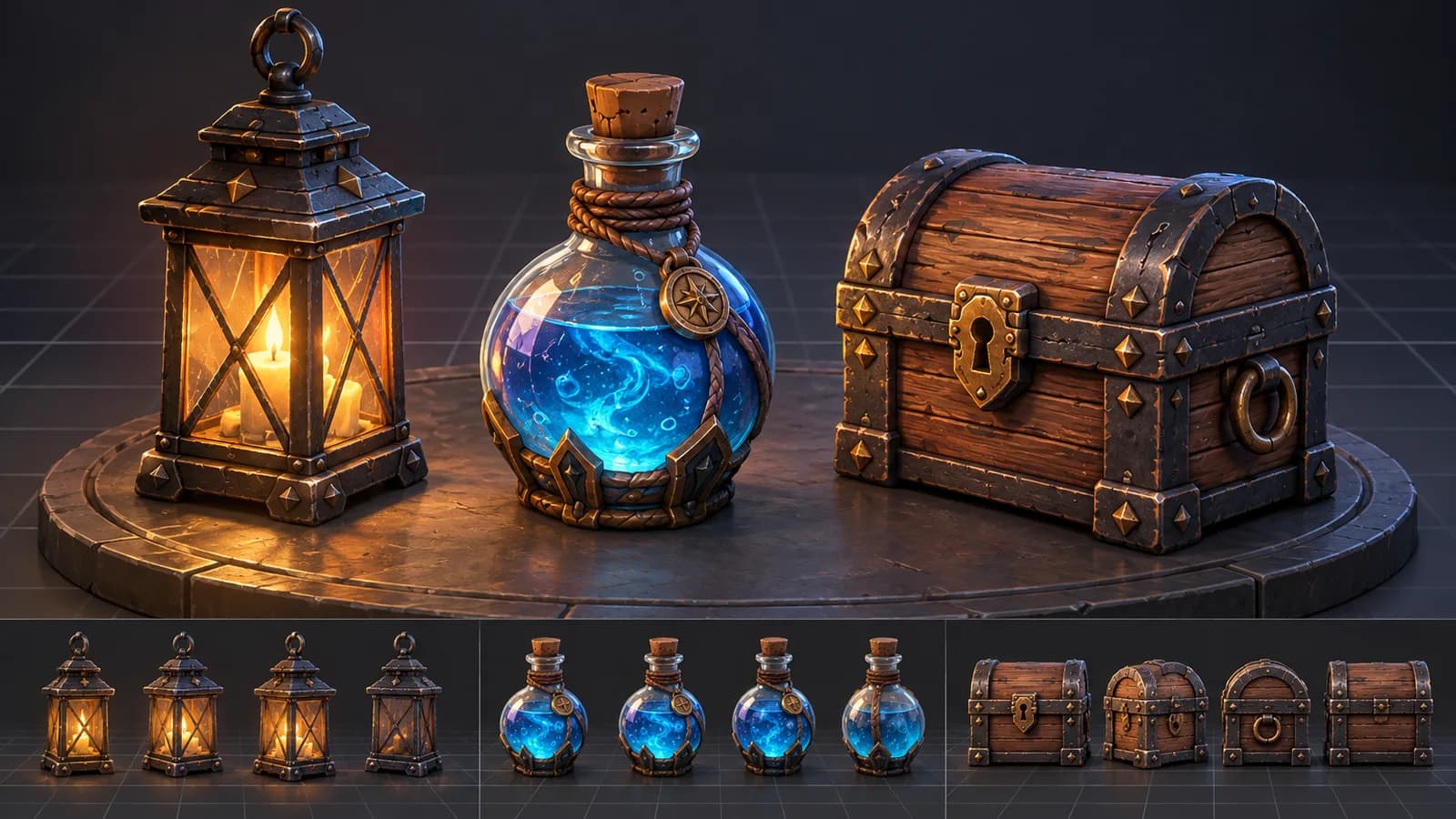
AI 3D Game Props Generator: From Concept to Reusable Asset
A practical guide to using an AI 3D game props generator for readable silhouettes, consistent asset styles, useful prompts, and engine-ready review.
ToolsTutorials
AI 3D Models for AR and the Web: A Practical Readiness Checklist
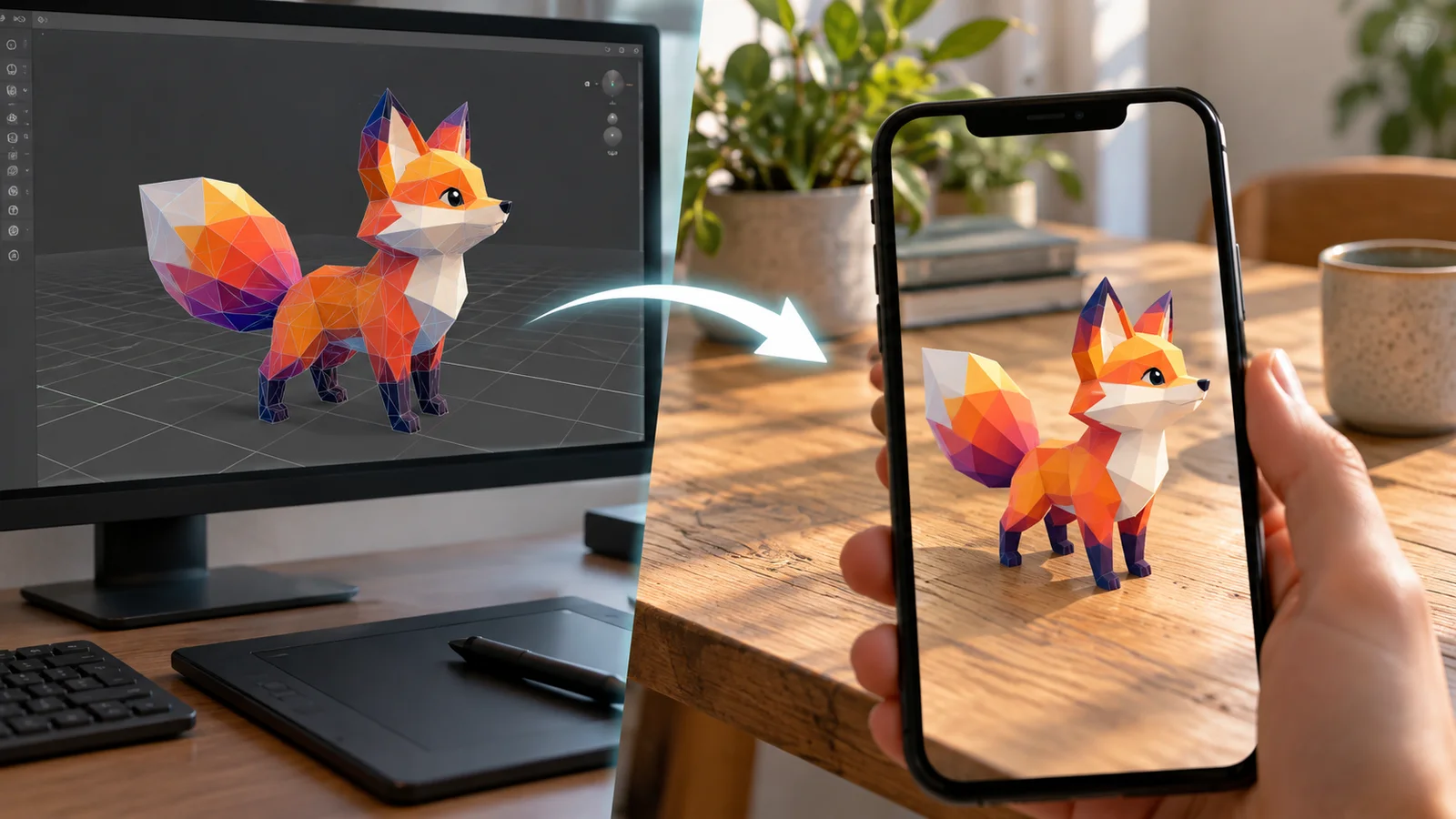
Learn how to review an AI-generated 3D model for web and AR use, including file size, materials, scale, orientation, mobile performance, and viewer testing.
Newsletter
Join the community
Subscribe to our newsletter for the latest news and updates