2026/09/07
3D Font Generator: Turn Typography into Dimensional Lettering
Use a 3D font generator to explore dimensional typography for logos, titles, product labels, and scenes. Learn prompt structure, font selection, and export considerations.
3D Font Generator: Turn Typography into Dimensional Lettering
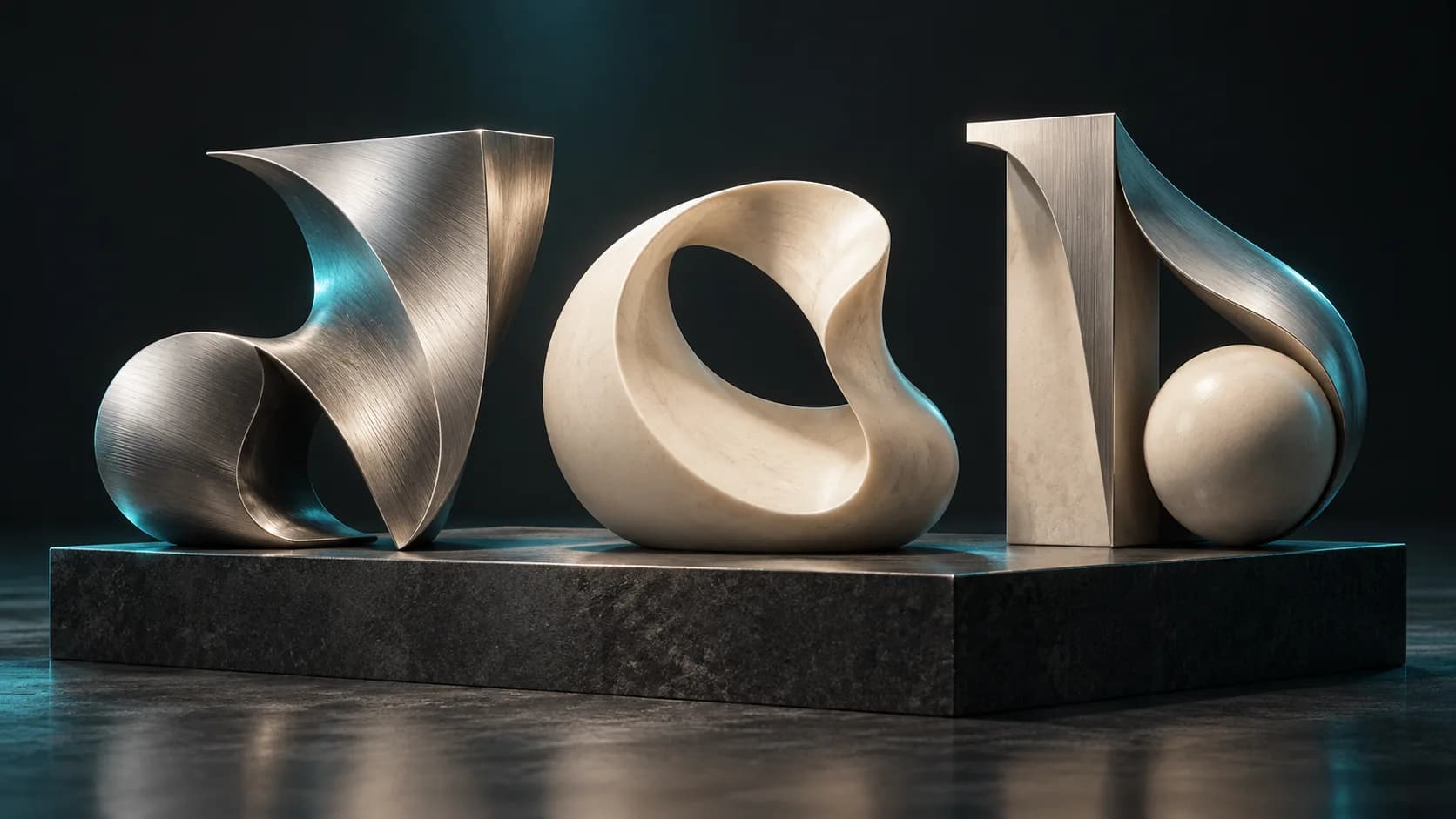
A 3D font generator helps you explore how type looks when it has thickness, bevels, materials, and light. Rather than treating a font as flat artwork, it turns typography into an object you can place in a product scene, a title sequence, a logo concept, or a sign prototype.
Use it early in a design process, when you want to compare several directions quickly. For final brand typography, preserve the licensed font files and use a conventional 3D design tool for exact letterforms.
Start with a type direction, not just a word
The strongest 3D typography prompts explain why the lettering exists. A children’s toy logo, a luxury product title, and a game HUD need different proportions and materials.
Include these details:
- Text in quotation marks
- Font family direction, such as geometric sans, rounded bubble, or engraved serif
- Thickness, bevel, and spacing
- Material and color
- Intended context: logo, title card, sign, or game object
Example prompt: “The word ‘LUMA’ in a wide geometric sans-serif 3D font, medium extrusion, soft bevel, translucent aqua resin, isolated product-logo model.”
How to generate 3D text from a font idea
- Describe the lettering in Magic3D Text to 3D.
- Generate two or three directions rather than endlessly adjusting one result.
- Inspect silhouette, readability, spacing, and side depth.
- Choose a direction, then refine it in a design or modeling workflow when exact branding matters.
- Export the approved concept for rendering or scene integration.
3D font generator ideas that stay readable
Readability is the first test. Choose a simple silhouette before adding dramatic materials. Rounded sans-serif lettering works well for playful products; high-contrast serif lettering can work for editorial titles; wide block letters are useful for signs and game labels.
Avoid stacking too many effects at once. Extreme bevels, thin strokes, reflective materials, and complex backgrounds can all reduce legibility. If the letters must be read at a small size, use wider counters, heavier strokes, and a modest depth.
3D logo text versus a complete logo system
A 3D text logo is one visual asset, not a complete identity. It can be effective for a campaign, game splash screen, event title, or product launch render. It should not replace the source vector logo, accessibility rules, color system, or trademark review required for a production brand.
| Use case | Recommended approach |
|---|---|
| Campaign title | Generate a 3D typography concept |
| Product render | Create a 3D text object with material detail |
| Official wordmark | Build exact geometry from licensed/vector source |
| App icon | Use a simplified, high-contrast design |
Export and production checks
For web and interactive scenes, GLB is often practical because it packages mesh and material data. For print, convert only after checking the model in a slicer and confirming that fine strokes will survive at the chosen size. If the result is purely for a social graphic, a render may be all you need.
Can I use any font in a 3D font generator?
Use generated output as an exploratory style direction unless you have the rights and source files for a particular font. Font licensing can restrict commercial embedding, modification, and redistribution.
What makes a good 3D font prompt?
Name the word, style, depth, material, and use case. “Modern 3D font” is vague; “short all-caps geometric sans title, thick extrusion, gentle bevel, matte cobalt plastic” is testable.
Is 3D typography useful for product design?
Yes, especially for concept renders and presentation scenes. It makes dimensional labels, badges, and packaging ideas easier to evaluate before full production design.
Explore a typography direction in Magic3D, then use the result as a design starting point rather than a substitute for exact brand artwork.
3D Font Generator: Turn Typography into Dimensional LetteringStart with a type direction, not just a wordHow to generate 3D text from a font idea3D font generator ideas that stay readable3D logo text versus a complete logo systemExport and production checksCan I use any font in a 3D font generator?What makes a good 3D font prompt?Is 3D typography useful for product design?
More Posts
ToolsTutorials
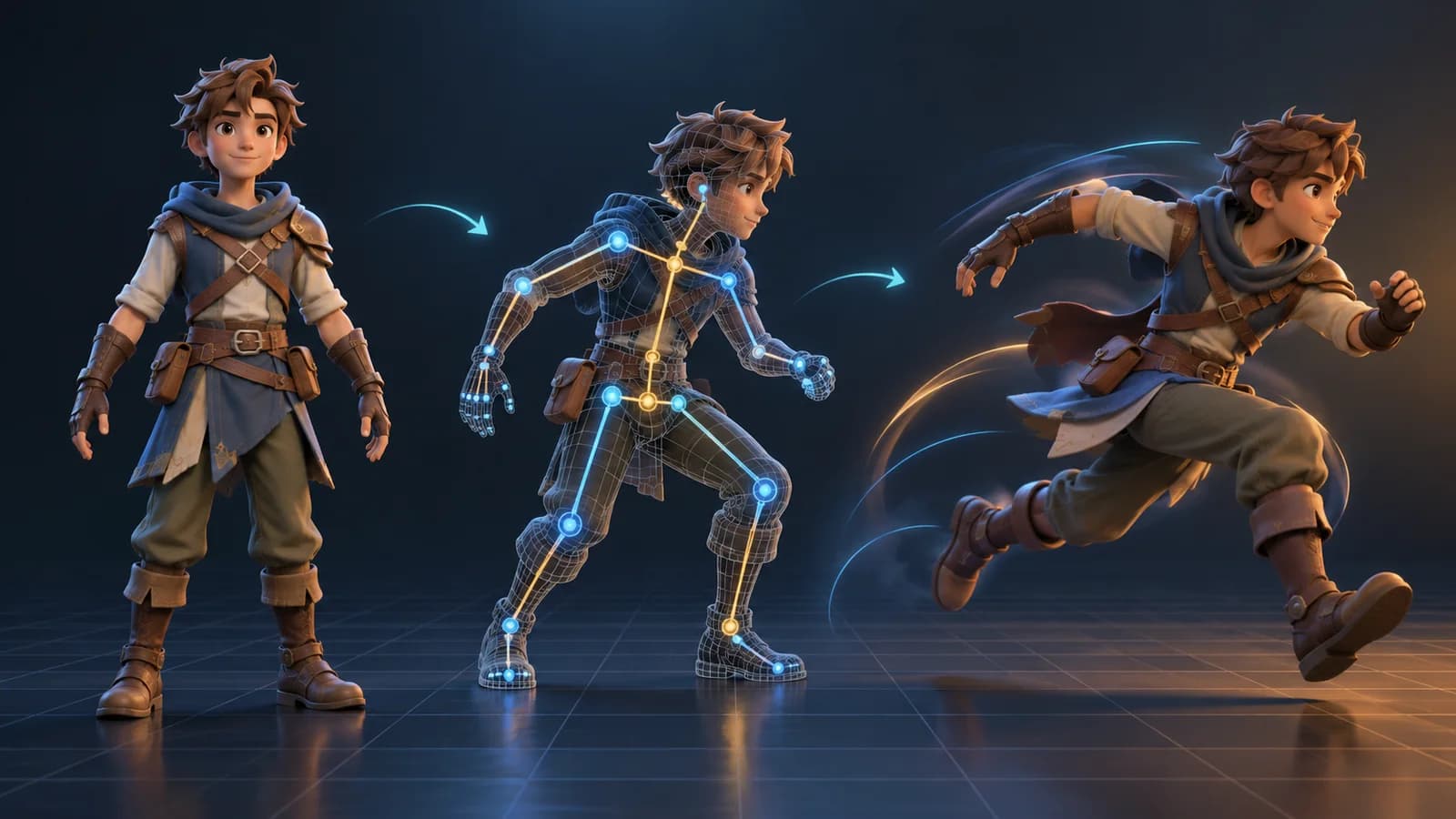
AI 3D Animation Generator: Animate an Existing 3D Model
Learn how an AI 3D animation generator can add motion to a riggable model, choose a suitable action, inspect the animated GLB, and export a usable result.
ToolsTutorials
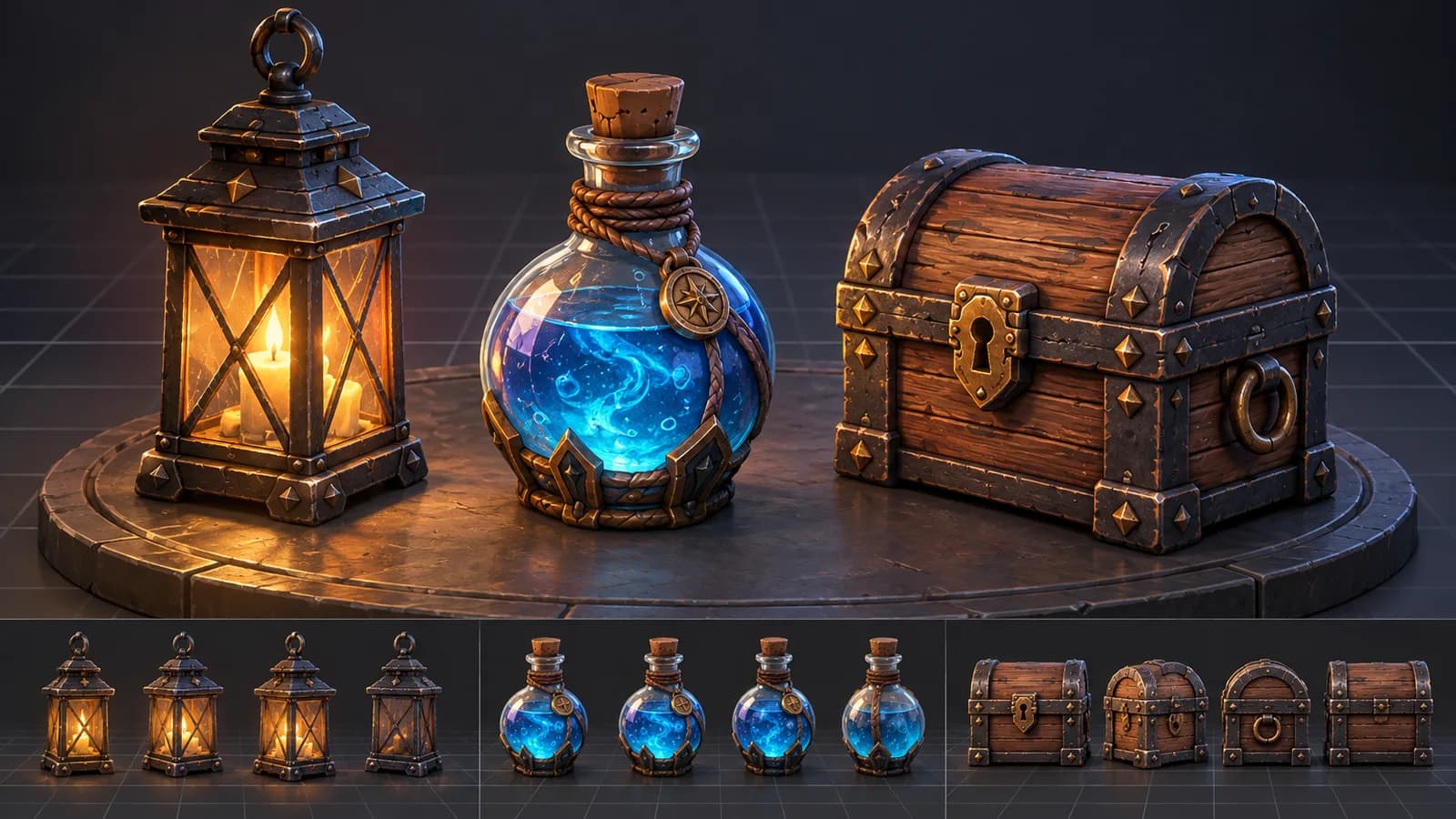
AI 3D Game Props Generator: From Concept to Reusable Asset
A practical guide to using an AI 3D game props generator for readable silhouettes, consistent asset styles, useful prompts, and engine-ready review.
ToolsTutorials
AI 3D Models for AR and the Web: A Practical Readiness Checklist
Learn how to review an AI-generated 3D model for web and AR use, including file size, materials, scale, orientation, mobile performance, and viewer testing.
Newsletter
Join the community
Subscribe to our newsletter for the latest news and updates