2026/07/05
AI STL Generator — Create Printable STL Files from Images & Text
Use Magic3D as your AI STL maker. Generate STL files from photos or prompts, export for 3D printing, and convert GLB to STL free. STL creator guide for 2026.
AI STL Generator: Create Printable STL Files with AI
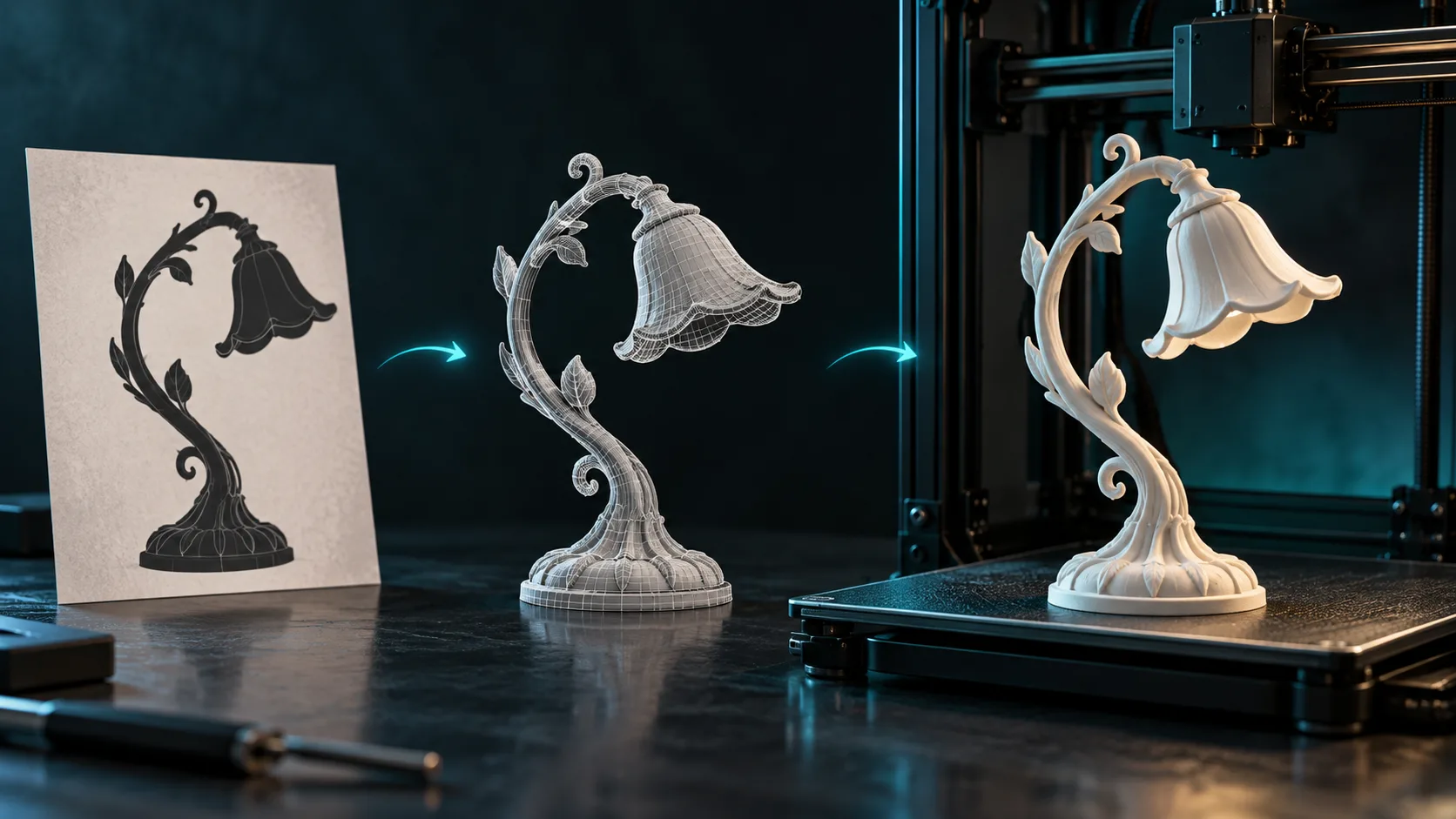
STL creator and STL file maker searches are rising as makers skip manual CAD for AI-generated meshes. Whether you start from a product photo or a text prompt, Magic3D on magic3d.io can produce AI-generated STLs ready for your slicer.
This guide covers the full image to STL AI workflow, free alternatives, and tips for successful prints.
What Is an AI STL Generator?
An AI STL generator (or free STL maker) uses machine learning to build 3D geometry, then exports .stl files — the standard format for Cura, PrusaSlicer, Bambu Studio, and most FDM/SLA printers.
Magic3D supports:
- Image → STL — upload a picture, export mesh
- Text → STL — describe an object, get a printable model
- GLB → STL — convert existing AI models with our free converter
Image to STL AI Workflow
Step 1: Generate from a photo
- Open AI STL Generator or Image to 3D
- Upload a clear product or object photo
- Wait 20–60 seconds for mesh generation
- Preview in the 3D viewer
Credits: 30 (mesh) or 40 (with PBR textures)
Step 2: Export STL
- Download STL directly from Magic3D (paid plans), or
- Export GLB and convert to STL via /3d-converter — free for everyone
Step 3: Slice and print
Import STL into your slicer, add supports if needed, and print. Treat AI meshes like any new model: check wall thickness, overhangs, and scale before committing filament.
Text to STL — No Photo Required
Don't have a reference image? Use Text to 3D:
- Describe the object: "small desk organizer with three compartments, rounded corners"
- Generate and preview
- Export STL or GLB → STL
Great for custom gifts, tabletop mini bases, and rapid prototyping.
STL Creator vs STL File Maker
Search engines treat stl creator, stl file maker, generate stl file, and ai to create stl files as the same intent. Magic3D covers all variants in one studio:
| Keyword cluster | Magic3D feature |
|---|---|
| stl creator | Direct STL export + converter |
| ai generated stls | Image/text AI mesh generation |
| image to stl ai | Picture to 3D pipeline |
| free stl maker | 20 free credits + free GLB→STL converter |
| ai 3d print | Full image → STL → slicer workflow |
AI for 3D Printing — Best Practices
| Tip | Why |
|---|---|
| Start with simple shapes | Fewer mesh artifacts |
| Scale in slicer | Verify dimensions before print |
| Add supports manually | AI may not optimize overhangs |
| Hollow large models | Save filament and time |
| Test at 50% scale | Cheap validation print |
For functional parts with tight tolerances, plan a CAD cleanup pass in Blender — AI excels at concept and decorative prints.
FAQ
Can AI create STL files from a picture?
Yes. Upload a photo, generate a 3D model, export STL. Review mesh quality in your slicer's preview.
Создать 3D из изображенияПосмотреть и скачать мои ресурсыIs there a free STL maker?
Magic3D gives 20 free credits at sign-up. The GLB to STL converter is free without credits. STL downloads from generated models require a paid plan.
Сравнить тарифы и стоимость кредитовКонвертировать форматы 3D-файловGLB vs STL — which should I use?
GLB for web, AR, and previews. STL for 3D printing. Convert between them on Magic3D at no extra tool cost.
Конвертировать форматы 3D-файловОткрыть 3D-просмотрщикHow does Magic3D compare to dedicated slicers?
Magic3D creates the model; your slicer (Cura, etc.) handles layers, infill, and supports. They complement each other.
Открыть руководство по созданию STLStart Generating STLs
- Create a free account — 20 credits
- Try the AI STL Generator
- Export STL or convert GLB → STL
Related:
AI STL Generator: Create Printable STL Files with AIWhat Is an AI STL Generator?Image to STL AI WorkflowStep 1: Generate from a photoStep 2: Export STLStep 3: Slice and printText to STL — No Photo RequiredSTL Creator vs STL File MakerAI for 3D Printing — Best PracticesFAQCan AI create STL files from a picture?Is there a free STL maker?GLB vs STL — which should I use?How does Magic3D compare to dedicated slicers?Start Generating STLs
Еще сообщения
ToolsTutorials
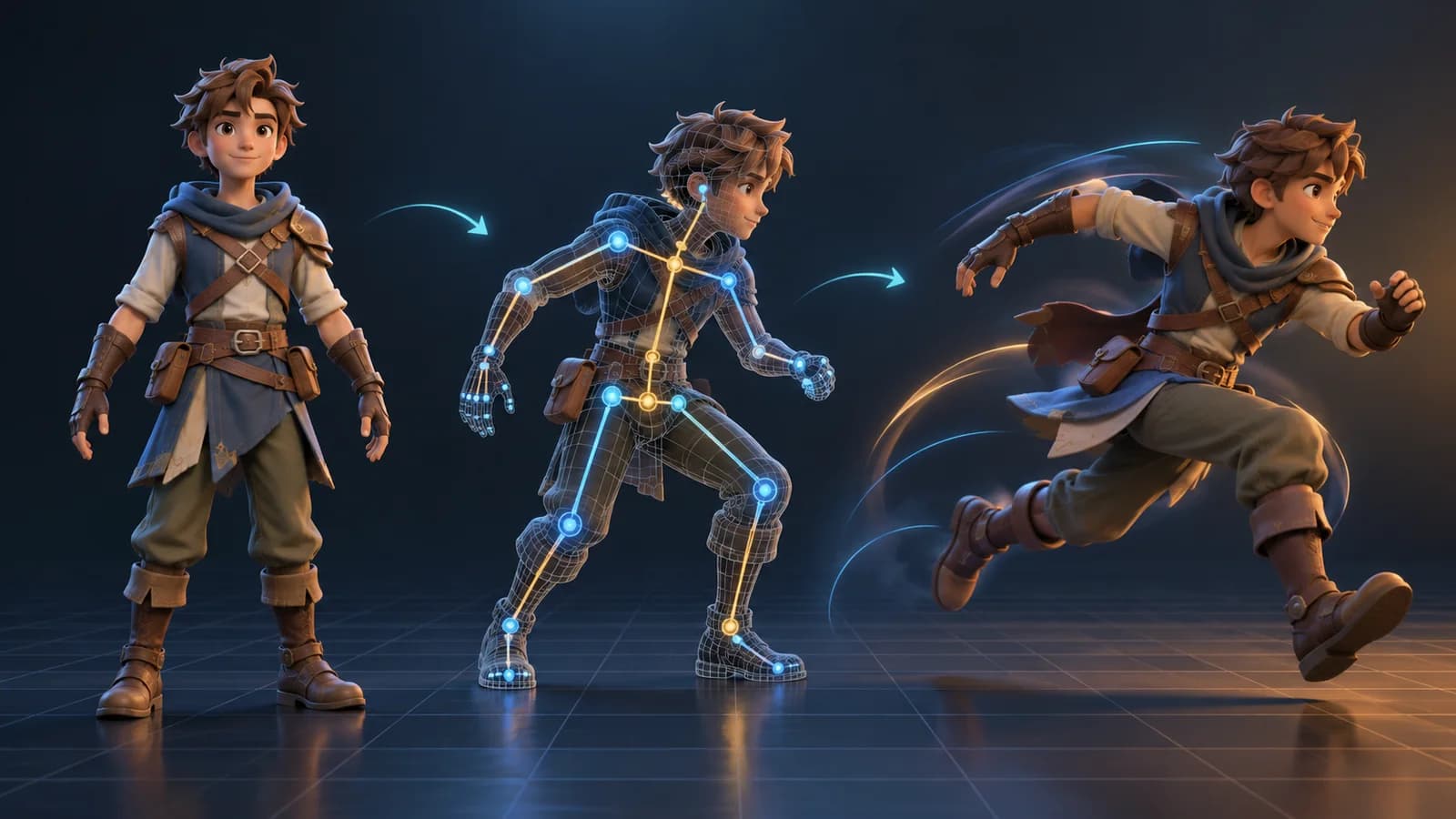
Генератор 3D-анимации AI: анимация существующей 3D-модели
Узнайте, как генератор 3D-анимации с искусственным интеллектом может добавлять движение к модели, которую можно настроить, выбирать подходящее действие, проверять анимированный GLB и экспортировать пригодный для использования результат.
ToolsTutorials
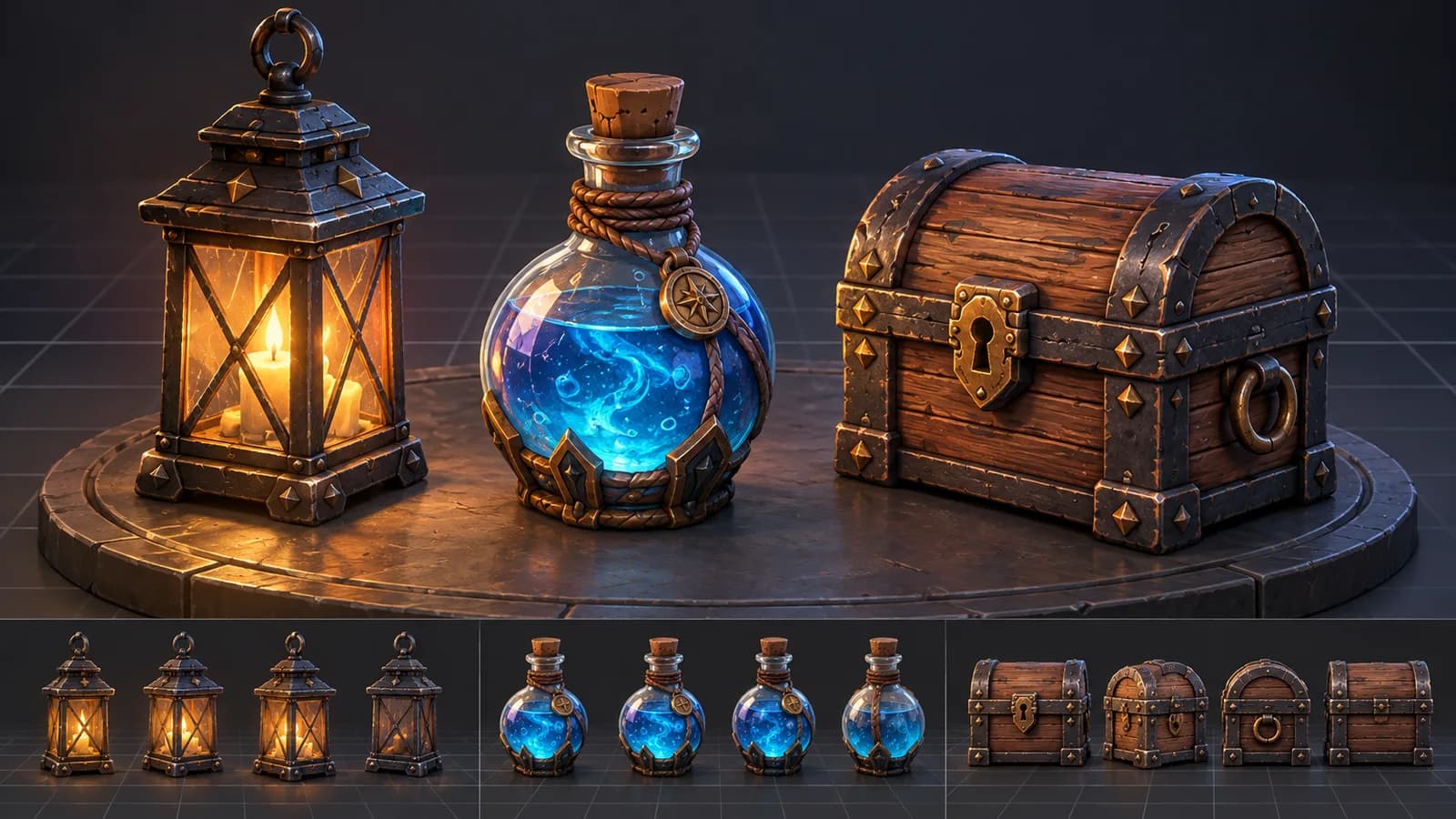
Генератор реквизита для 3D-игр с искусственным интеллектом: от концепции до многоразового актива
Практическое руководство по использованию генератора реквизитов для 3D-игр с искусственным интеллектом, обеспечивающего читаемые силуэты, единообразные стили активов, полезные подсказки и готовый обзор.
ToolsTutorials
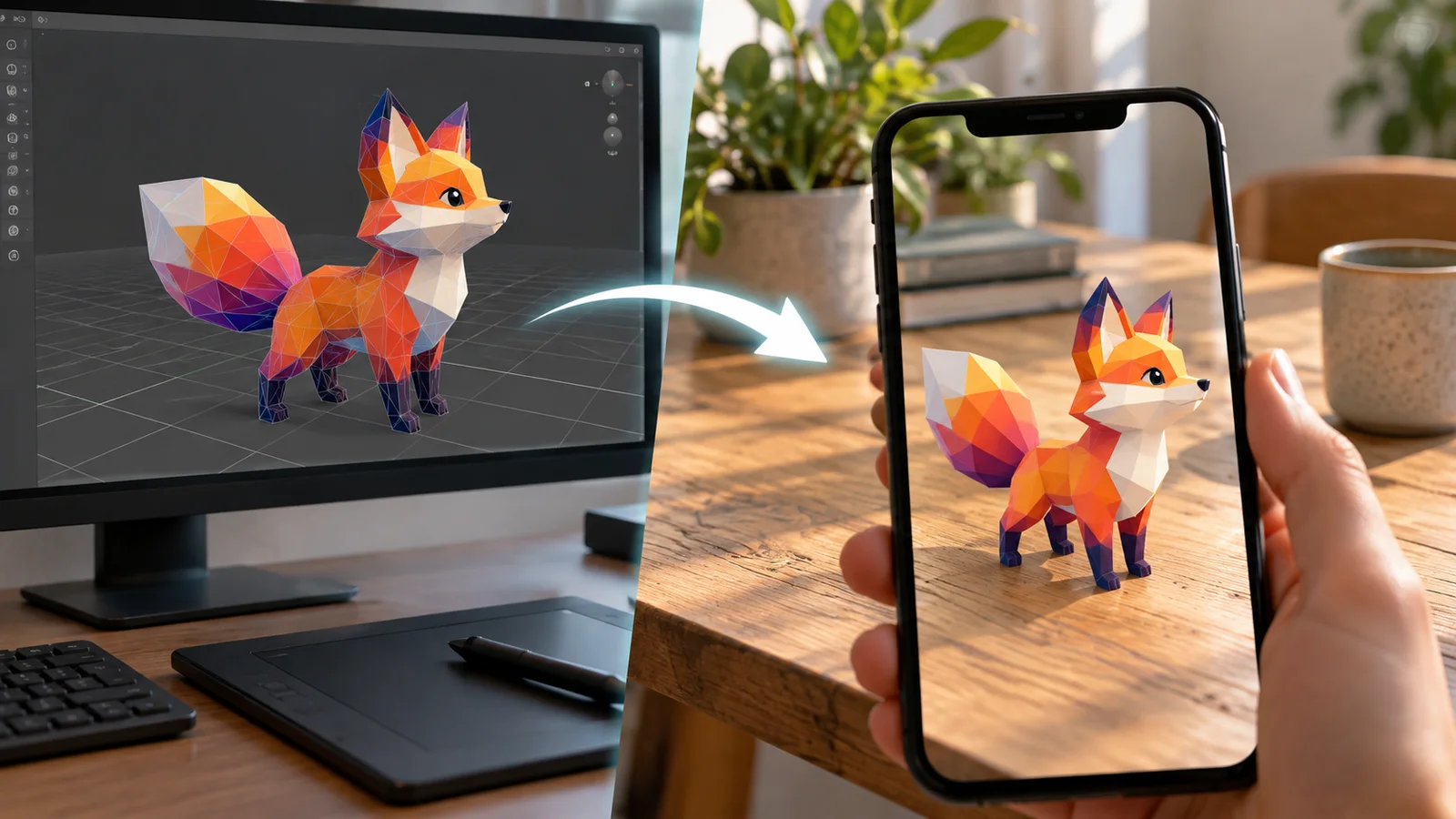
3D-модели искусственного интеллекта для дополненной реальности и Интернета: контрольный список практической готовности
Узнайте, как просмотреть 3D-модель, созданную искусственным интеллектом, для использования в Интернете и дополненной реальности, включая размер файла, материалы, масштаб, ориентацию, производительность на мобильных устройствах и тестирование средства просмотра.
Информационный бюллетень
Присоединяйтесь к сообществу
Подпишитесь на нашу рассылку, чтобы быть в курсе последних новостей и обновлений